How it works
One app with one sign-in. Gate staff check people in from a phone or tablet. Managers watch the day and keep the resident list current. Administrators set everything up.

At the gate
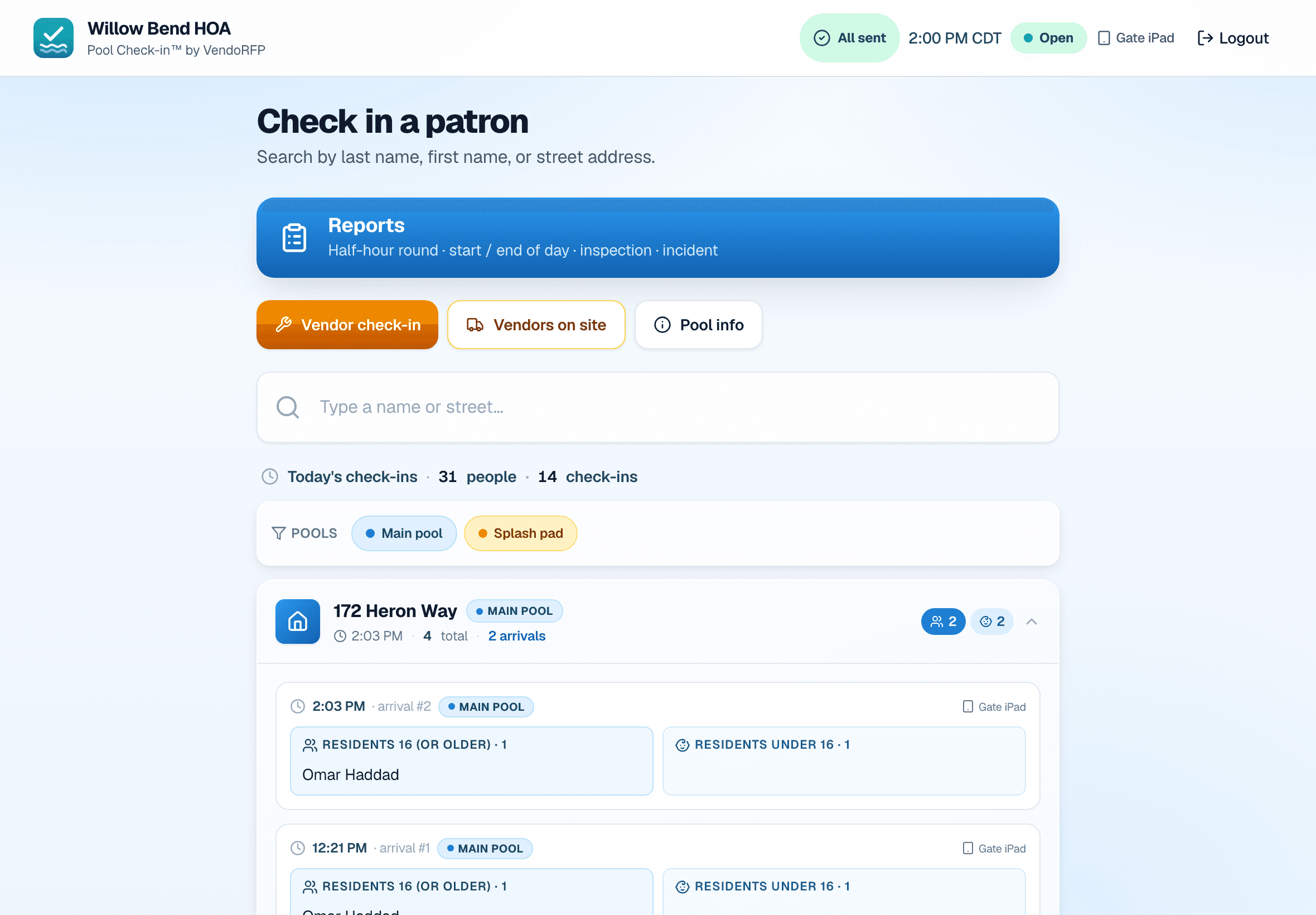
Gate staff sign in on a phone or tablet registered with your pool’s PIN.
- Find a household by last name, first name or street.
- Check people in your way. The detailed way names every resident and guest 16 or older and counts younger children. The quick way takes one name and a headcount.
- Walk-ins and vendors, if you turn them on. Vendors are checked out when they leave.
- Tag the pool on every check-in when a community runs more than one.
- File reports: half-hour rounds, opening and closing checklists, inspections and incidents, with photos.
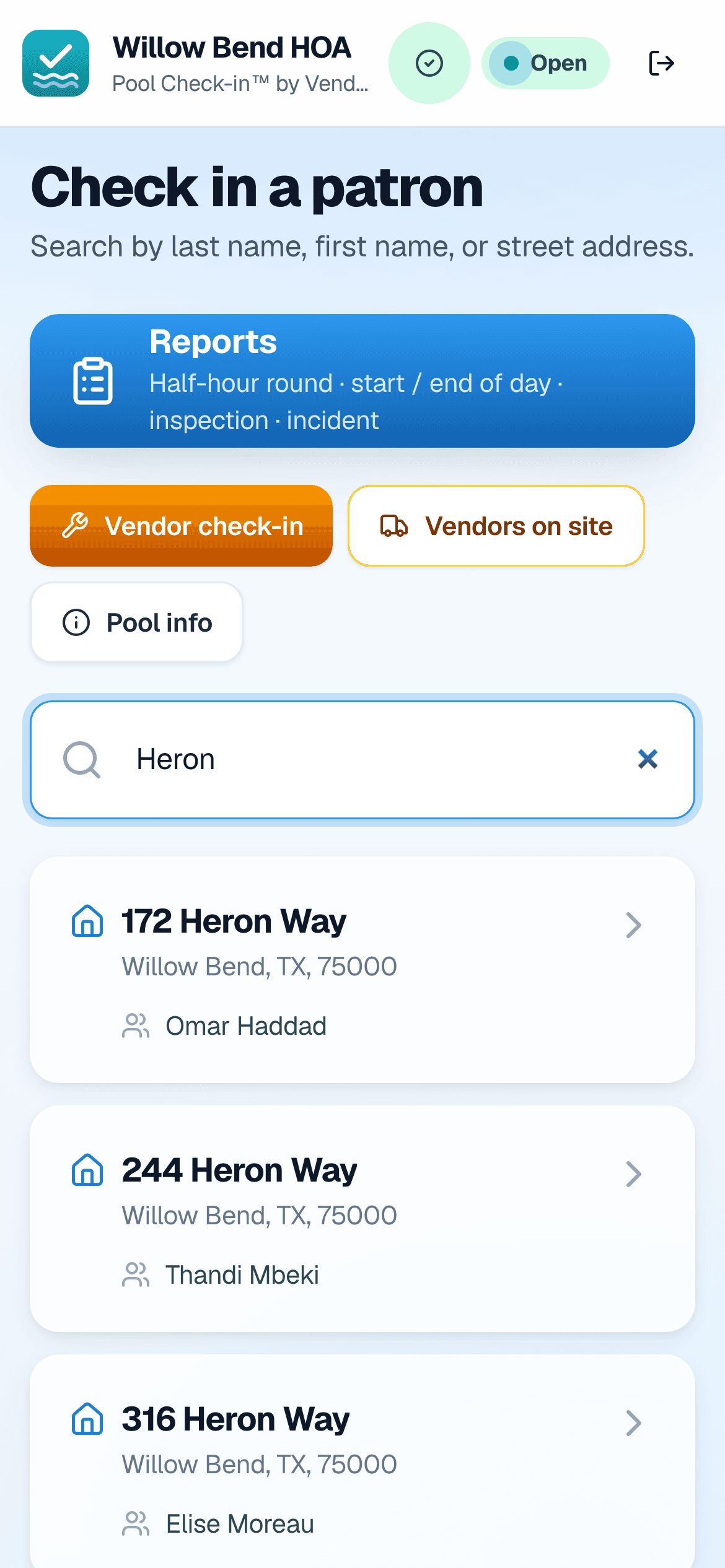

Built for the people who keep the pool gate running.
In the office
Managers sign in from any browser and see only their own communities.
- Today at a glance: check-ins, people at the pool and the busiest households of the month.
- The full log as it happens, exported as a spreadsheet for any range of dates.
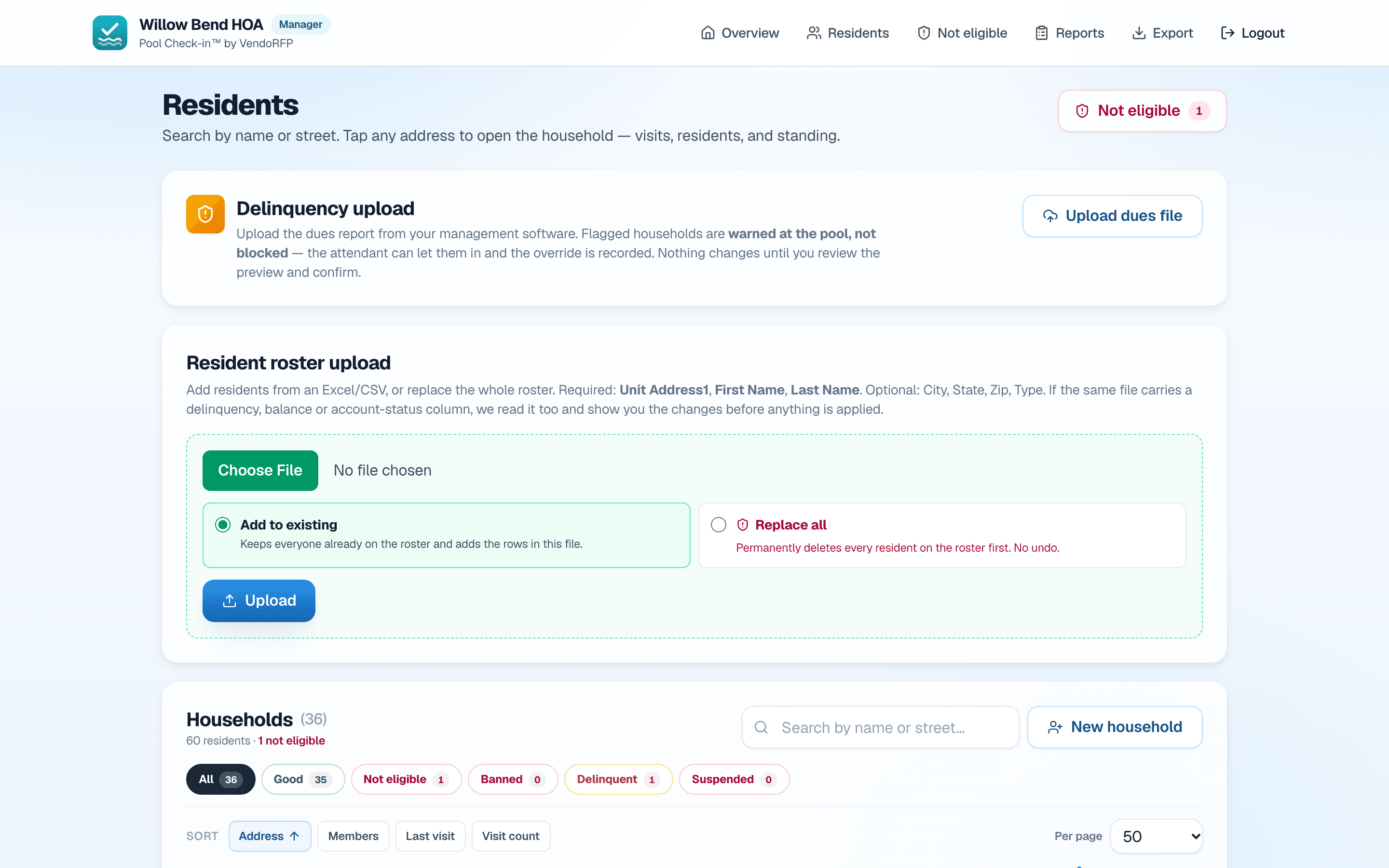
- The resident list by household. Add people, edit them, or upload a new list from Excel or CSV.
- Standing: barred, suspended or behind on dues, with a reason and a note for the gate.
- Reports from the gate, with their photos.
Behind the scenes
Administrators set up communities and decide who signs in.
- Communities and pools, opening hours for each day, the guest limit per household and the kinds of check-in allowed.
- Sign-ins for gate staff and managers. Each starts with a temporary password that’s changed at first sign-in.
- Devices, registered once with your PIN and revocable at any time.
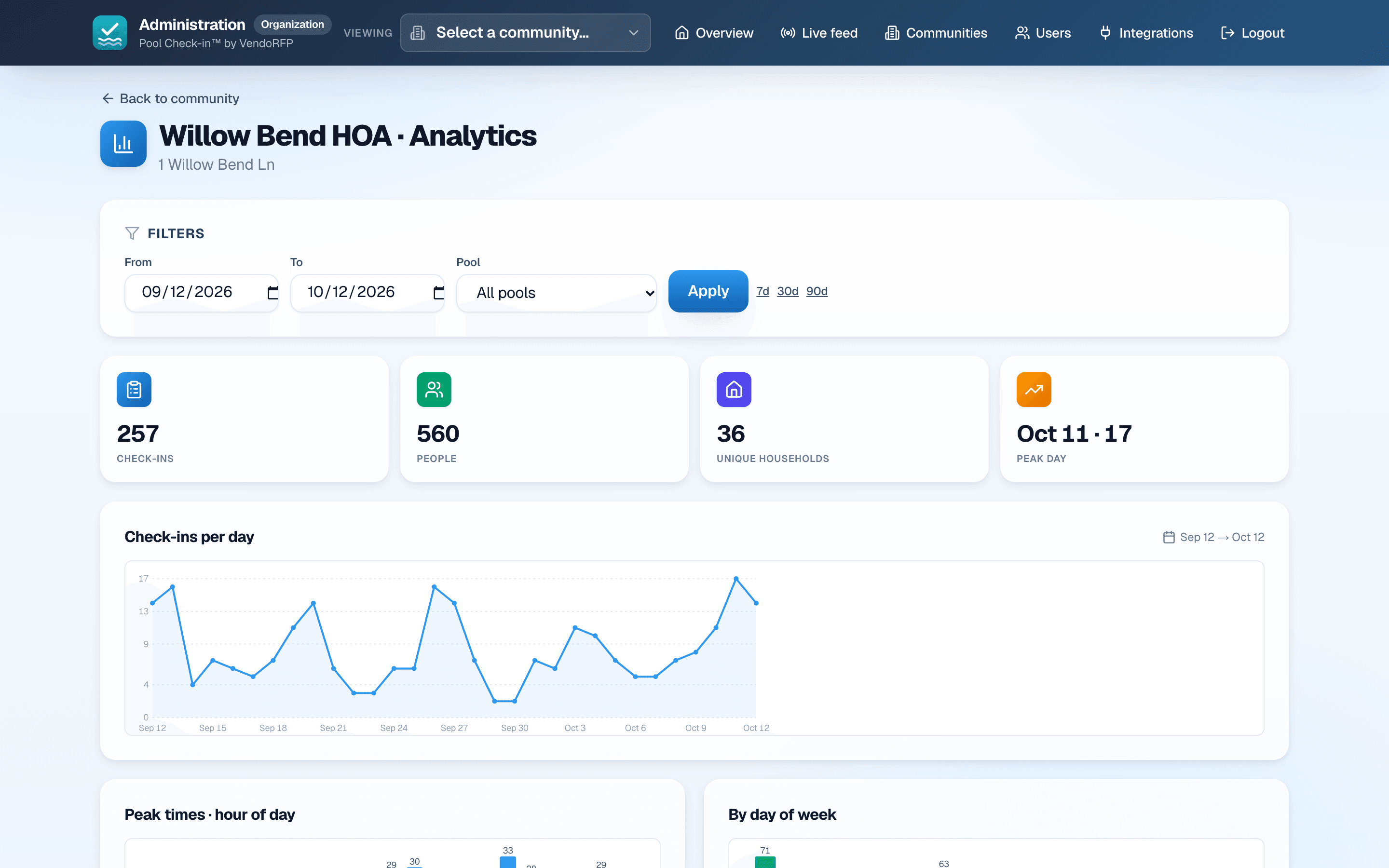
- Charts by day, hour, pool, household and staff member, plus everyone’s sign-in history.
See it with your own resident list
We’ll set up a community with your roster and your pool’s hours, then walk your team through a day at the gate.