Staffed check-in
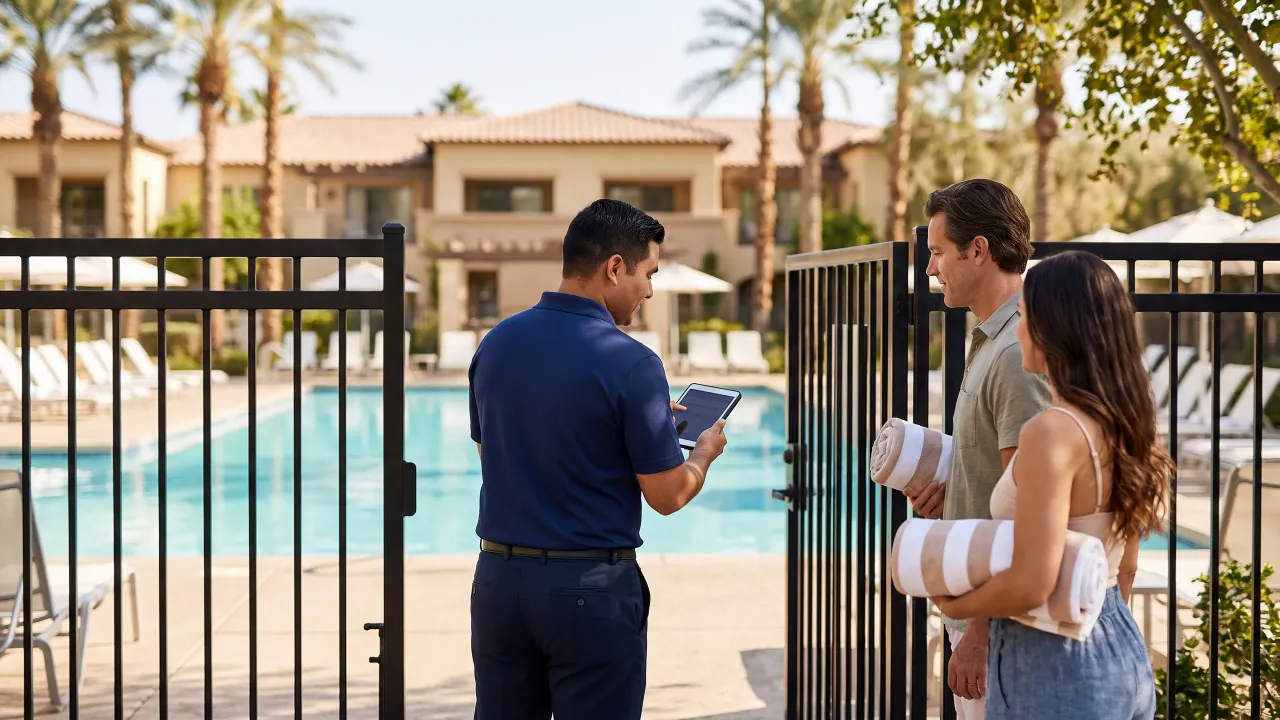
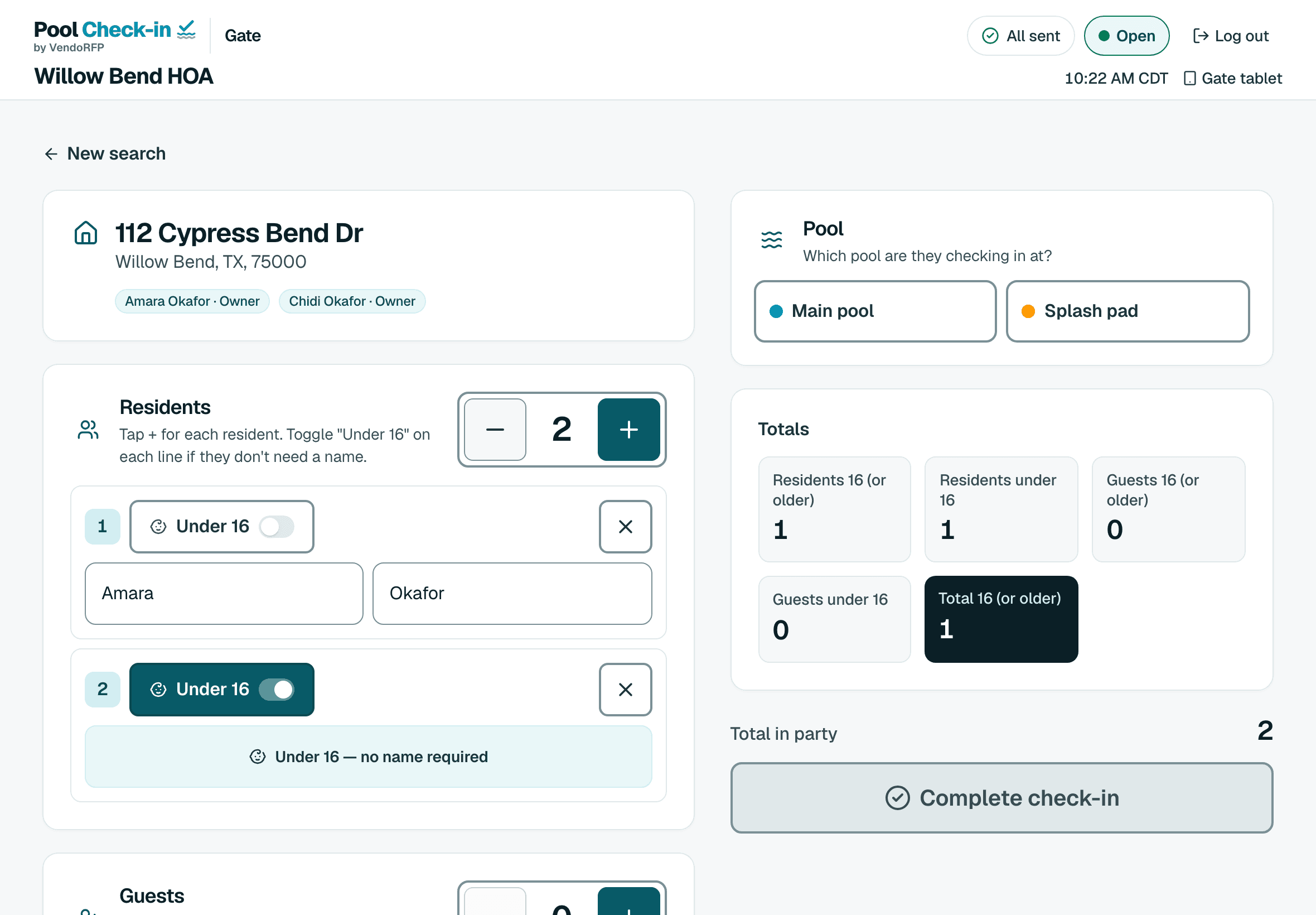
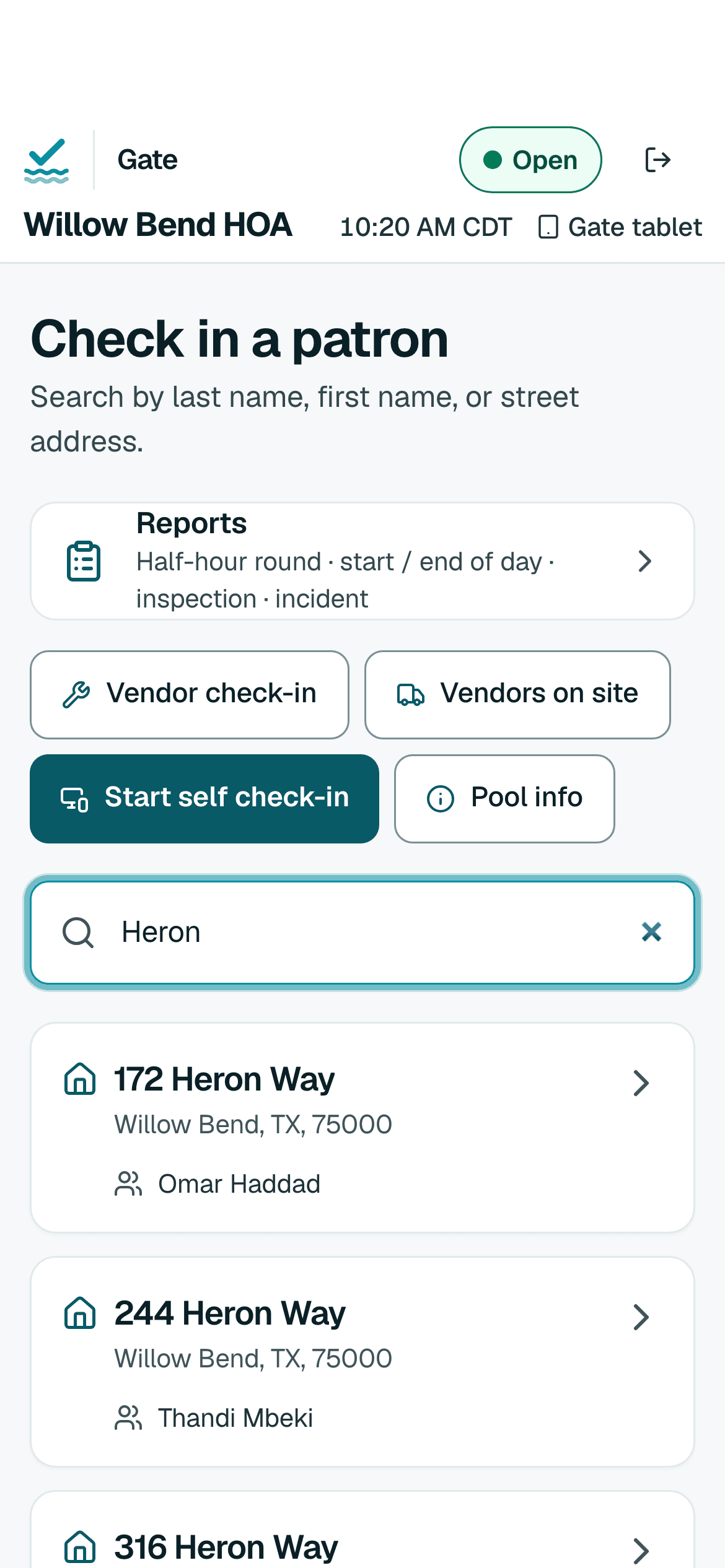
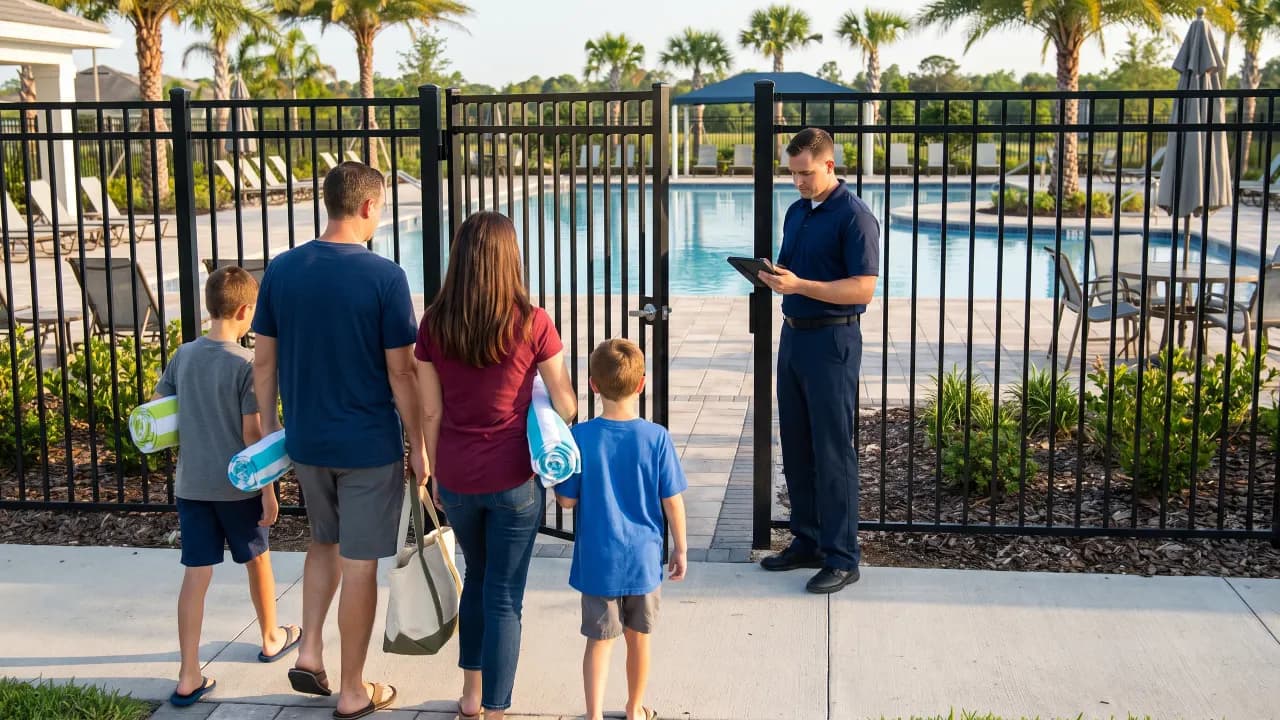
A person at the gate on a phone, tablet, Chromebook or laptop. Search a last name or a street, open the household and tap who’s here.
A volunteer on a phone, a tablet at the gate, a self check-in kiosk or a front desk. Pool Check-in works out of the box, and each community turns on only what it needs.
Setup is your hours, your resident list and a tablet at the gate. Start free or see how it works.
Choose the kind of pool you run. Every way to check in works for every one of them, and each has its own page.
Your pool belongs to the people who live in the building, and their guests. Pool Check-in knows which unit someone lives in, enforces your pool hours and keeps a record of every visit.
Every way works for apartment communities
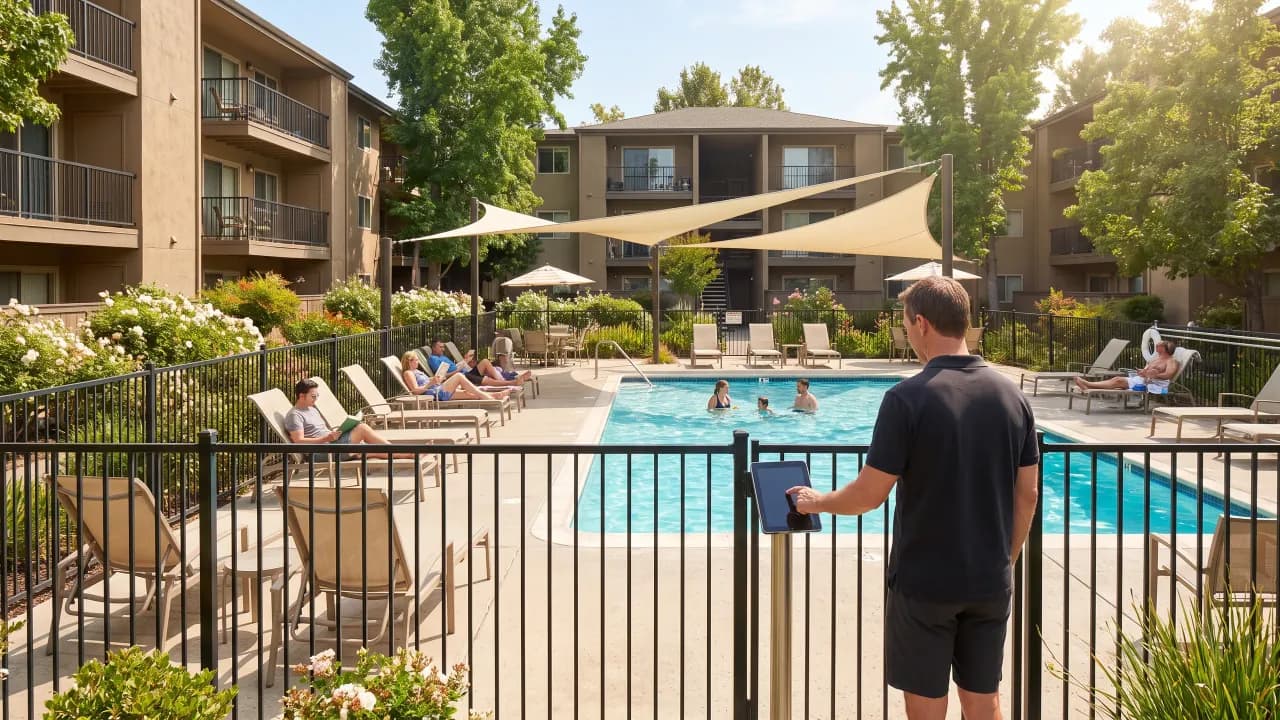
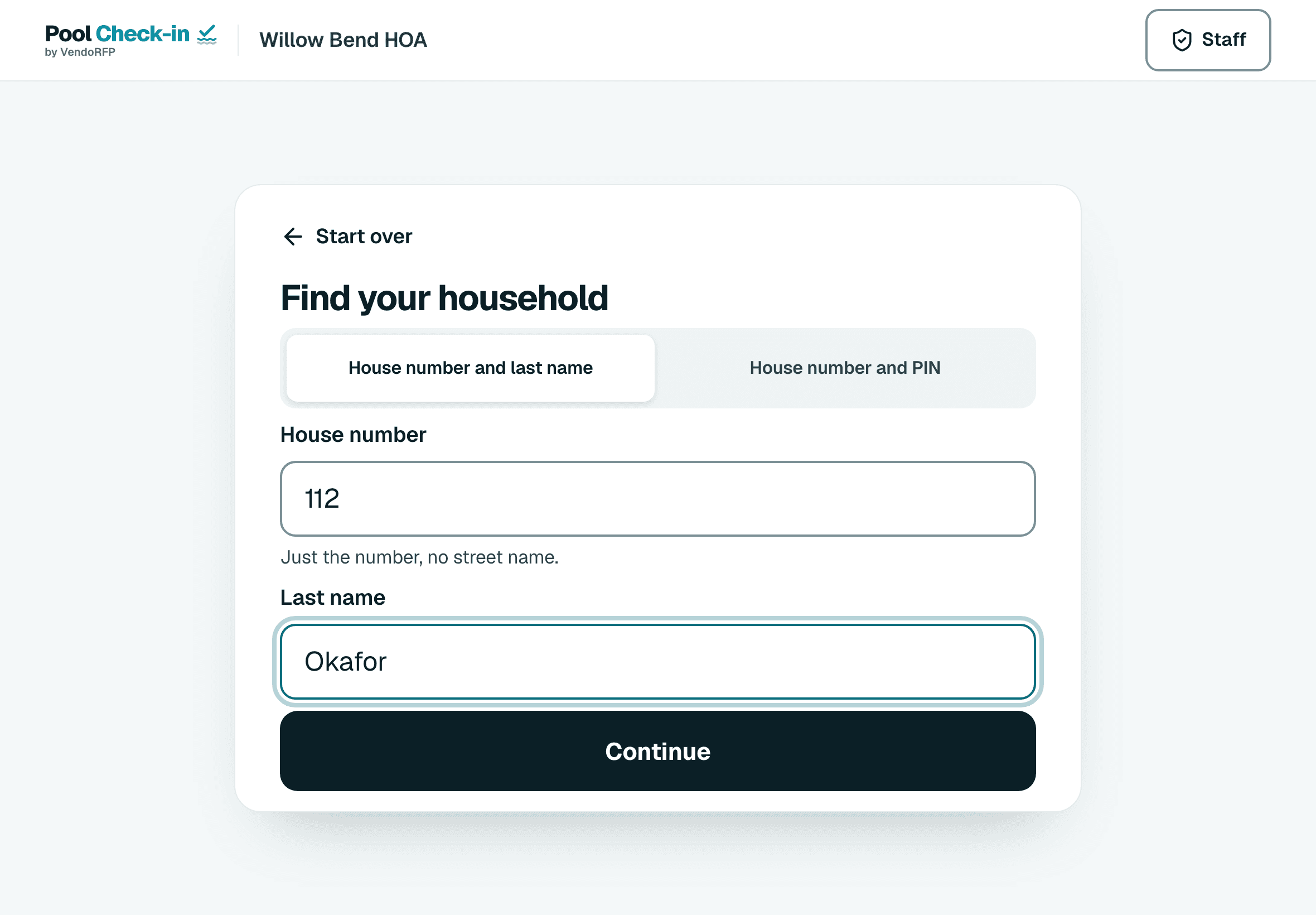
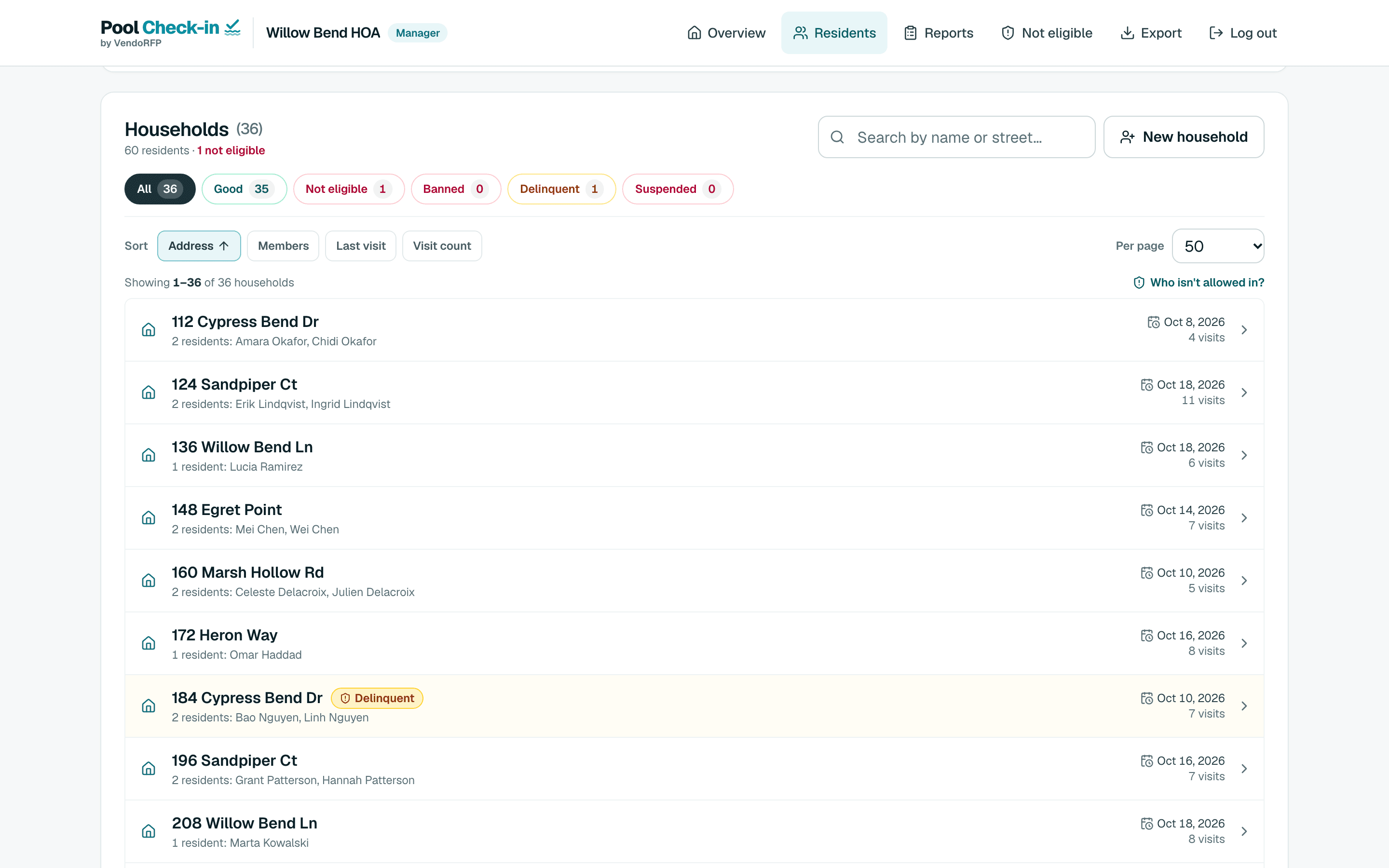
A homeowners association checks in residents and their guests at the neighborhood pool. The board sets the guest limit and the hours, and gets a log it can read at the next meeting.
Every way works for HOAs
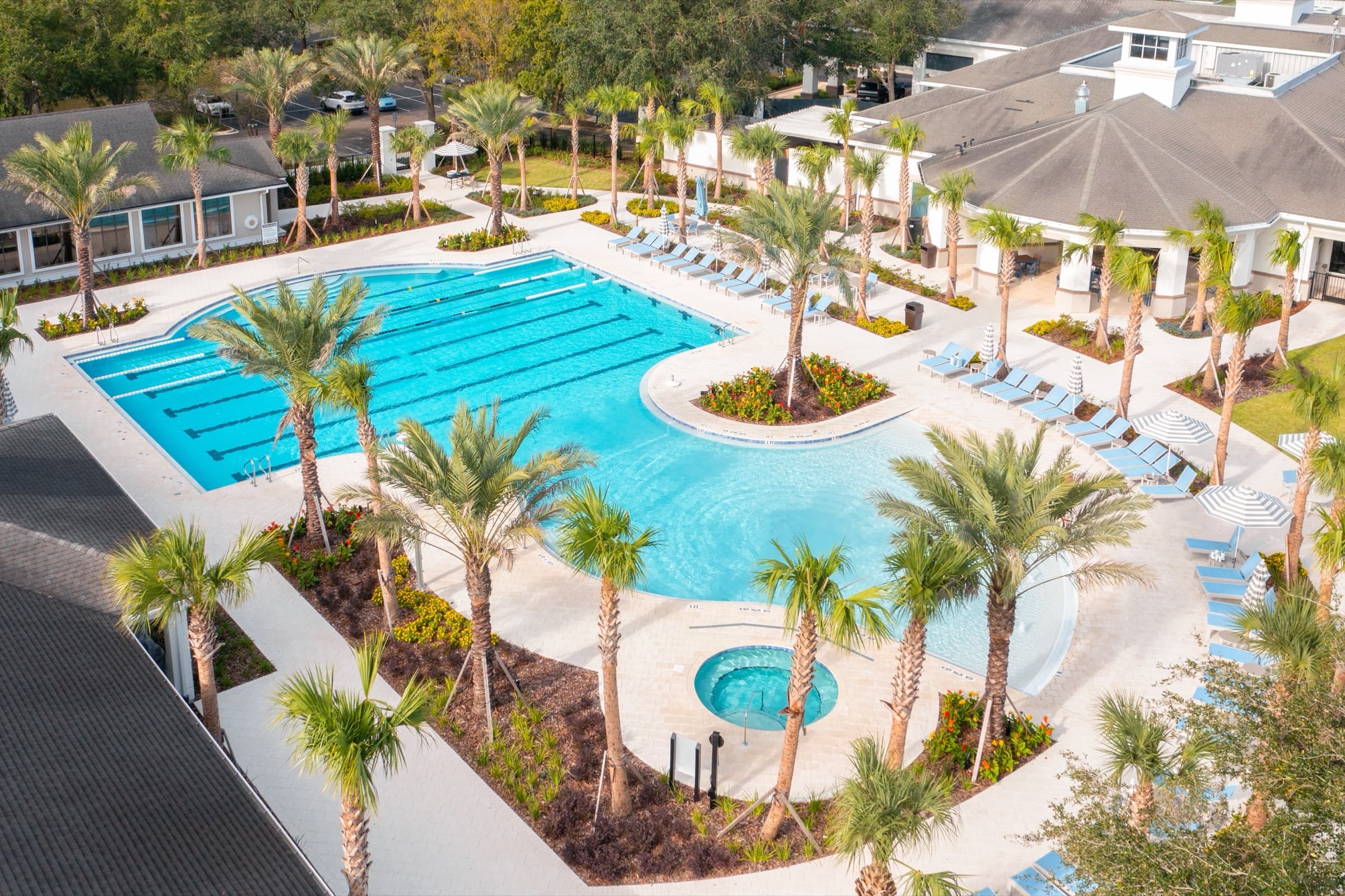
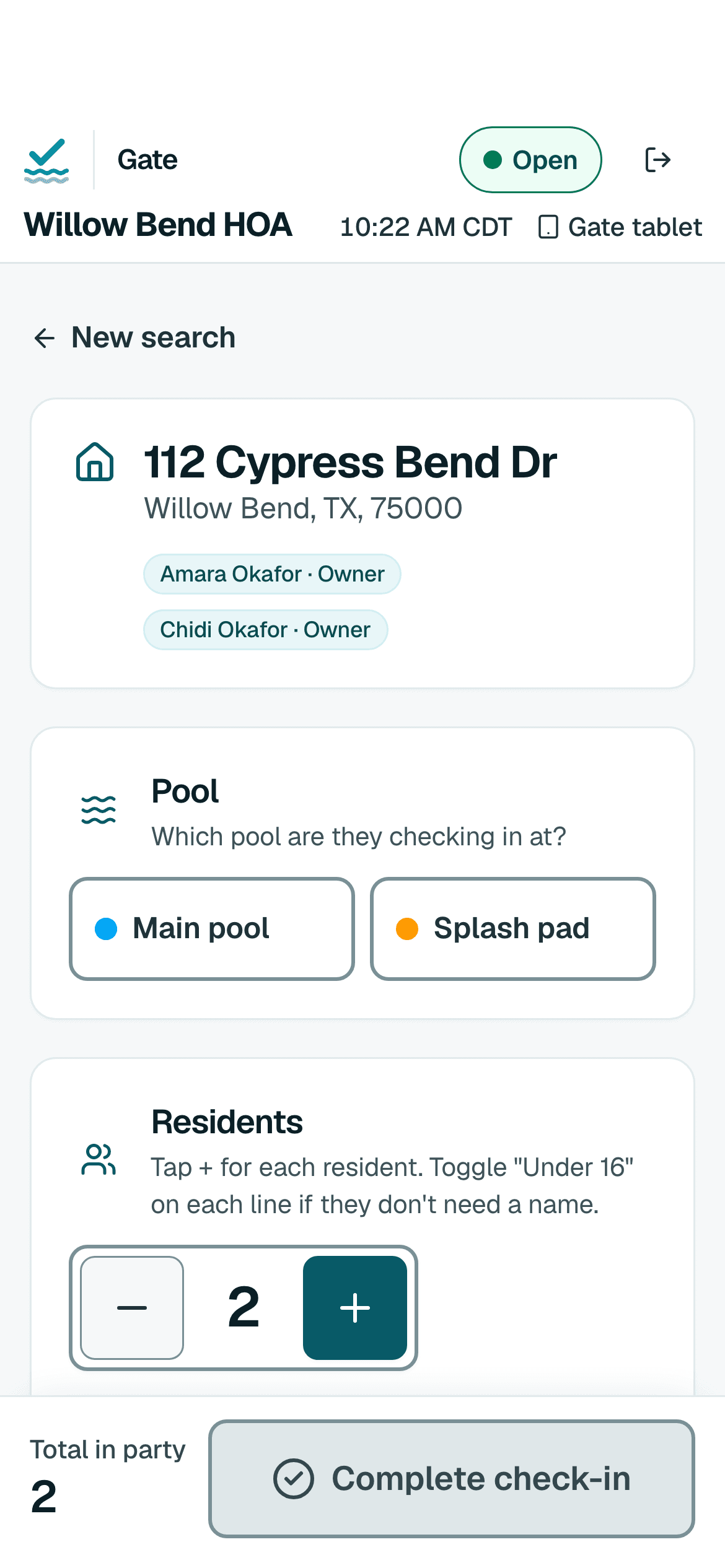
A condominium association has owners and renters under one roof and often more than one amenity. Pool Check-in keeps them together by address, tags each visit with the pool or spa, and flags a unit that is behind on dues.
Every way works for condominiums

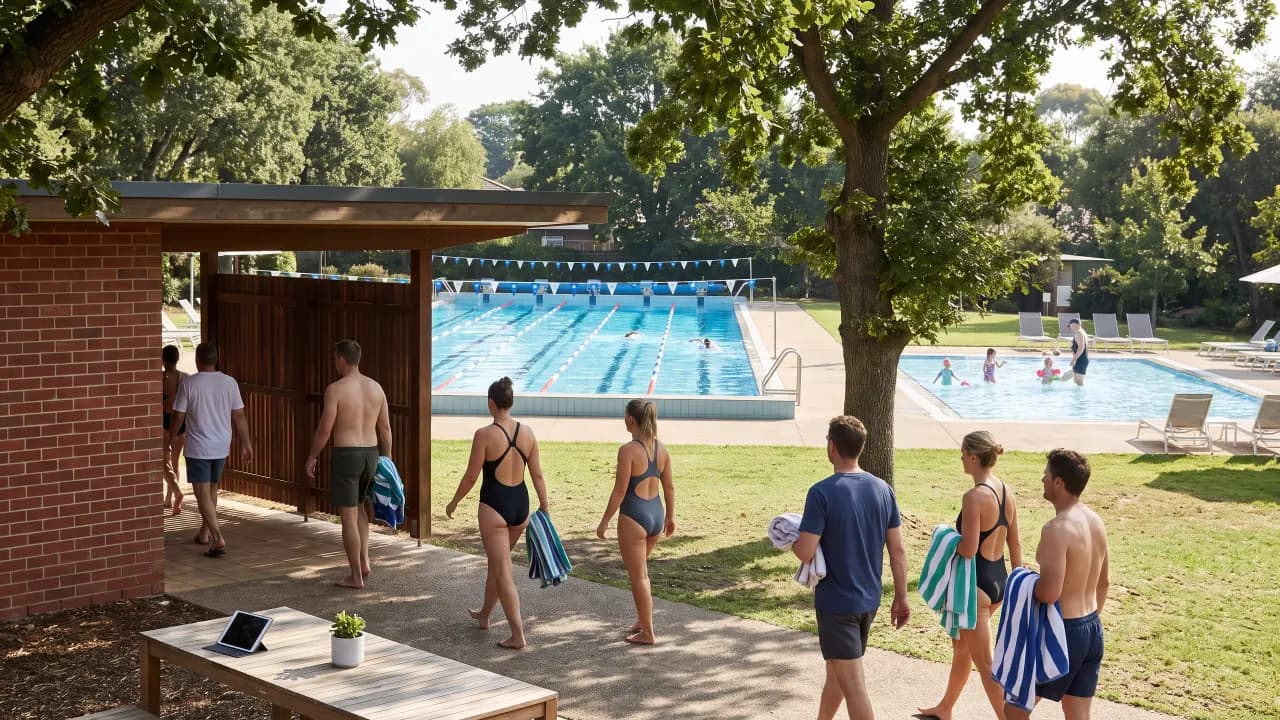
A hotel or resort has guests who arrive today and leave tomorrow, so most of them are on no list at all. Pool Check-in checks them in by name with a headcount, and still keeps a list for owners or long-stay residents if you have one.
Every way works for hotels and resorts

A pool club has members, their families and the guests they bring. Pool Check-in keeps each membership together, enforces your hours and guest limit, and records every visit.
Every way works for pool clubs
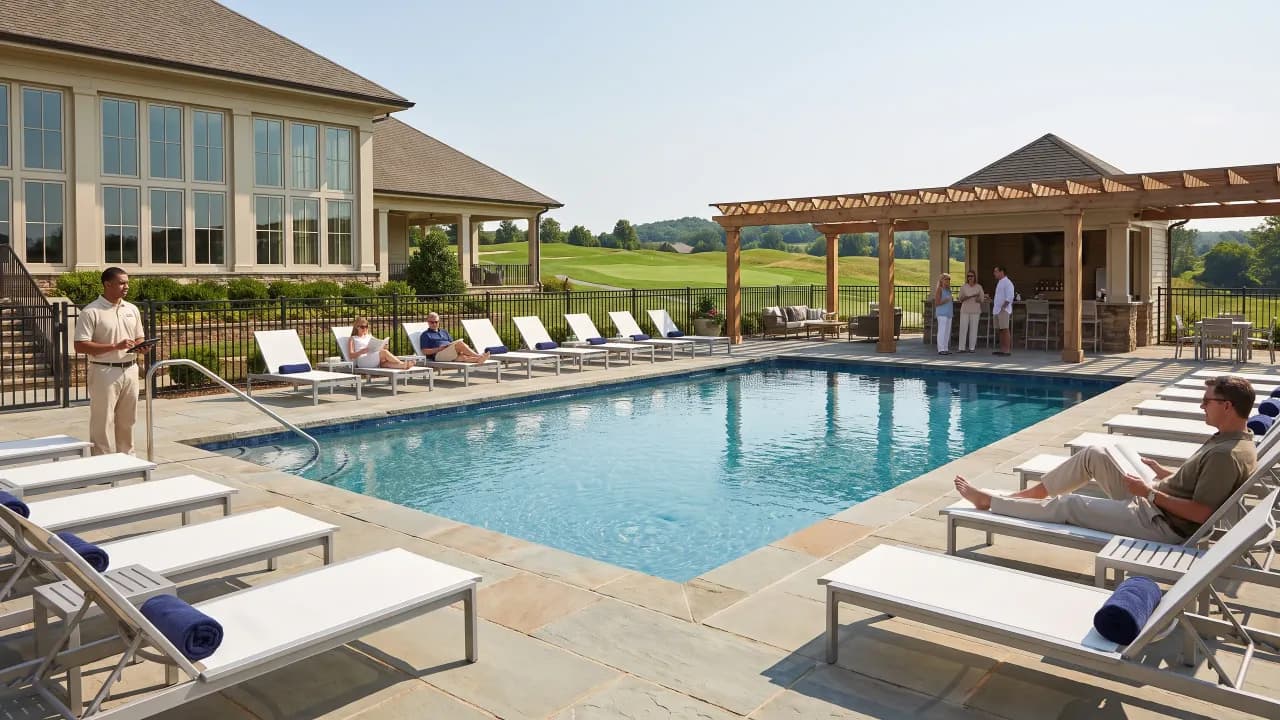
A country club has members, family memberships and the guests they bring, often across more than one pool. Pool Check-in knows the membership, tags each visit with the pool and stops a household you have suspended.
Every way works for country clubs
A beach association has residents with rights to the shore and guests they bring. Pool Check-in checks them in at the entrance, keeps to your seasonal hours and records every visit. The app calls an access point a pool, so name one North Beach.
Every way works for private beaches
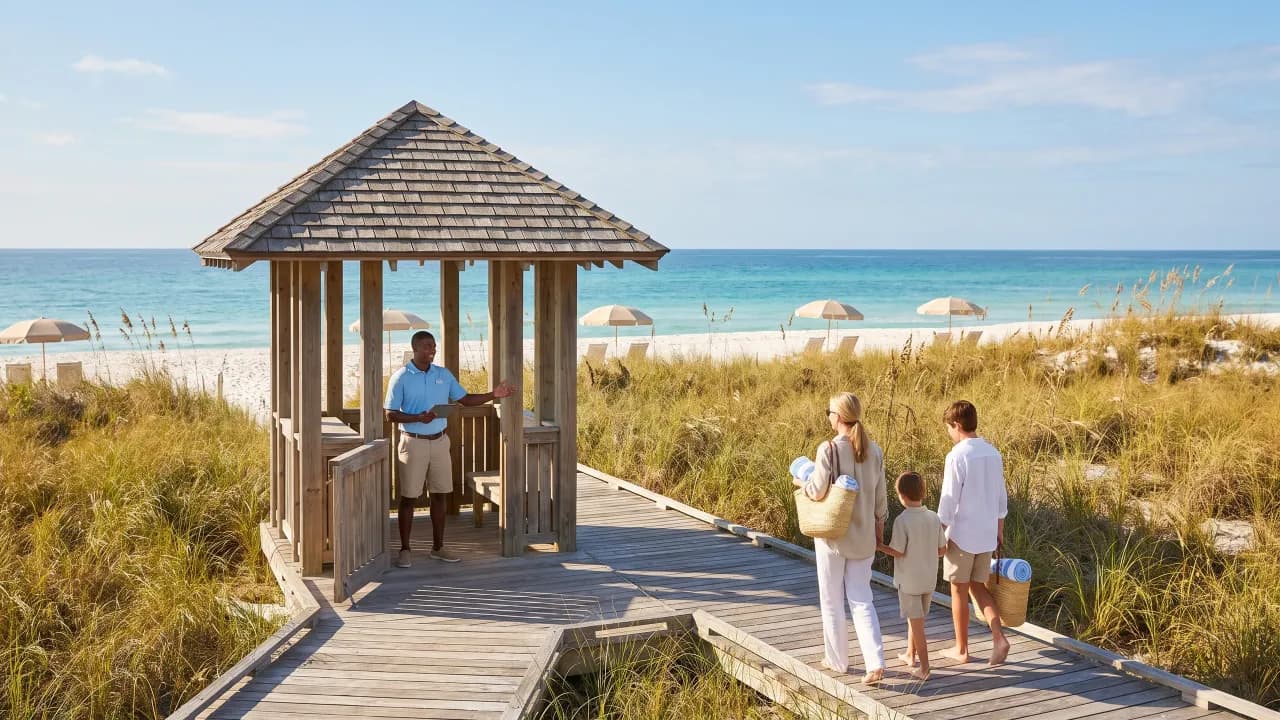
A lifeguard company staffs pools it does not own. One organization holds all of your clients. Each client is a community with its own list, hours and guard sign-ins, and a manager who sees only that community.
Every way works for lifeguard companies
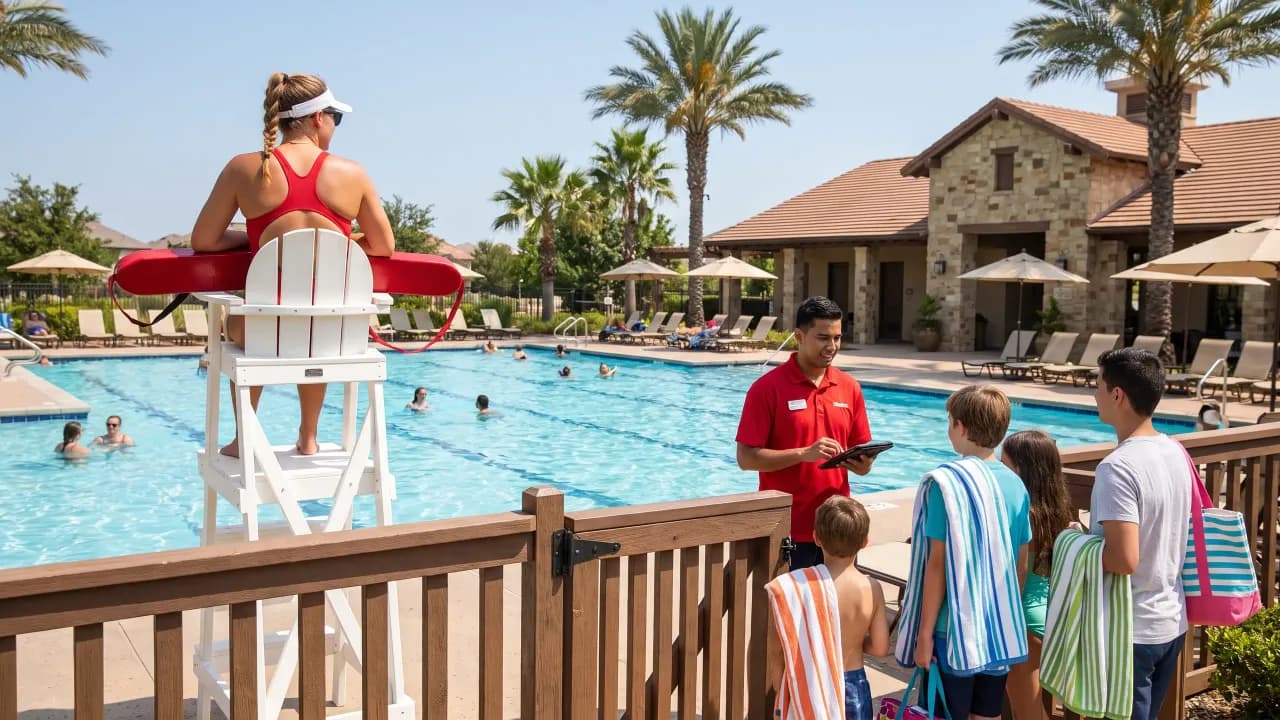
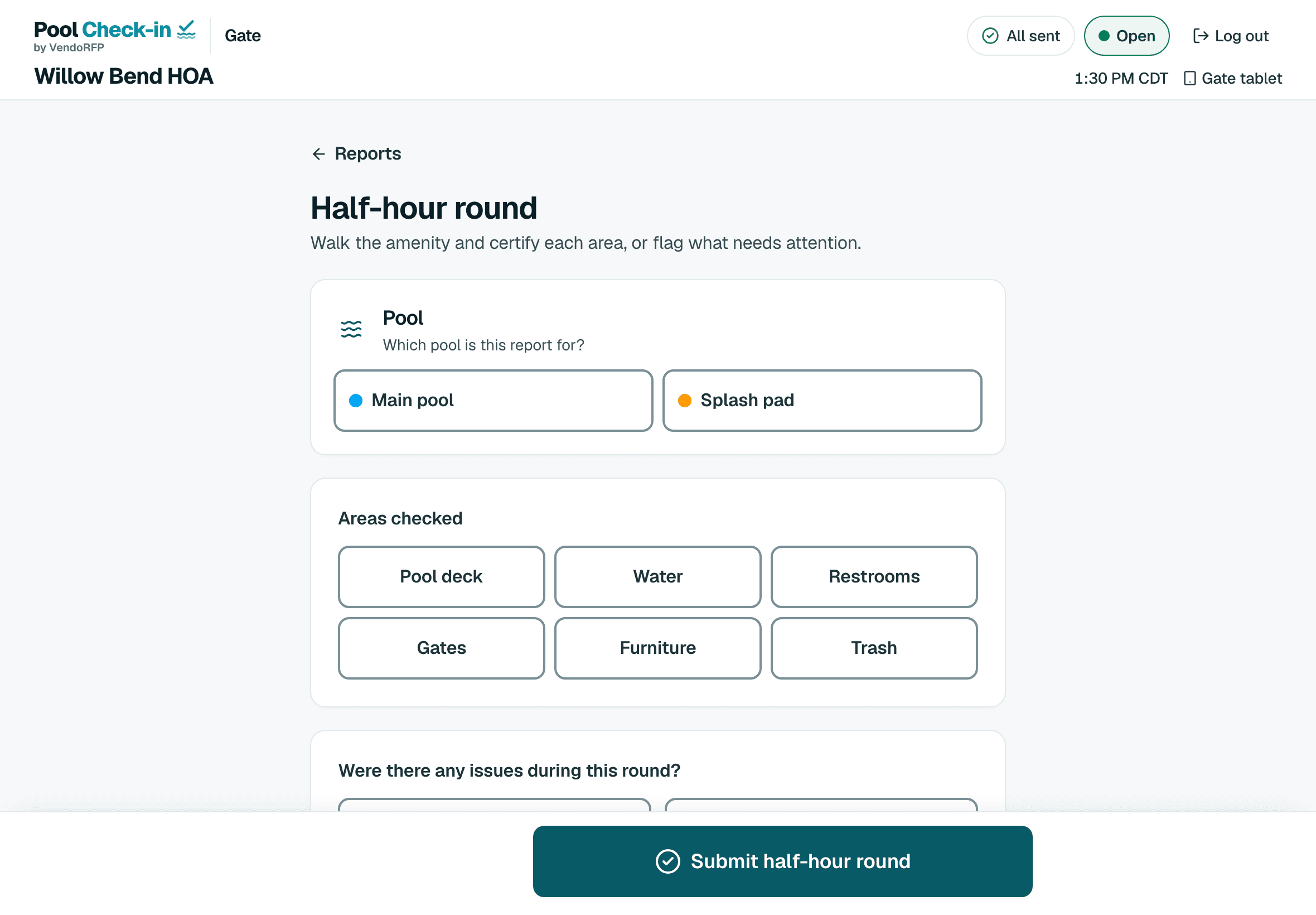
A pool monitoring company puts attendants at pools to watch the gate and the water. Pool Check-in records who was let in, and your attendants file the half-hour rounds and reports the client expects.
Every way works for pool monitoring companies
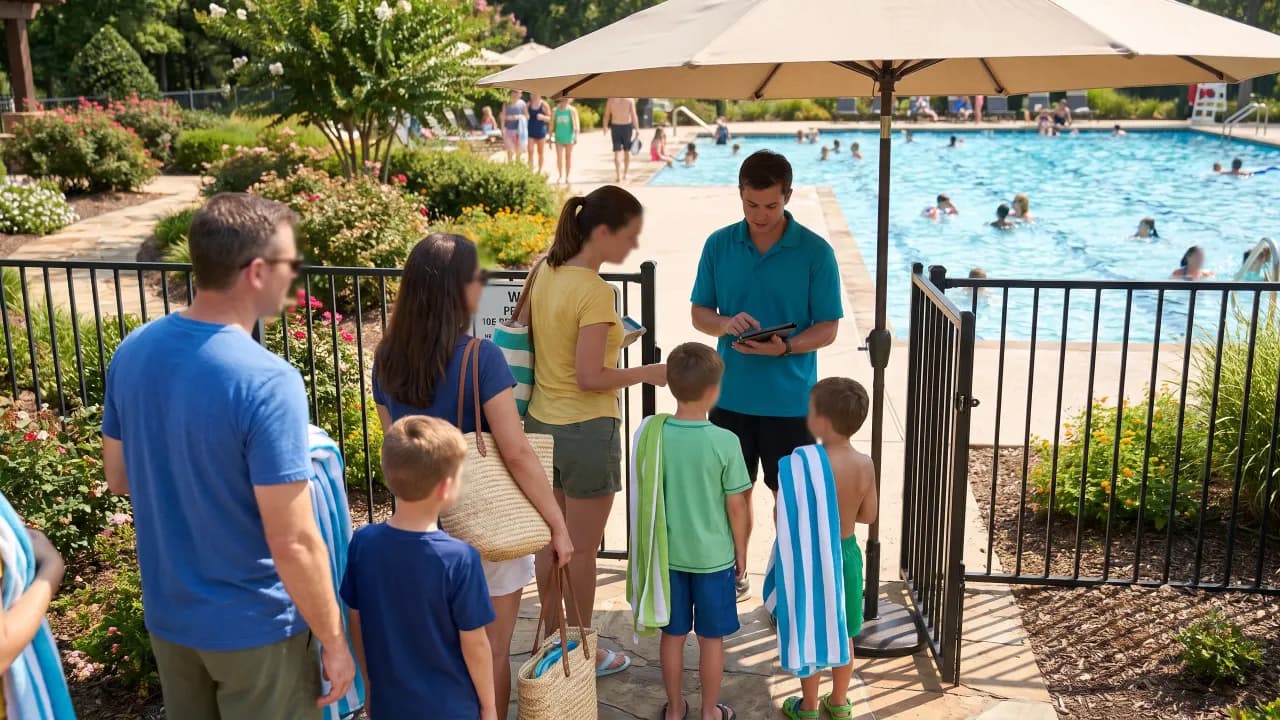
A security company already has someone at the gate. Pool Check-in gives that guard a way to see who may come in, and gives the client a record of who did. It records and regulates entry. It doesn't open or control gates or doors.
Every way works for security guard services
Staff on a tablet, residents on a kiosk, a printed QR card, a walk-in or a vendor. Each community switches on the ways it needs in its settings, and uses one or all of them.
A person at the gate on a phone, tablet, Chromebook or laptop. Search a last name or a street, open the household and tap who’s here.
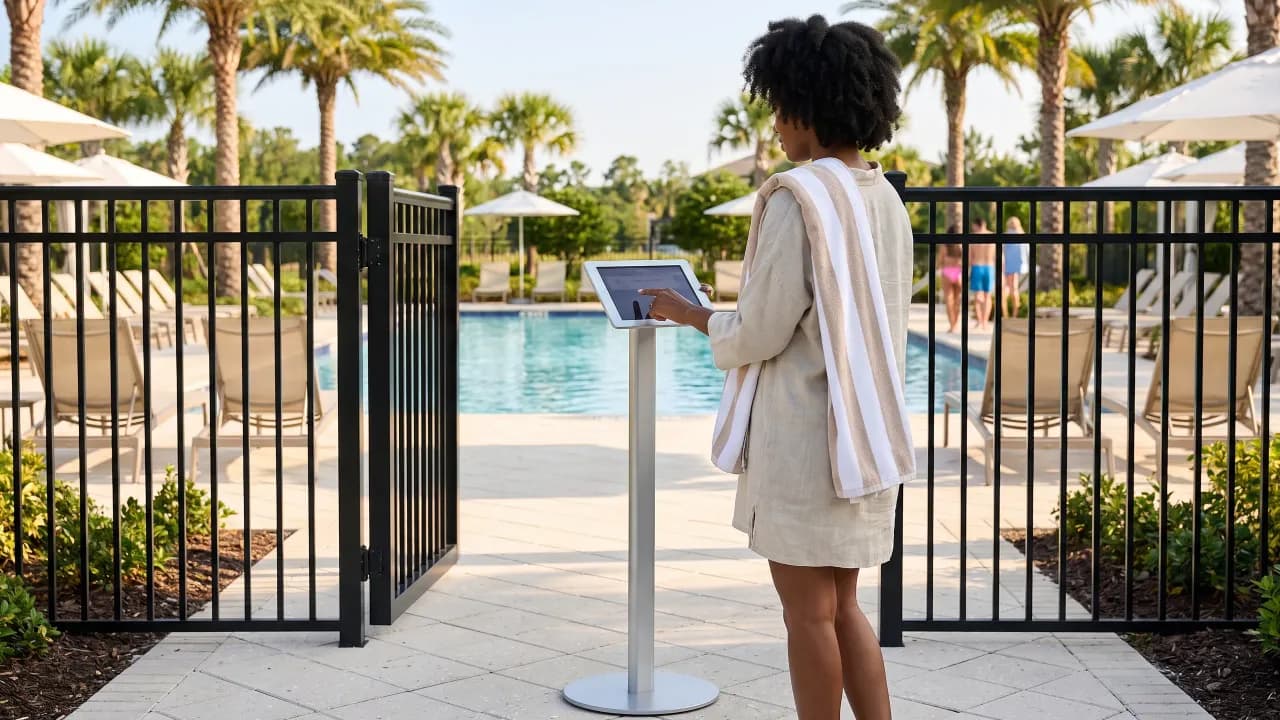
A tablet in a stand lets residents check themselves in. Your community chooses how they identify themselves. Staff start it with one tap, and the pool PIN ends it.
Print a card for each household. A hand scanner reads it on any device. The camera can read it where the browser supports that, which leaves out Safari on a tablet.
Check in someone who isn’t on the roster. A switch in each community’s settings turns it on, and you can remember patrons for next time.
Log the company and its trade, add a note, and check them out when they leave.
Every way in is a setting, not a separate product. Switch on the ones you use and leave the rest off.
Detailed names every resident and guest 16 or older and counts the younger children. Simple takes one name and a headcount, for a gate that has to move fast.
The most guests one household can bring. Guests stop at the number you set.
Opening hours for each day of the week, with different hours at the weekend. A check-in outside them is refused.
Check in someone who isn’t on your list. You can have the app remember them, so the next visit is one tap.
Log the company and its trade, add a note, and check them out when they leave.
Adds an Exception report button to the attendant’s screen for writing up anything out of the ordinary at the gate.
Residents check themselves in on a tablet in a stand. Staff start it with one tap, and the pool PIN ends it.
A tablet with no connection can miss a new ban. You choose whether a check-in it made before the ban, but sent after, is refused or kept with a note.
Works when the wifi drops. Once the page is open, check-ins wait on the device and send themselves when it reconnects. Each one is recorded once.
Six steps from sign-up to the first check-in, each one a screen in the app. The Get started checklist walks you through them and ticks them off as you go.
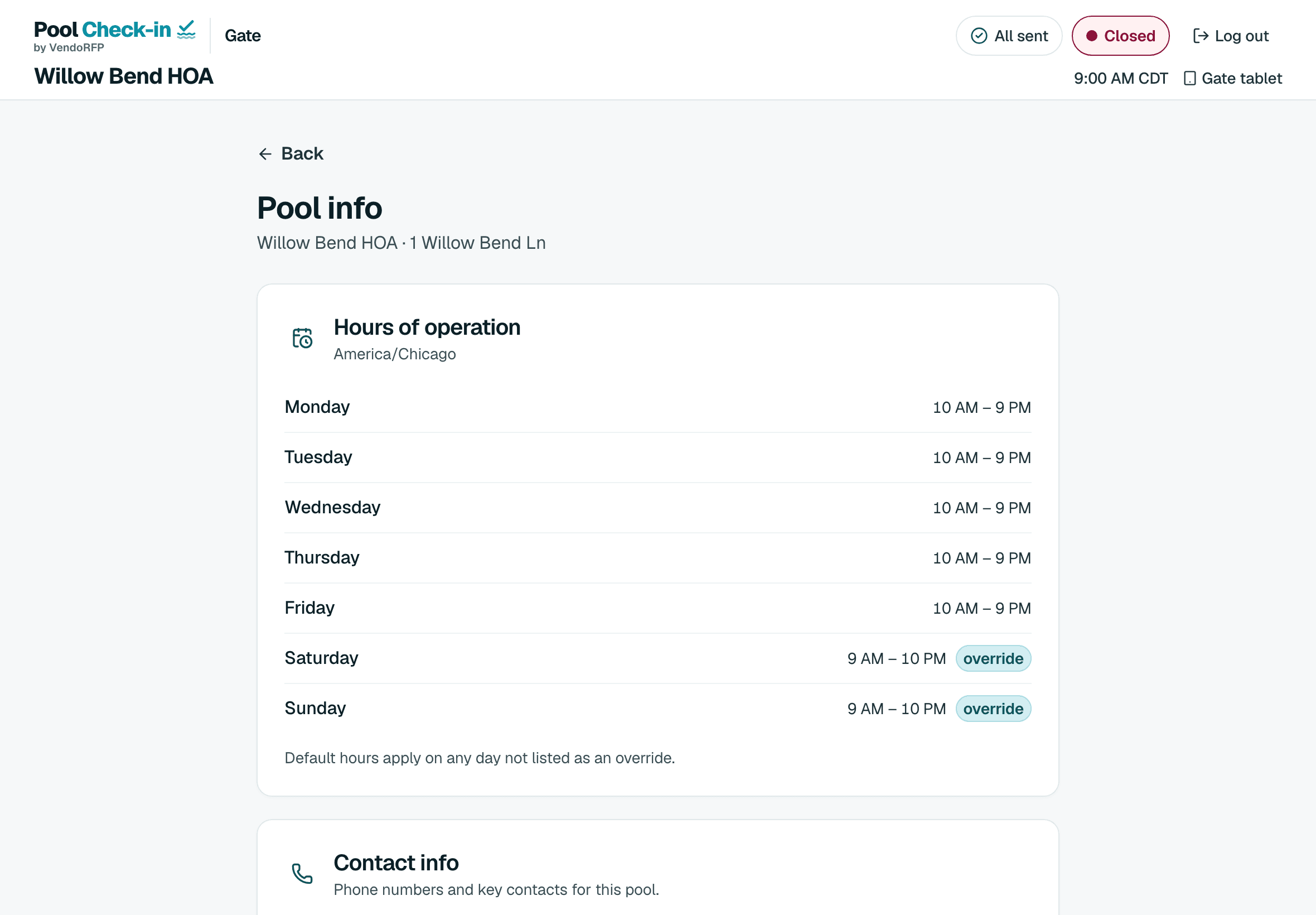
Opening hours for each day of the week, and the most guests one household can bring.
The file you already keep, or a Google Sheet link. Preview every row first, and undo the import for 24 hours.
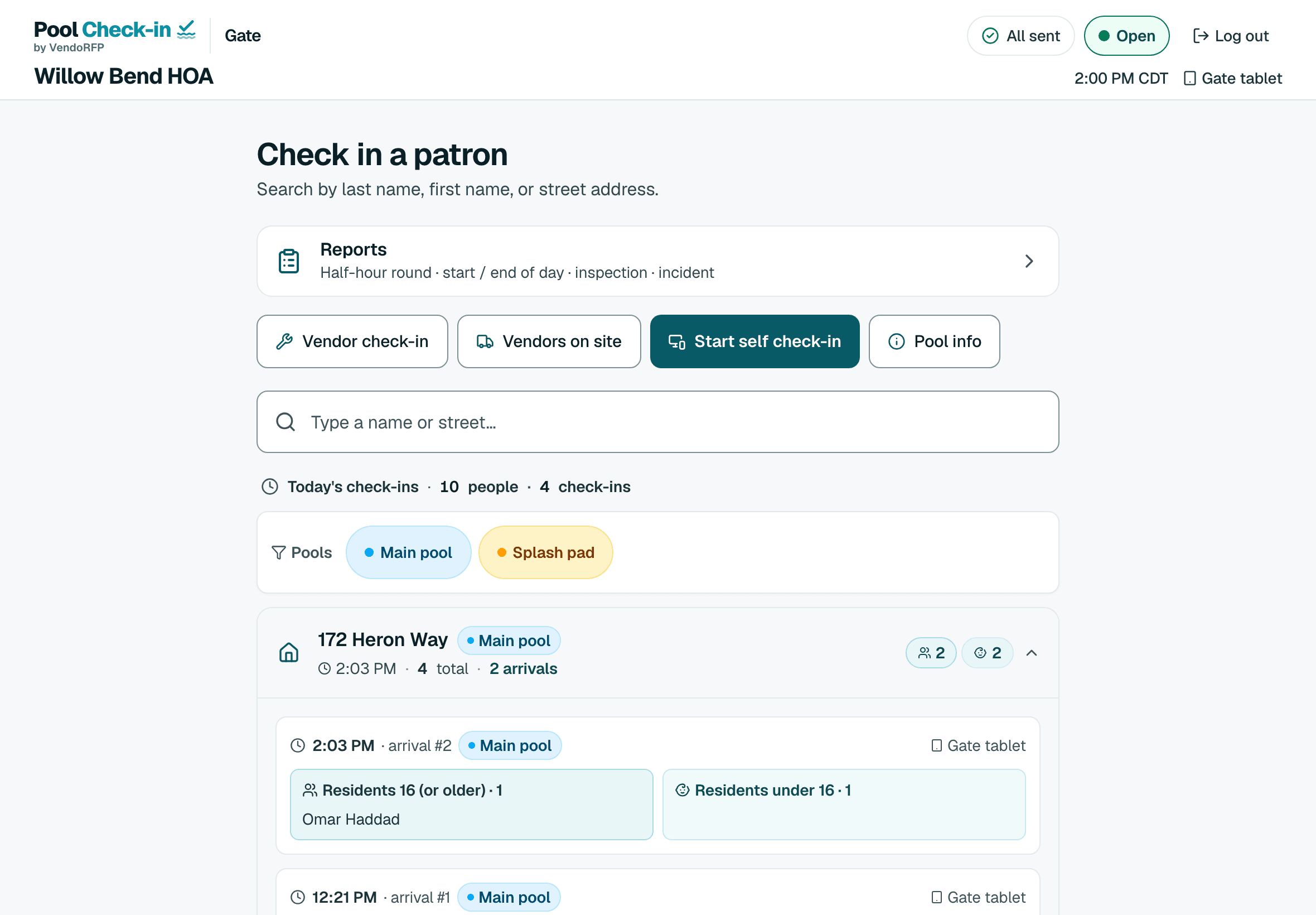
Give each volunteer or attendant their own sign-in, so every check-in has a name on it.
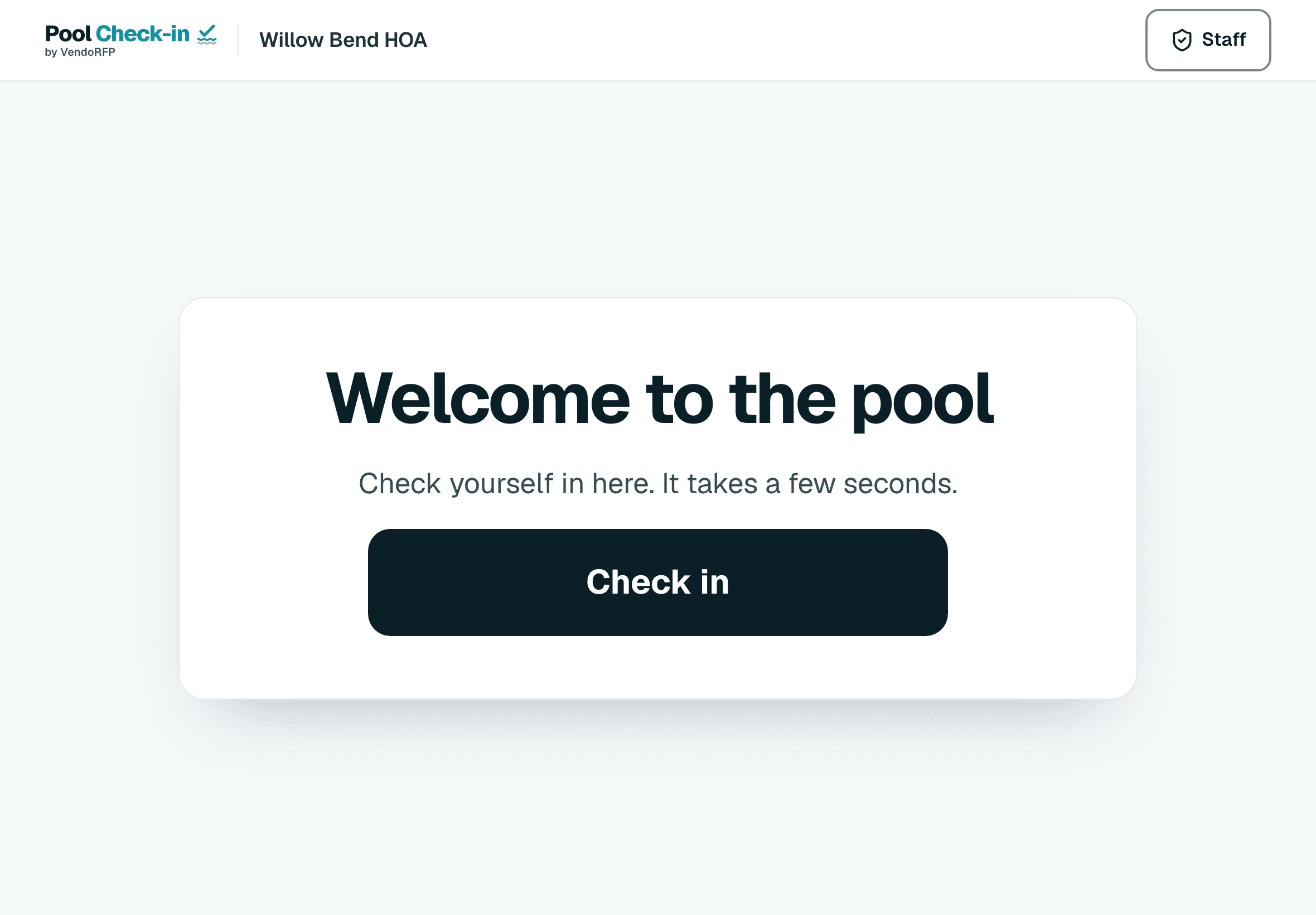
Sign in on the phone or tablet once with the pool PIN. After that it’s remembered.
Search a name, tap who’s here and finish. A check-in outside your hours is refused.
Export your list from AppFolio, Buildium, Vantaca and others as a spreadsheet and upload it. Direct connections are in progress.
Send check-ins out with a webhook or the API. Point the webhook at Zapier or Make, with Plus, then add a step in any of their apps.
Scroll through an ordinary day at the pool. Every screen is the real app.
Set your community's hours, with different hours for weekends. A check-in outside them is refused, so nobody gets signed in before the pool opens.
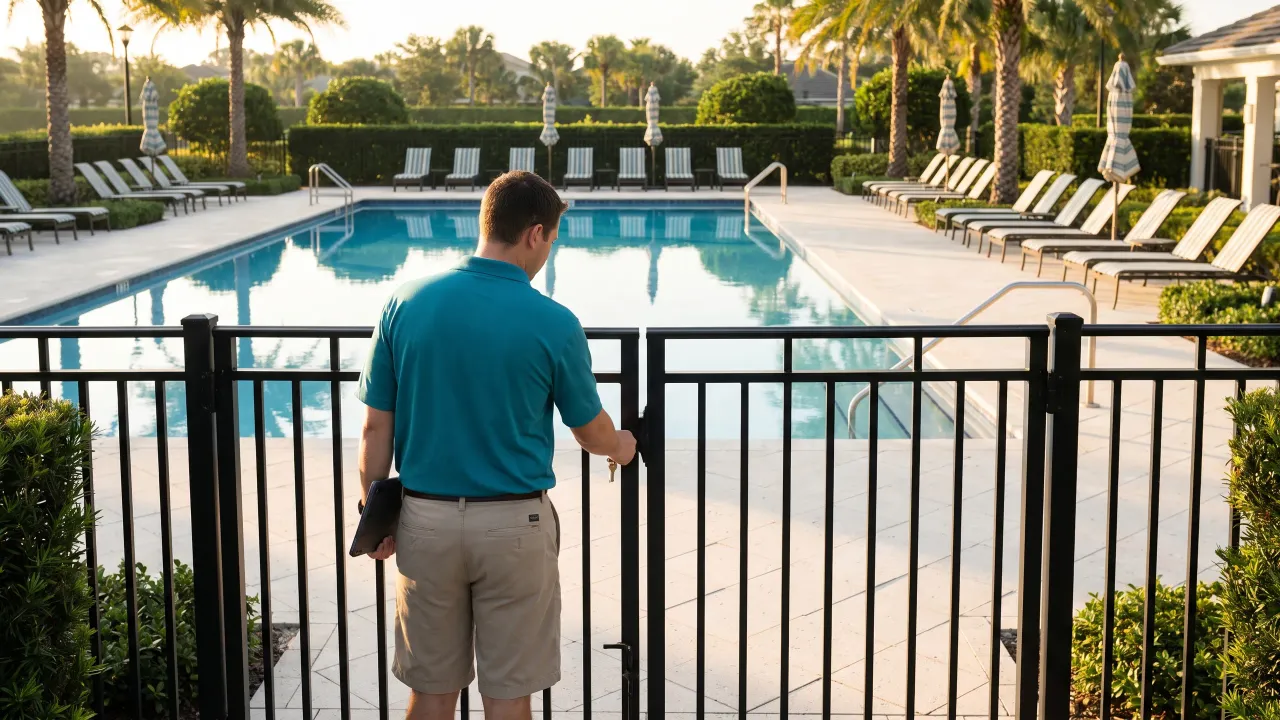
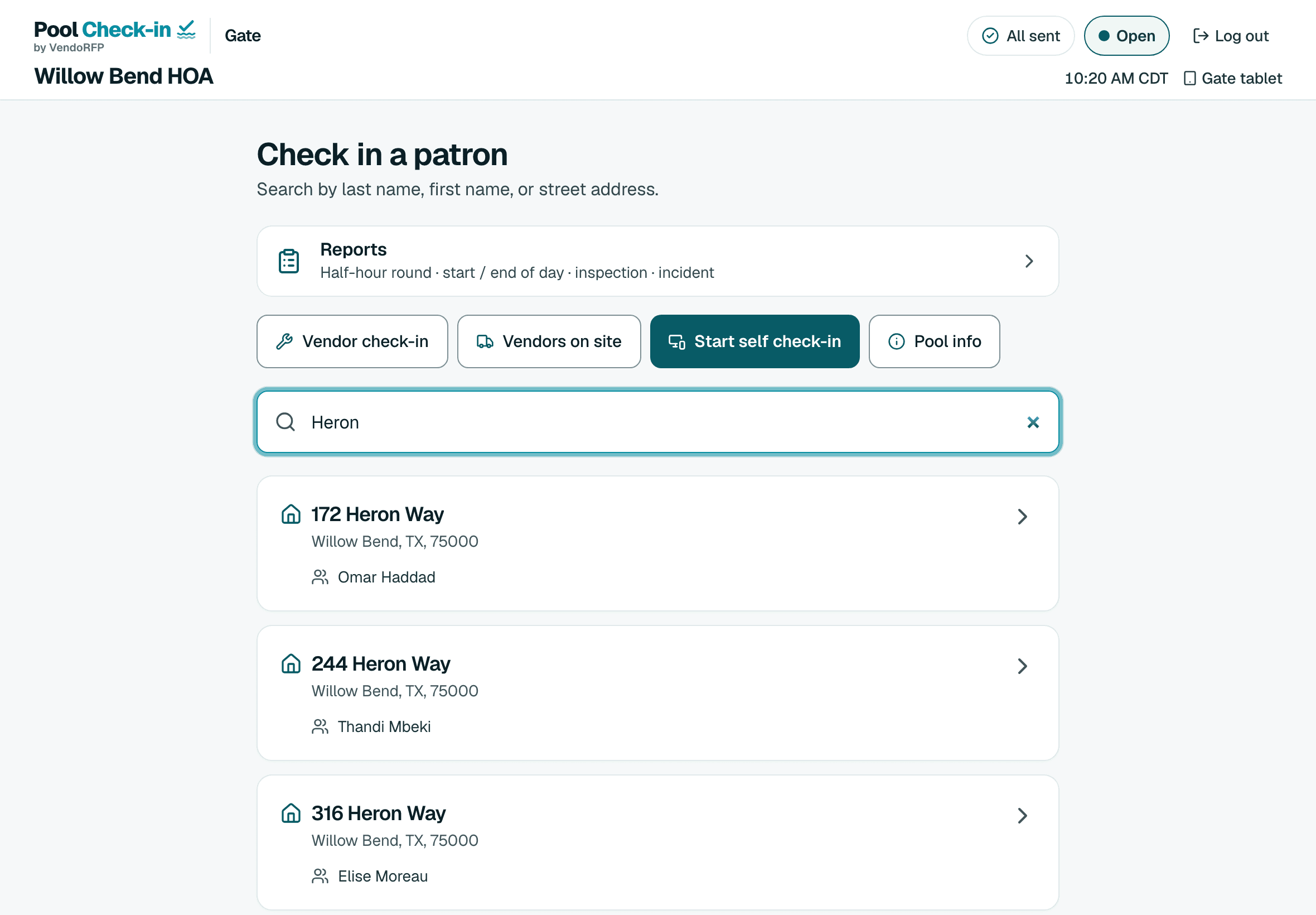
Type a last name or a street, open the household and tap who's here. Children under 16 are counted, guests stop at your limit, and the pool is tagged on every check-in.
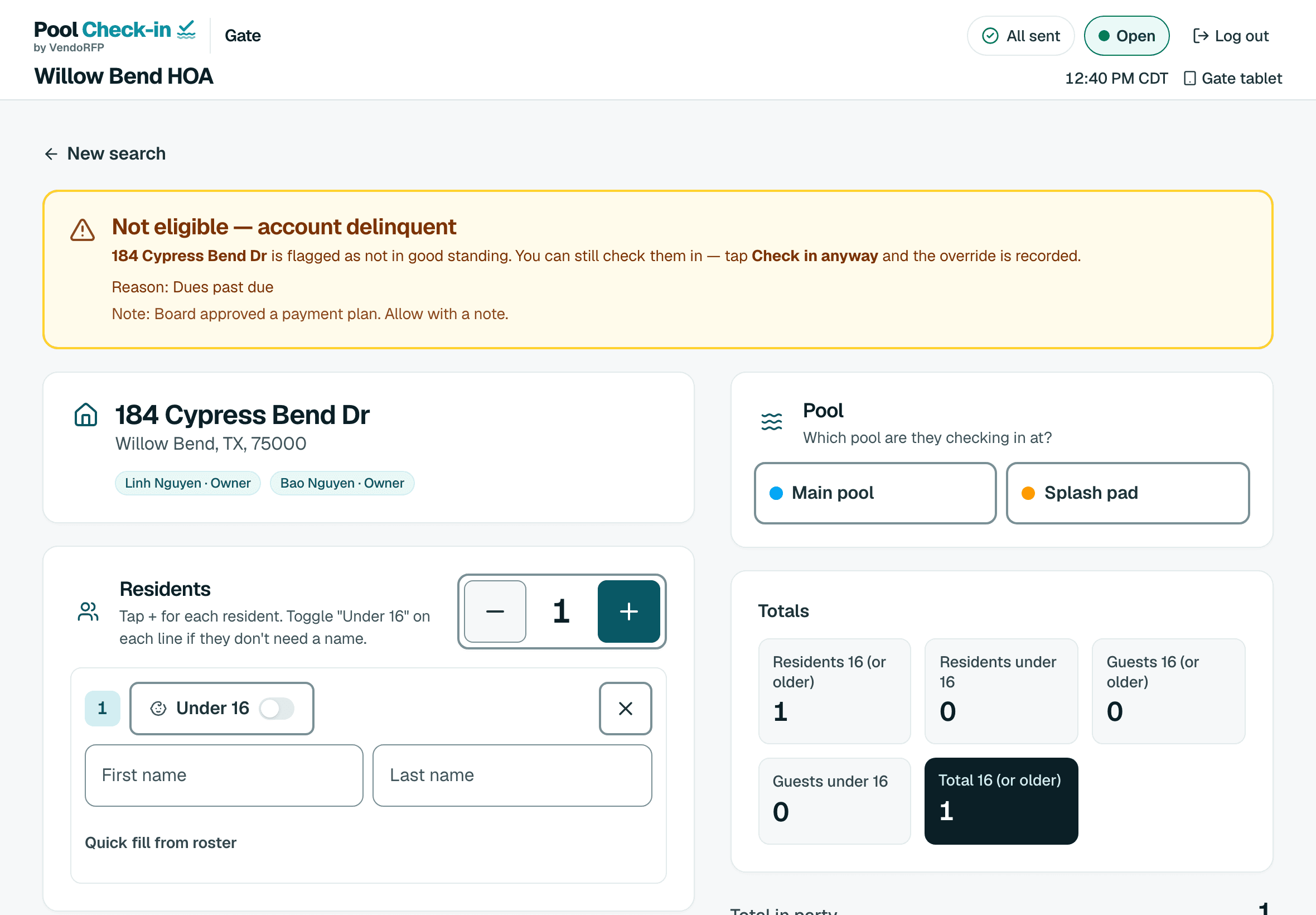
Barred or suspended households are stopped at the gate. A household behind on dues shows a warning with your note, and letting them in is recorded.
Half-hour rounds, opening and closing checklists, inspections and incident reports, each with photos from the device's camera.
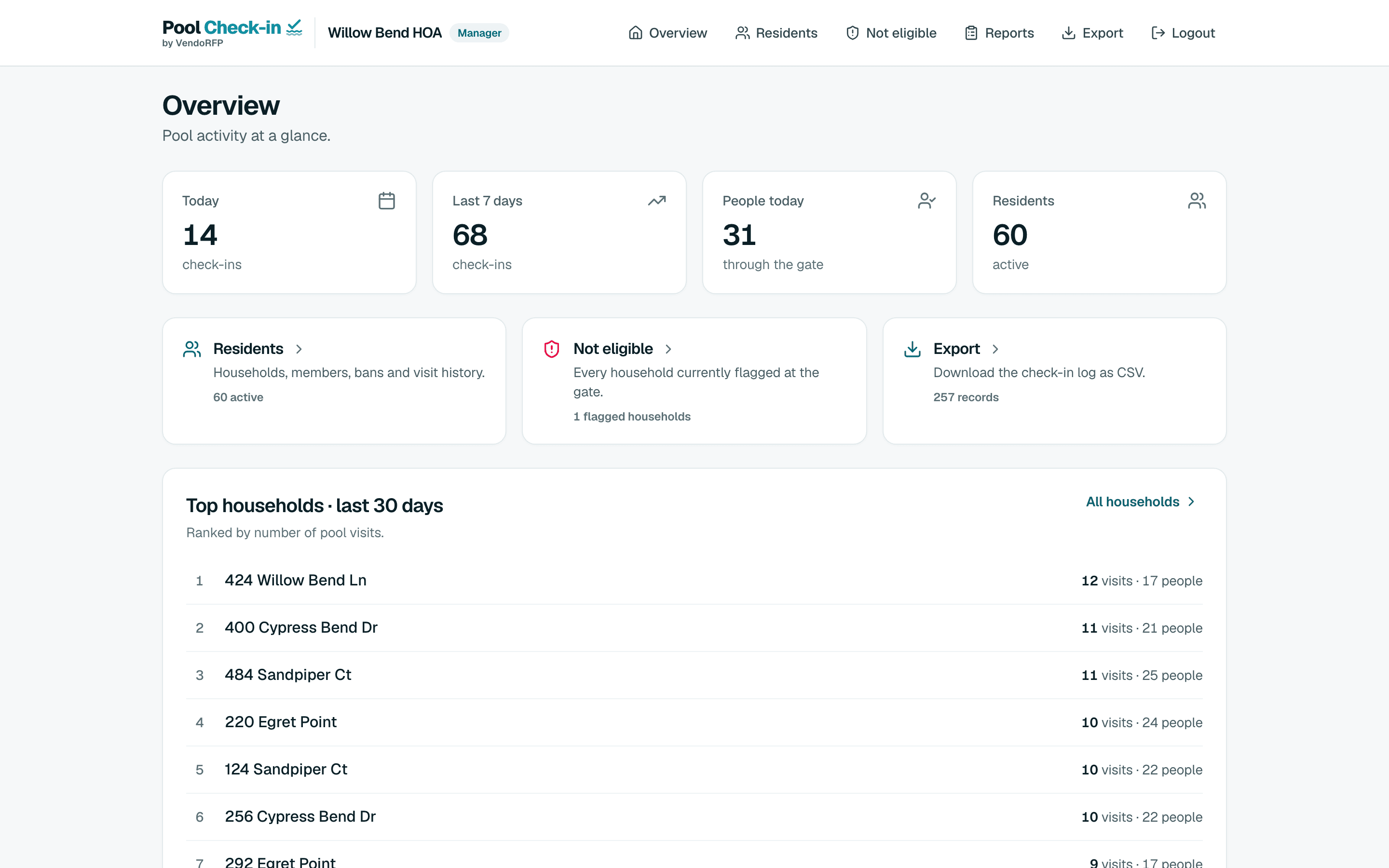
Today's check-ins, people at the pool, the busiest households and a spreadsheet export, from any browser.

Put a tablet in a stand by the gate. Residents find their household with a house number and last name, a household PIN or a printed QR card, then tap who's here. Staff start it with one tap, and the pool PIN ends it.
Residents check themselves in on a kiosk. You decide how they identify themselves.
Put a tablet in a stand by the gate. A staff member starts it with one tap and the pool PIN ends it. Residents check themselves in, and your staff can focus on the pool.
Demo Try it: tap Check in
Check yourself in here. It takes a few seconds.
Step 1 of 4: A self check-in kiosk at the gate
Residents are grouped by address, so a family that comes back after lunch shows up under the same household.
Bar a household, suspend it, or flag it for dues. You can also bar one person without barring their family.
Each check-in is tagged with its pool, and the day’s log can be filtered by pool.
Once the page is open, check-ins wait on the device and send themselves when it reconnects. Each one is recorded once.
Rounds, opening and closing checklists, inspections and incidents, filed from the gate.
Who came in, when and at which pool, with the staff member and device that checked them in. Managers export the log to a spreadsheet.
One pool and up to 2,000 households. Add Pool Check-in Plus to a community that needs more pools or households.
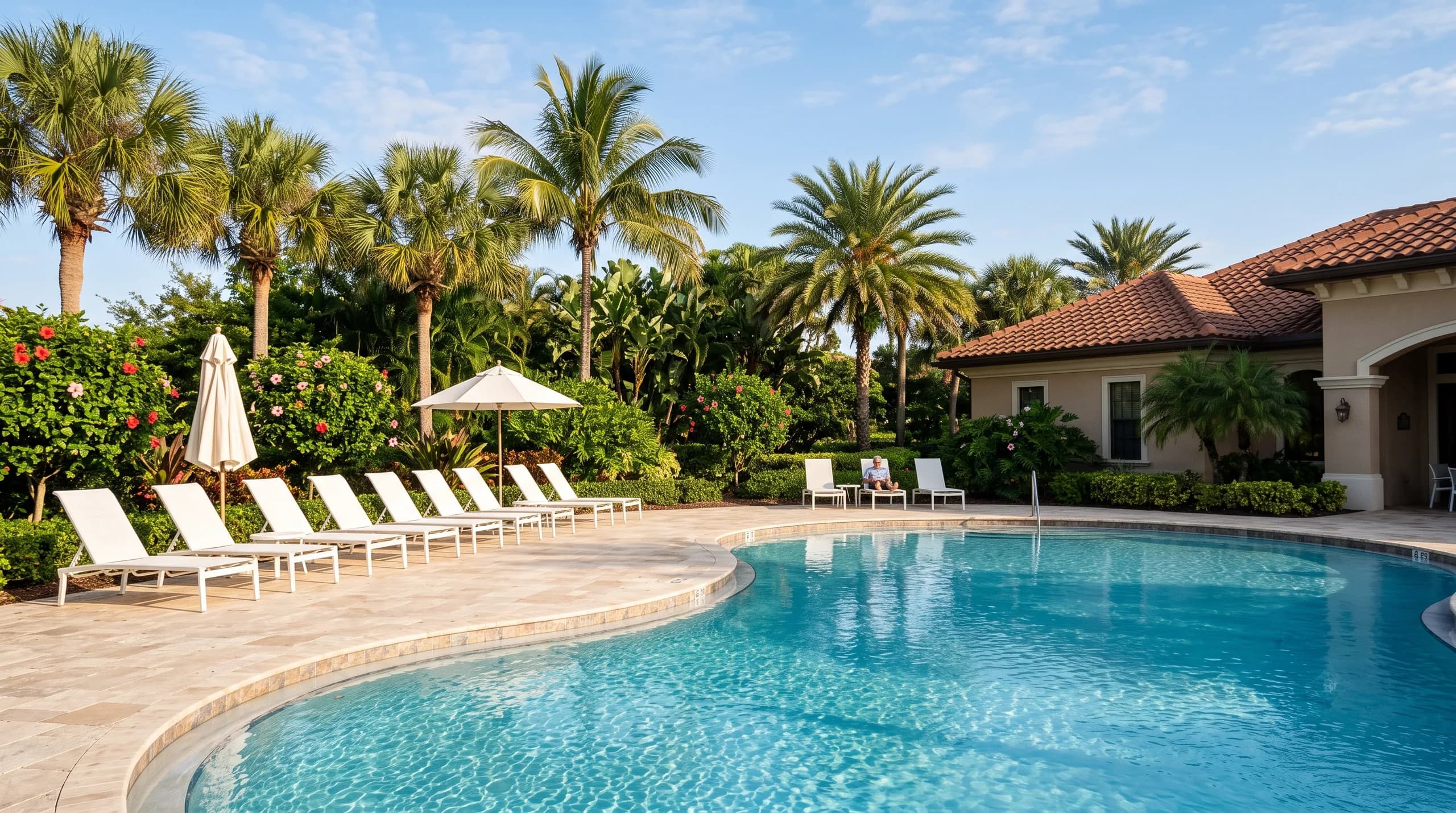
Each community has its own list, hours, pools and staff. An organization holds as many communities as you run, so a single HOA and a management company use the same app.
Sign up, add your hours and your resident list, and register a tablet at the gate. The first community is free.