Pool check-in for pool monitoring companies
Rounds, check-ins and reports for every site you watch.
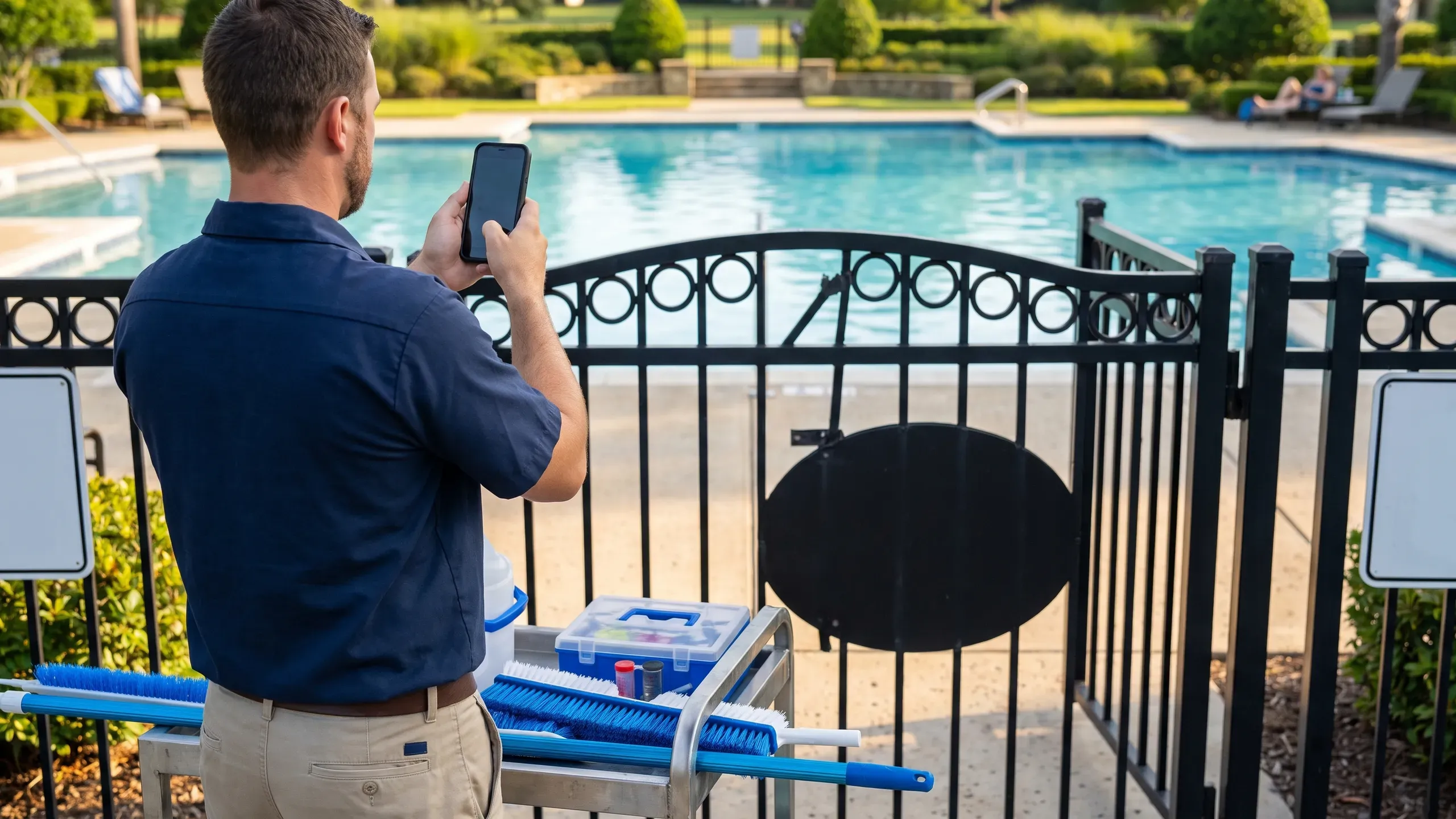
A pool monitoring company puts attendants at pools to watch the gate and the water. Pool Check-in records who was let in, and your attendants file the half-hour rounds and reports the client expects.
- Free for your first community site
- Rounds and reports
- A manager for every site
Run the gate however you want
Every community can use a staff tablet, a self check-in kiosk, phones or a computer. Use one, or all of them together, and change your mind any time.
Tablet
Search a name or street, open the household and tap who is here.
See howTablet in kiosk mode
A tablet in a stand. People identify themselves, and staff start and end it.
See howPhones
The same app in a phone browser, for a walking attendant or a volunteer.
See howComputer
A front desk, a Chromebook or a laptop, with a keyboard and a bigger screen.
See how
What it does for pool monitoring companies
Rounds on a schedule
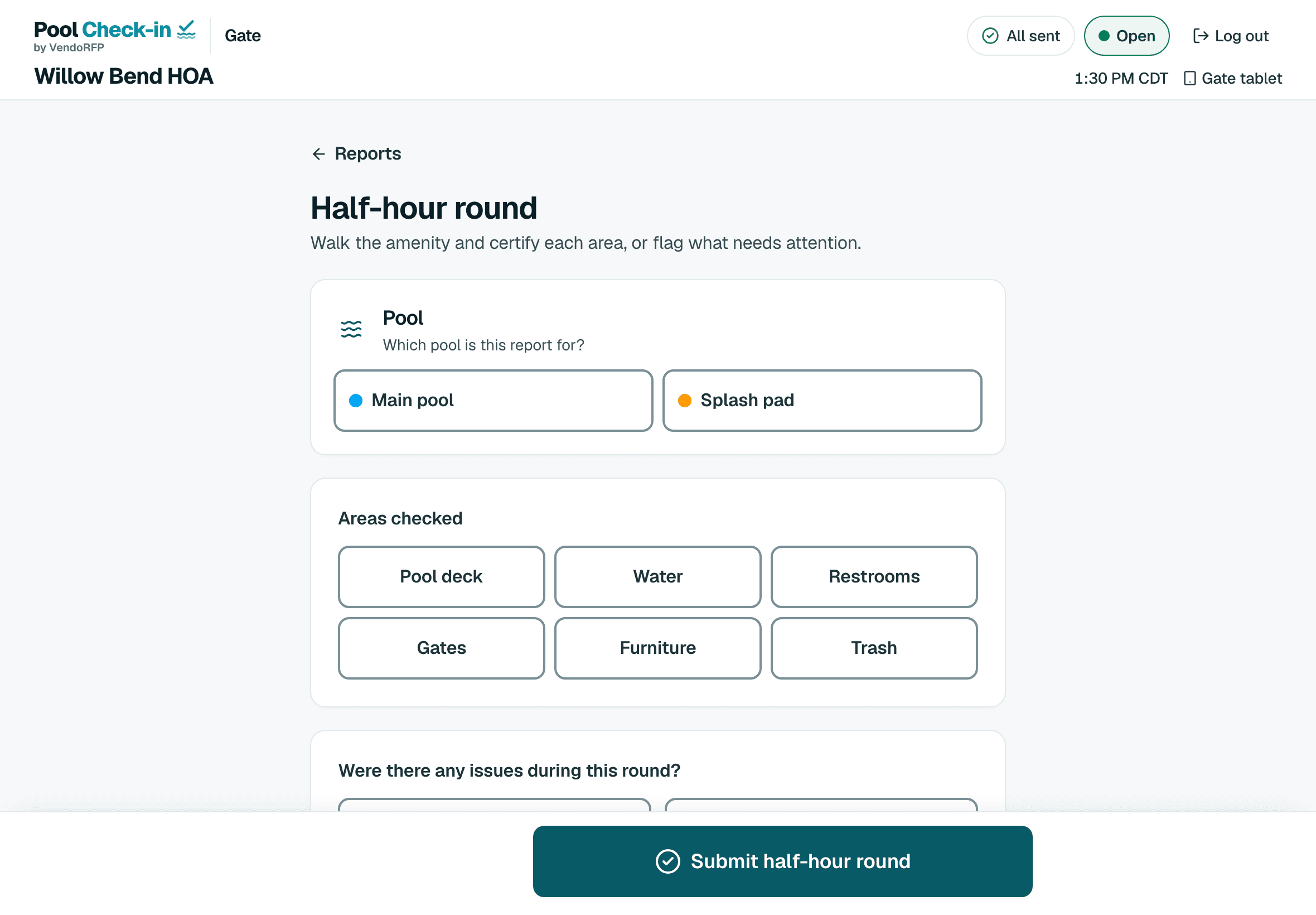
Attendants file half-hour rounds, opening and closing checklists and amenity inspections, with photos from the device camera.
Incidents on the record
An incident report goes in from the gate with photos, and the client's manager reads it in the app.
Entry controlled and recorded
Hours are enforced and a barred or suspended household is stopped. Every visit shows who was let in.
Every site in one organization
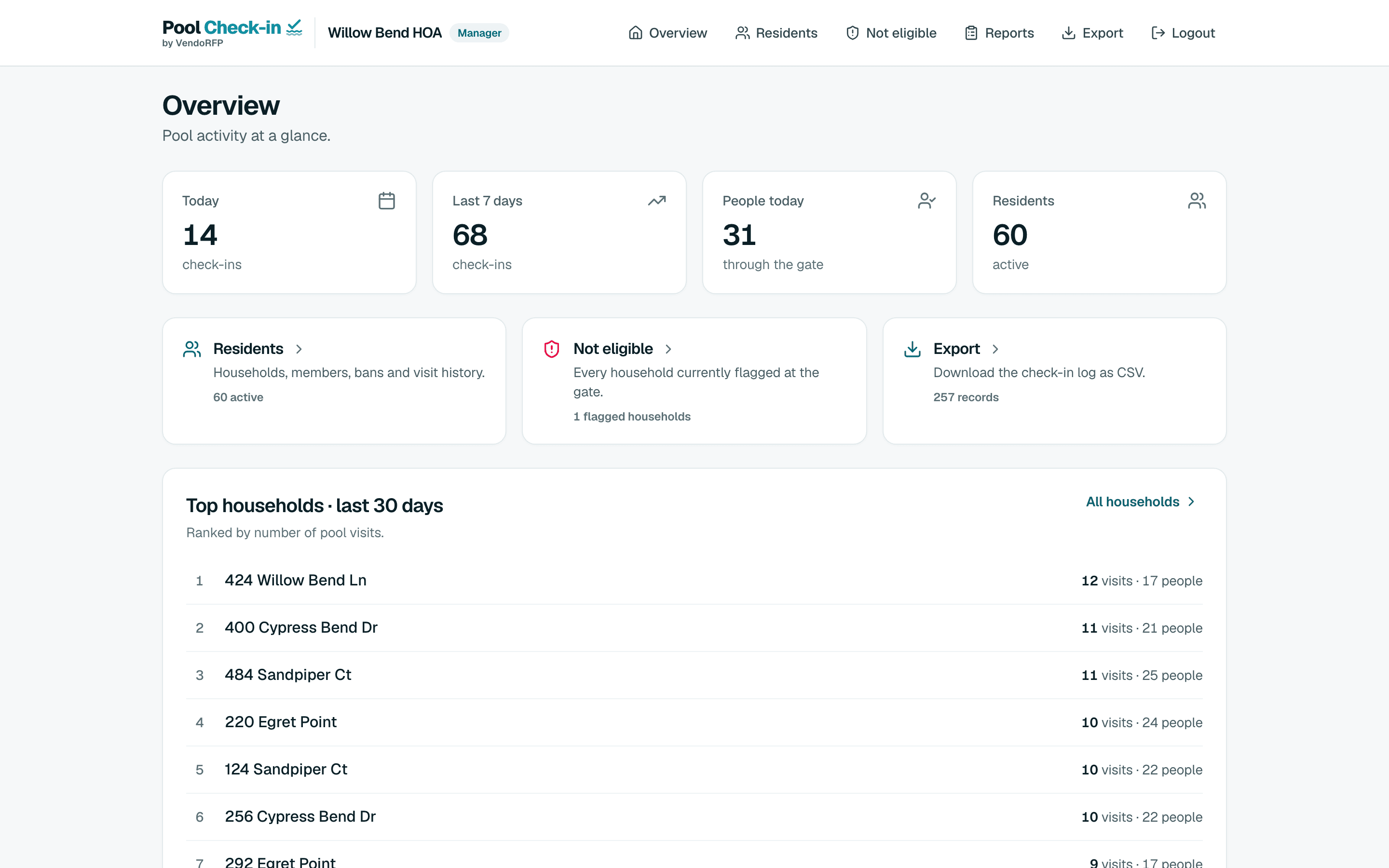
A live feed across your communities shows check-ins as they happen.
How pool monitoring companies set it up
At the gate
The attendant checks people in on a tablet. The hours for that day are enforced, and a barred or suspended household is stopped.
With a list
Each site keeps its own resident list. Where a site has none, walk-in check-in takes names instead.
Reports
Half-hour rounds, opening and closing checklists, amenity inspections and incident reports, with photos from the device camera, browsable by managers.
Give each site its own manager sign-in
Each community you watch can have a manager (customer) sign-in of its own, so the client reads that site's check-ins and reports without seeing your other sites.
One manager per community
Create the manager sign-in from your administrator screen. A community holds one active manager at a time.
Attendants file the reports
Your attendants check people in and file rounds and incidents. They cannot open manager or administrator screens.
A record your clients can read
The client's manager reads reports and exports the check-in log for their community.
Custom roles, finer permissions and single sign-on are Enterprise requests that the app does not offer yet. Contact for access if you need them. Contact us
From one pool to a whole portfolio
A community is one place with its own list, hours, staff and pools. An organization holds as many communities as you run.
- One siteA free community with one pool.
- Busier sitesPlus adds pools and households for a site.
- Every siteOne organization holds all of them, with a live feed across communities.
- Many sitesAdd as many as you run. From 4 communities, Enterprise may cost less, arranged on a call.
Other kinds of pools
- Apartment communitiesResidents by unit, with a leasing office
- HOAsBoard volunteers or a pool service
- CondominiumsOwners and renters, pool and spa
- Hotels and resortsGuests, owners and a front desk
- Pool clubsSwim and member clubs
- Country clubsMembers, guests and several pools
- Private beachesResidents and guests at the shore
- Lifeguard companiesGuards at many client pools
- Security guard servicesGuards at the pool gate
Start with one pool, free
Sign up, add your hours and your list if you have one, and register a tablet at the gate.