Pool check-in for condominiums
Owners, renters and their guests, on one list.
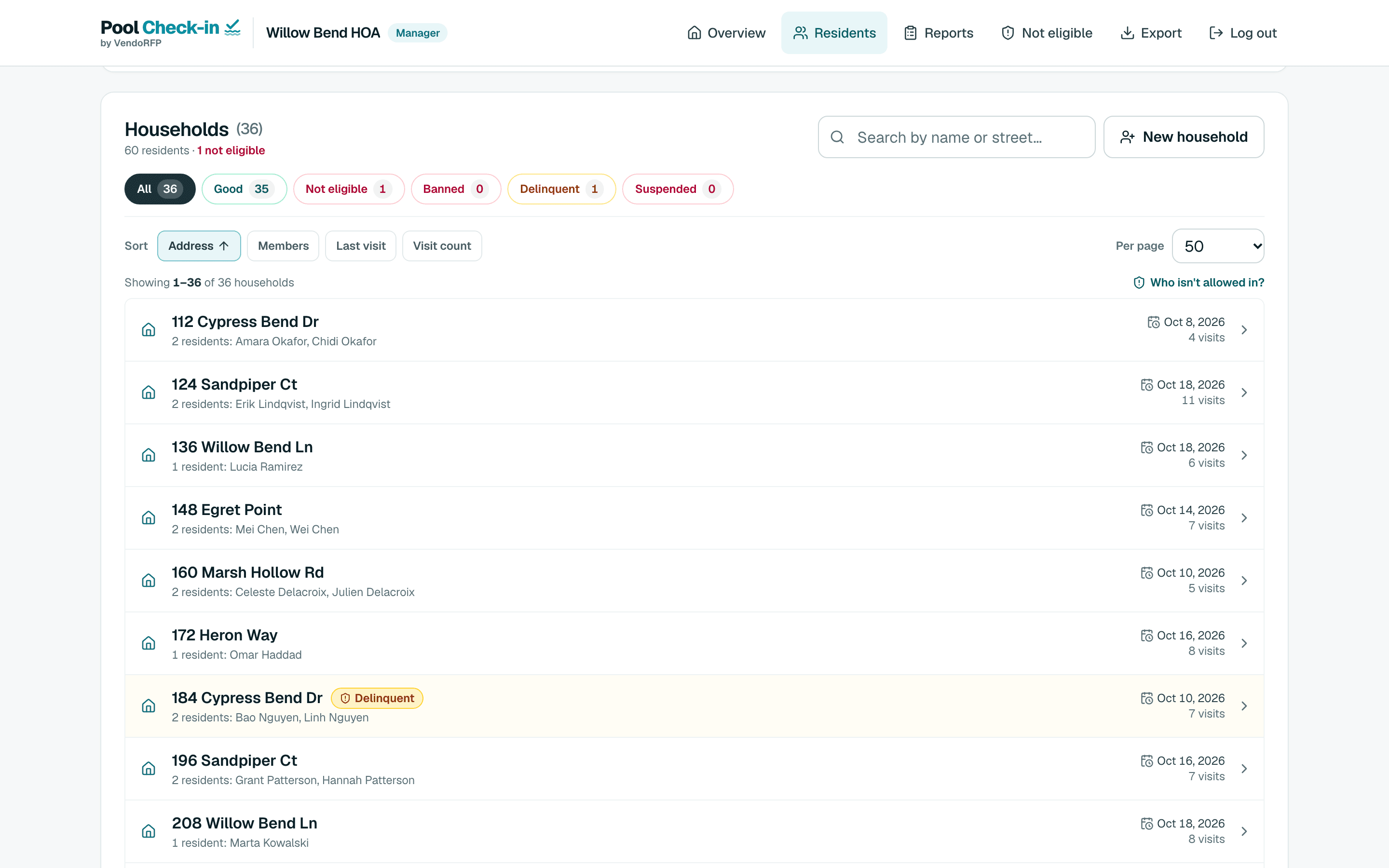
A condominium association has owners and renters under one roof and often more than one amenity. Pool Check-in keeps them together by address, tags each visit with the pool or spa, and flags a unit that is behind on dues.

- Free for your first community
- Owners and renters together
- Pool and spa tagged
Run the gate however you want
Every community can use a staff tablet, a self check-in kiosk, phones or a computer. Use one, or all of them together, and change your mind any time.
Tablet
Search a name or street, open the household and tap who is here.
See howTablet in kiosk mode
A tablet in a stand. People identify themselves, and staff start and end it.
See howPhones
The same app in a phone browser, for a walking attendant or a volunteer.
See howComputer
A front desk, a Chromebook or a laptop, with a keyboard and a bigger screen.
See how
What it does for condominiums
Owners and renters on one list
A type column such as Owner or Renter comes along with each resident.
Standing shows at the gate
A unit behind on dues shows a warning with the reason and your note. A unit you have barred or suspended is stopped.
Every amenity tagged
Name each pool or spa. Every check-in records which one it was made at.
A front desk can run it
Staff at the front desk check residents in from a computer, a tablet or a phone.
How condominiums set it up
At the gate
Front desk or pool staff check residents in on a tablet or phone. A tablet kiosk lets owners check themselves in with a unit number and last name, a household PIN or a printed QR card.
With a list
Import your owner and tenant roster. A type column such as Owner or Renter is carried along, and a file with a dues column shows which units it would flag before you save.
Without one
Walk-in check-in covers visitors who are on no list, with a limit on guests per unit.
Bring your pool company along
If a pool monitoring or lifeguard company runs your pool, you subscribe once and give their staff attendant sign-ins in your community. There is no extra charge for sign-ins.
You stay the owner of the community
Your resident list, your hours and your records live in your account. You can add or remove a sign-in whenever you want.
Attendants only run the gate
An attendant signs in on a registered phone or tablet. They check people in and file the reports your pool needs, and they cannot open manager or administrator screens.
You still see everything
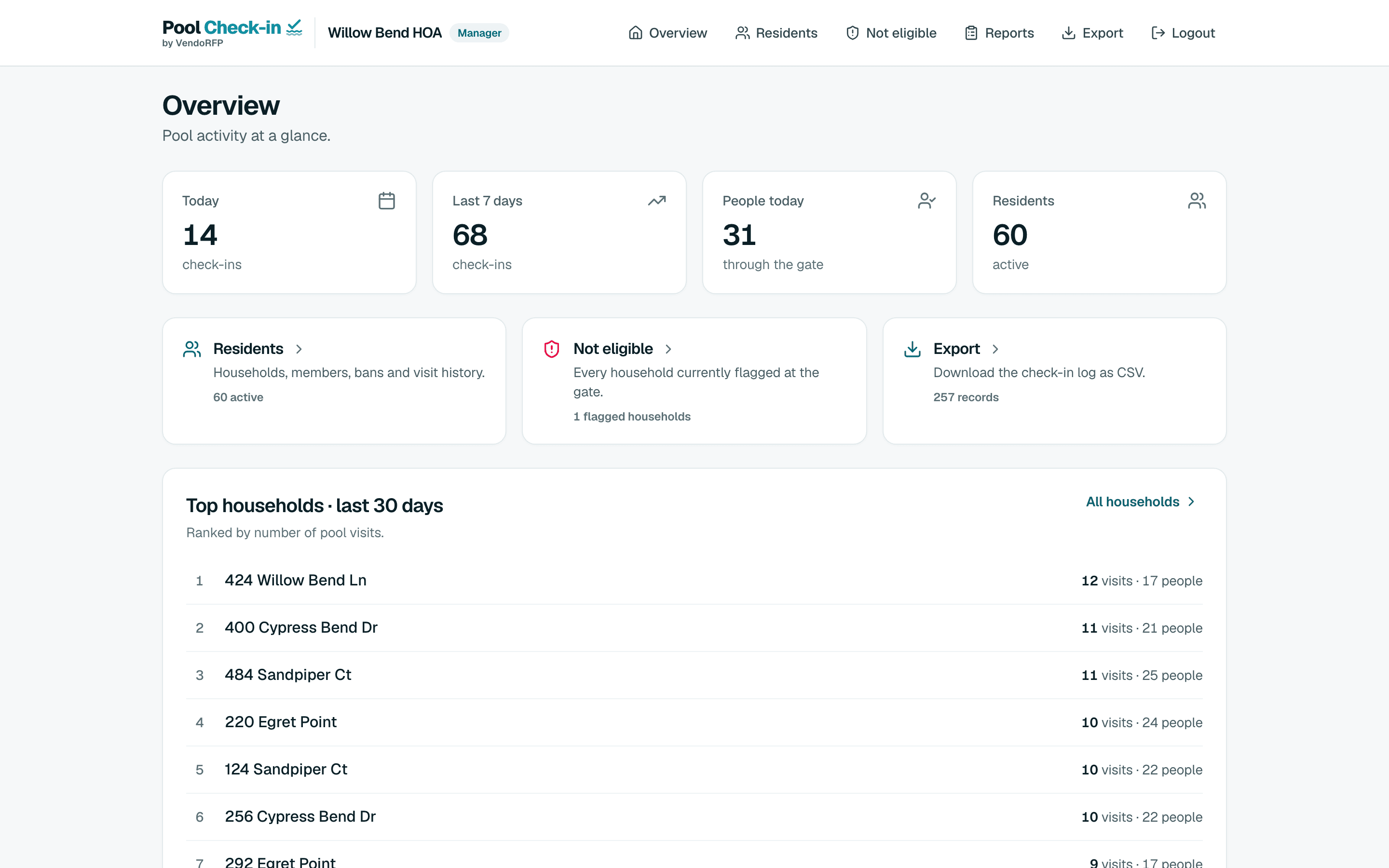
Your manager sign-in reads every check-in and report for the community, and exports the log.
Prefer that the company bring its own account? Pool monitoring and lifeguard companies can run your community from theirs. For lifeguard companies
From one pool to a whole portfolio
A community is one place with its own list, hours, staff and pools. An organization holds as many communities as you run.
- One associationA free community with one pool.
- Pool and spaPlus gives a community more pools, with up to 5 of them named on check-ins.
- Several associationsA management company holds each association as its own community.
- Very largeEnterprise is arranged by call.
Other kinds of pools
- Apartment communitiesResidents by unit, with a leasing office
- HOAsBoard volunteers or a pool service
- Hotels and resortsGuests, owners and a front desk
- Pool clubsSwim and member clubs
- Country clubsMembers, guests and several pools
- Private beachesResidents and guests at the shore
- Lifeguard companiesGuards at many client pools
- Pool monitoring companiesAttendants, rounds and reports
- Security guard servicesGuards at the pool gate
Start with one pool, free
Sign up, add your hours and your list if you have one, and register a tablet at the gate.