Phones
The same app runs in a phone's browser. It suits an attendant who walks the deck, a volunteer on a weekend shift or a guard at a post, and there is no charge for each sign-in.
- No app store
- Each person signs in as themselves
- Reports with photos
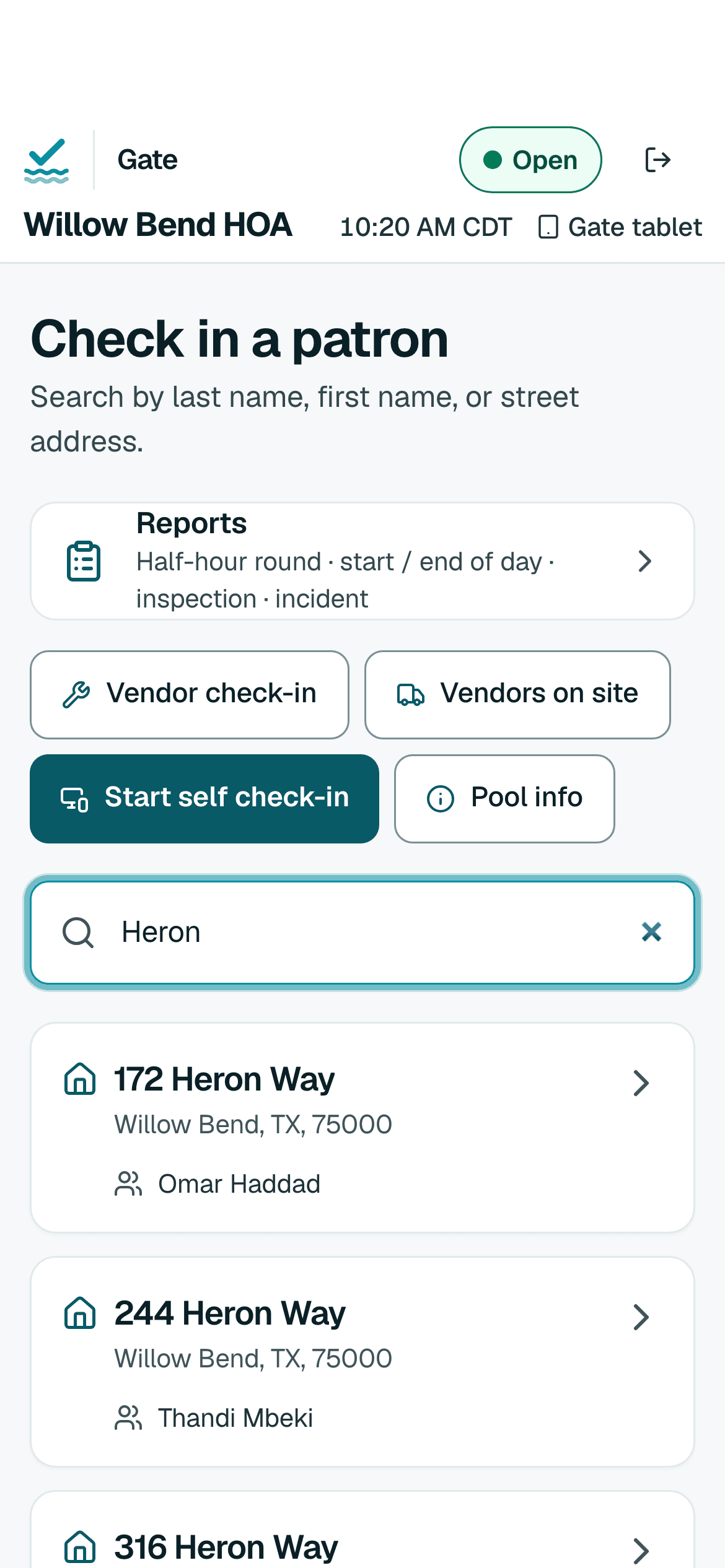
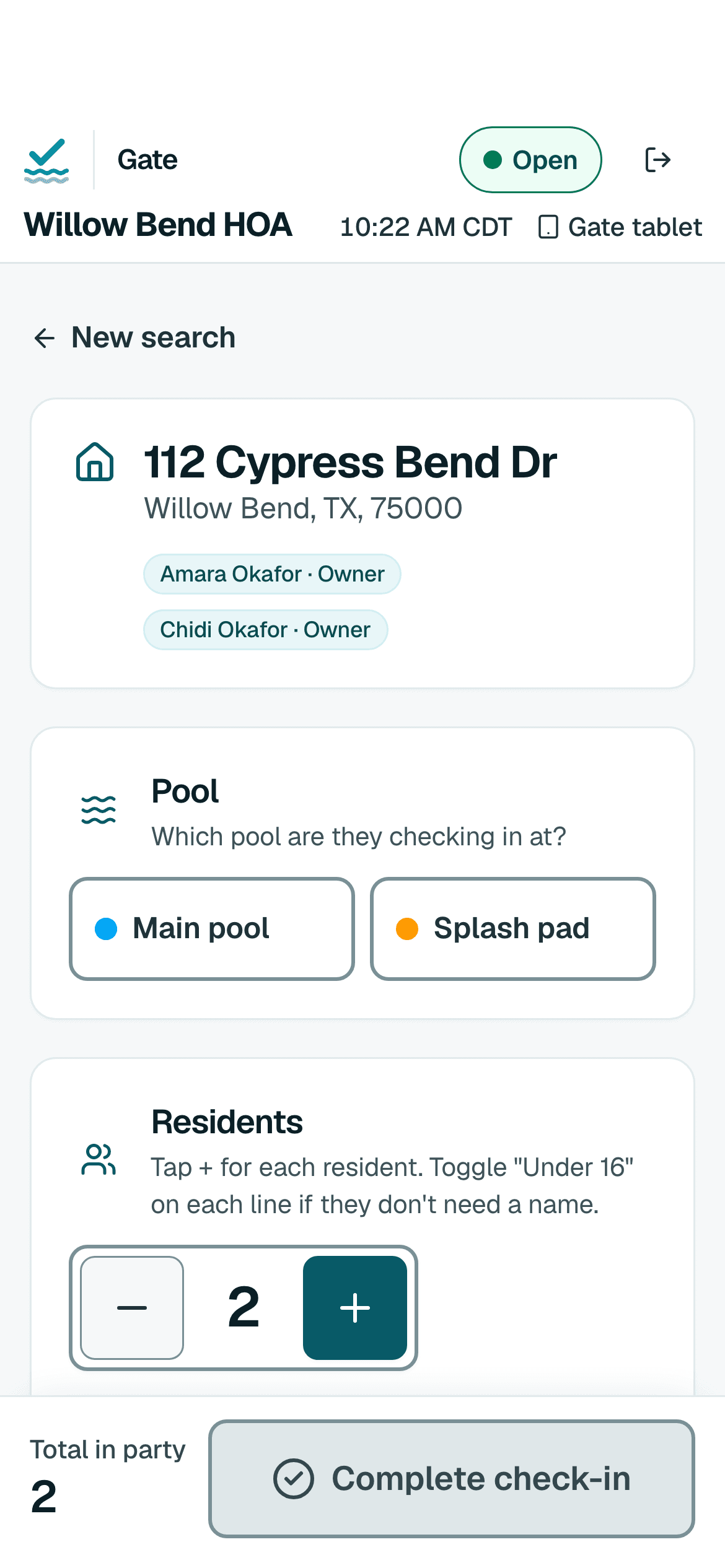
Putting a phone to work
- Open the app in the phone's browser. Go to app.poolcheckin.com. There is nothing to install from an app store.
- Sign in as yourself. Each volunteer or guard has their own username, so every check-in shows who made it.
- Register the phone with the pool's PIN. It is asked once per phone, and an administrator can cancel the registration at any time.
- Add it to the Home Screen. It opens like an app, and browsers are less likely to clear its saved data after a week without use.
What a phone can do
The full gate
Search, open a household, tap who is here and see the standing note, the same as on a tablet.
Reports and photos
File rounds, checklists, inspections and incidents, with photos from the phone's camera.
When the wifi drops
Check-ins wait on the phone and send themselves when it reconnects. Each one is recorded once.
Try it with one pool, free
Sign up, add your hours and your list if you have one, and register a tablet at the gate.