Pool check-in for hotels and resorts
Check in hotel guests without a list.
A hotel or resort has guests who arrive today and leave tomorrow, so most of them are on no list. Pool Check-in checks them in by name with a headcount. You can also keep a list for owners or long-stay residents.
- Free for your first community
- No guest list needed
- Different hours each day
Choose how you check people in
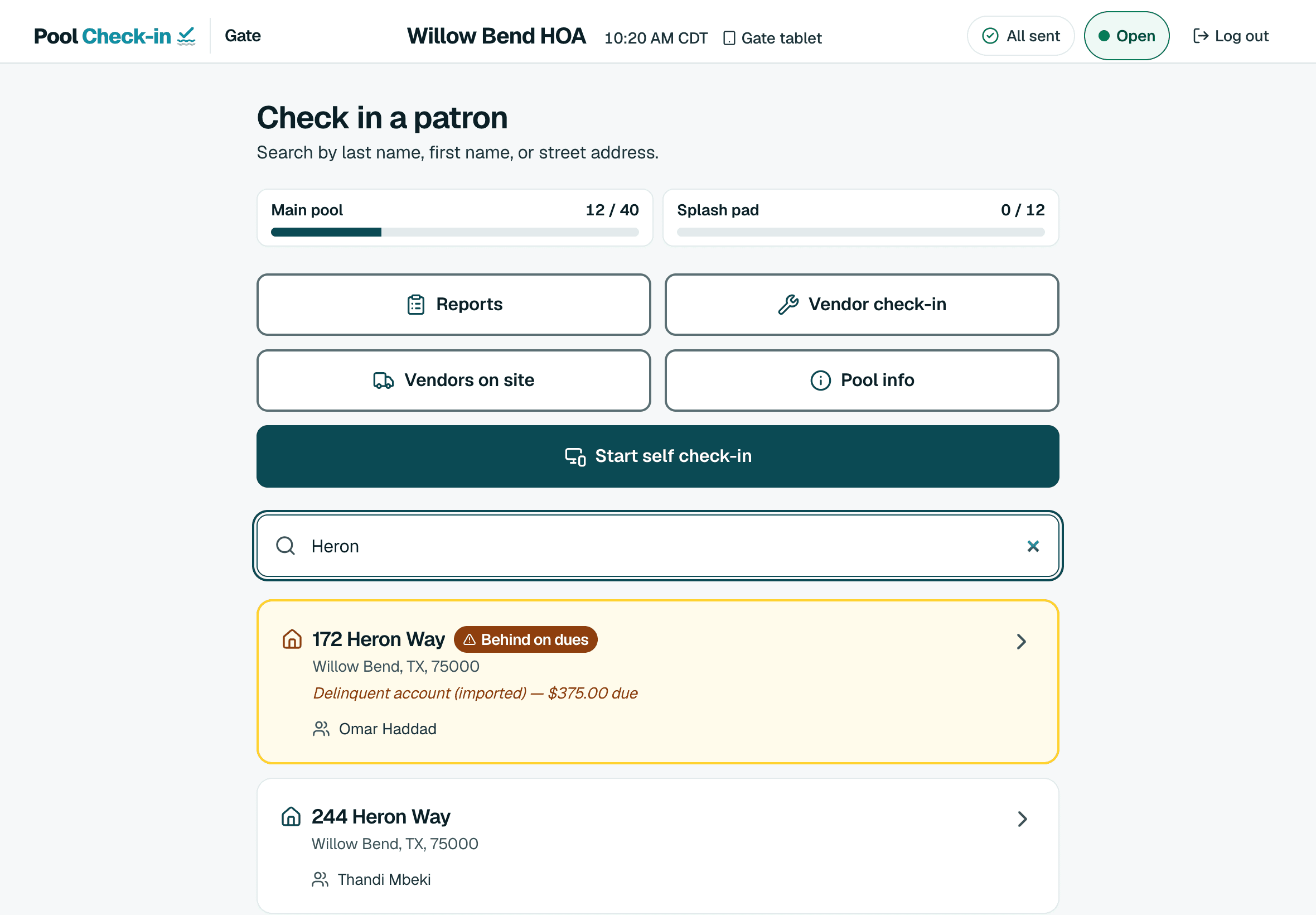
Every community can use a staff tablet, a self check-in kiosk, phones or a computer. Use one or all of them, and change your mind any time.
Tablet
Gate staff search a name or street, open the household and enter who came.
See howTablet in kiosk mode
A tablet in a stand where residents check themselves in. Only your staff can close kiosk mode.
See howPhones
The same app in a phone's web browser, for staff who walk the pool deck or a volunteer.
See howComputer
A front desk computer, a Chromebook or a laptop, with a keyboard and a bigger screen.
See how
What it does for hotels and resorts
No guest list needed
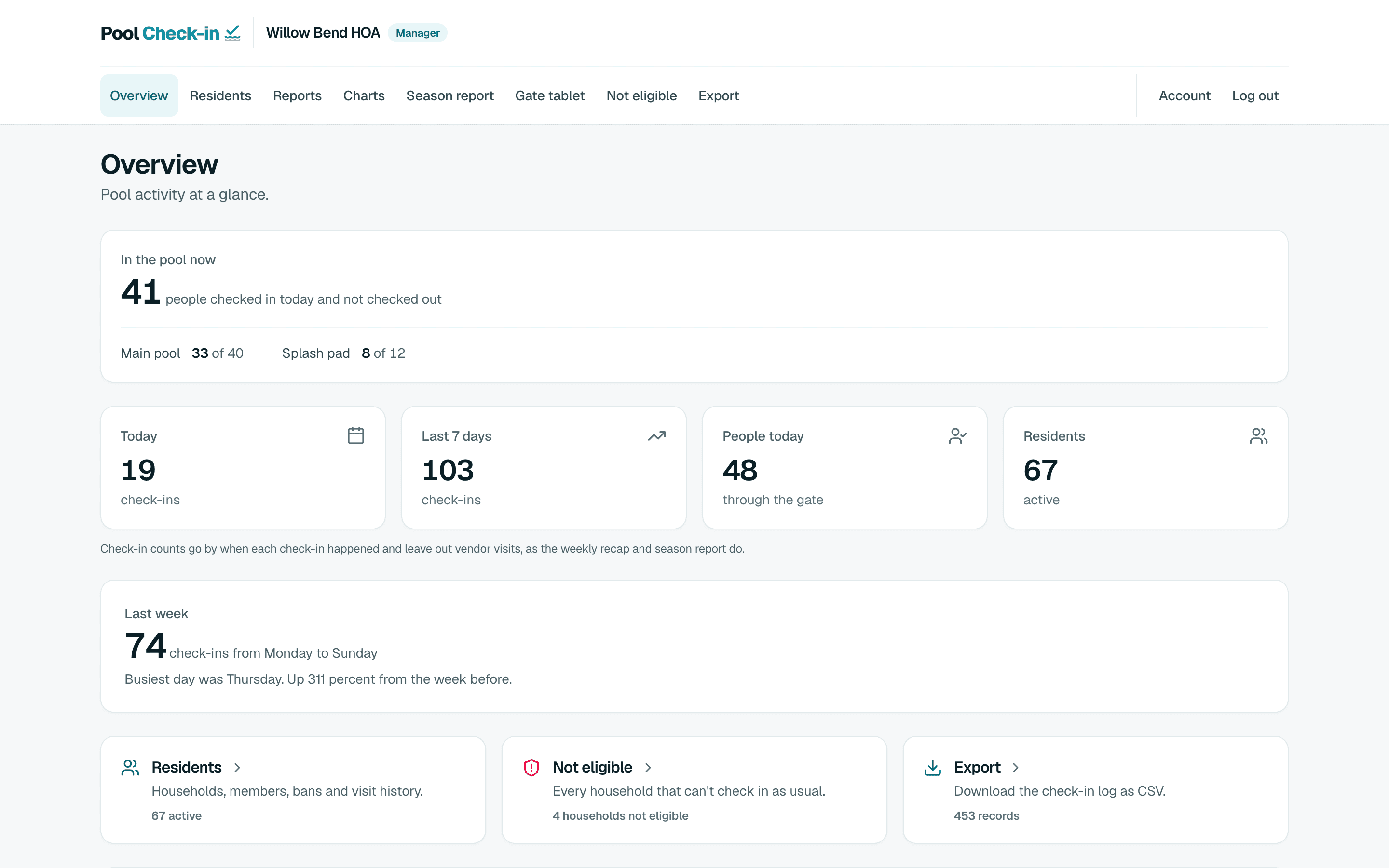
Turn on Allow custom check-ins and take a name and a headcount with Custom check-in. Turn on Remember custom check-in patrons, and the guests you save are filled in on their next visit.
Owners and long stays too
Keep a list for owners or long-stay residents, with a room or unit number in the address column.
Several amenities
Pro gives a property up to 5 amenities, each with its own opening hours. Every check-in records its amenity.
Your own logo
On the paid plans, your logo and colors appear in the app and on the kiosk for your property.
Your first community is free. Create an account and check in your first household today.
How hotels and resorts set it up
At the gate
Pool staff or the front desk check people in on a tablet or a computer. Simple check-in takes one name and how many people are with them.
With a list
You can also import a list. The address column accepts any text, so you can enter a unit or room number.
Without one
You turn on Allow custom check-ins in each community's settings. Turn on Remember custom check-in patrons there too, and the guests you save are filled in on their next visit.
From one pool to a whole portfolio
A community is one place with its own list, hours, staff and pools. An organization holds as many communities as you run.
- One poolA free community.
- Several amenitiesPro allows each property up to 5 amenities, and each day can have different hours.
- A group of propertiesEach property is a community in one organization.
- Many propertiesPro and Premium are each priced per community, so every property picks the size it needs. Enterprise is unlimited and arranged by call.
Plans and pricingIntegrationsSecurityBranding on the paid plans
Other kinds of pools
- Apartment communitiesResidents by unit, with a leasing office
- HOAsBoard volunteers or a pool service
- CondominiumsOwners and renters, pool and spa
- Pool clubsSwim and member clubs
- Country clubsMembers, guests and several pools
- Private beachesResidents and guests at the shore
- Lifeguard companiesGuards at many client pools
- Pool monitoring companiesMonitors, rounds and reports
- Security guard servicesGuards at the pool gate
Create a free account
Create your account and enter your pool hours. Upload your resident list if you have one, then sign in on a tablet at the gate.