Import your resident list
Bring the list you already keep. Pool Check-in finds the columns on its own, shows you a preview and saves nothing until you say so.
- Excel, CSV or Google Sheets
- Preview before anything is saved
- Undo the last import for 24 hours

From a file to a roster
1. Your file
Excel (.xlsx or .xls) or CSV up to 10 MB and 20,000 rows, or a Google Sheet link.
2. The preview
The columns it found, how many residents and households, sample rows and every row it would skip, with the reason.
3. You confirm
Only then are residents saved. The last import can be undone for 24 hours.
The steps
- Open Residents. A manager opens the Residents page. An administrator reaches it from the community's page.
- Choose Add to existing or Replace all. Add to existing is the default. It keeps every resident on file and adds the rows in your file.
- Pick the file or paste the sheet link. Excel (.xlsx or .xls) and CSV files up to 10 MB and 20,000 rows each import.
- Read the preview. It shows the columns it found, how many residents and households it found, a few sample rows and every row it would skip, with the reason.
- Confirm. Only then are residents saved.
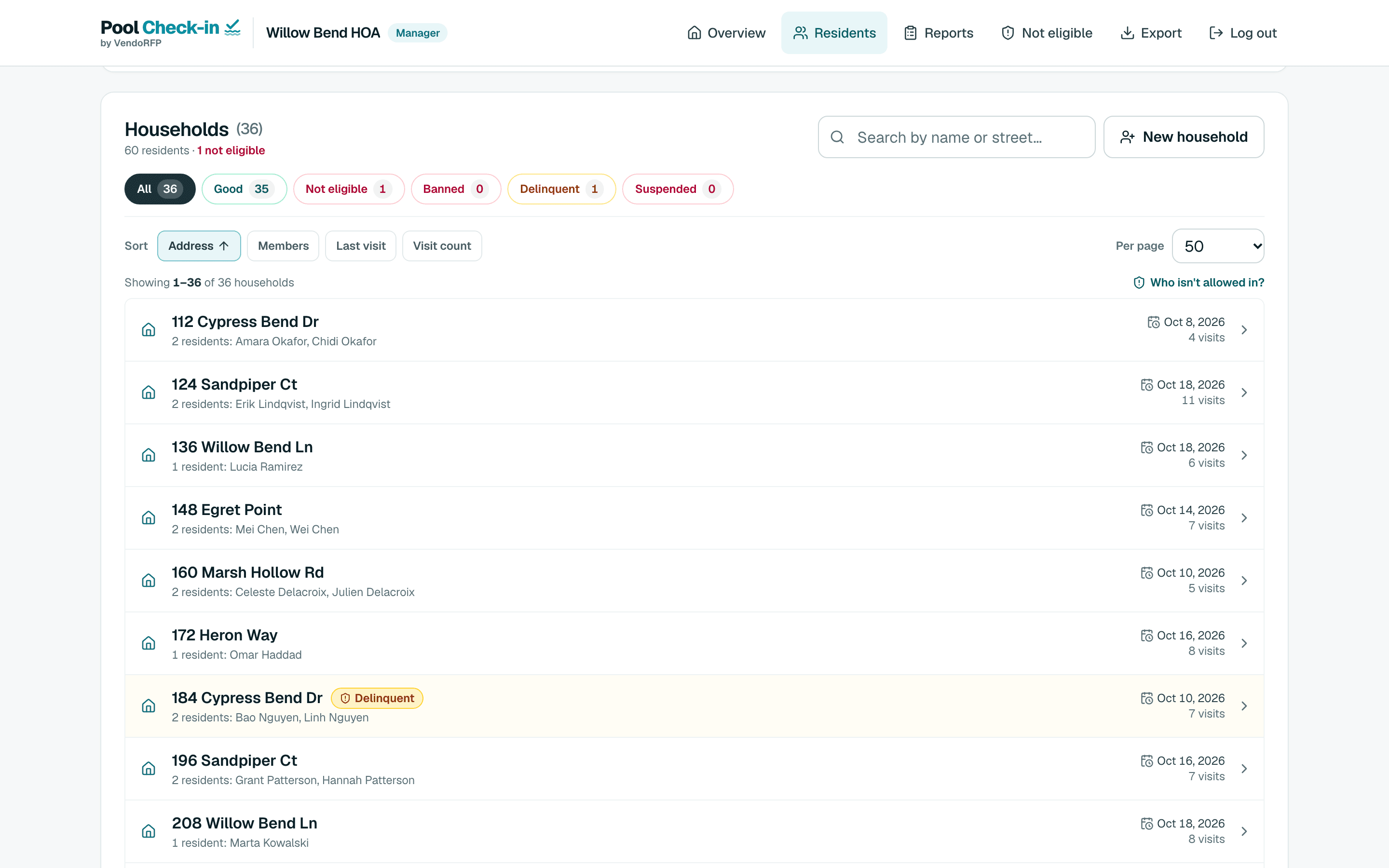
What it needs and how it behaves
An address and a name on every row
A row with only an address is skipped, and the preview says so. A list of addresses alone will not import. With no list at all, switch on walk-in check-in and take names at the gate.
It finds the header row
The importer looks through the first 15 rows of each sheet for the best header, so a title above your columns is fine.
Households by address
People who share an address, in any capital letters, are one household. The same person at the same address twice is counted once.
A dues column rides along
If your file carries a dues or delinquency column, the app shows which households it would flag. Nothing is flagged until you apply it.
Replace all keeps your bans
Replace all clears the resident list first and then loads the file. Bans, suspensions and dues flags are kept, though one tied to an address spelled differently in the new file stops applying, and the app reports that.
Google Sheets
Paste the sheet’s share link, shared with Anyone with the link, or its Publish to web link in CSV format. Nothing syncs on its own: press Sync now whenever the sheet changes, and you get the same preview as with a file.
The columns
Header names are read loosely, so most exports from management software work as they are.
| Column | Needed | Header names it recognizes | Notes |
|---|---|---|---|
| Address | Required | Address, Unit, Street, Property or Home | Any text works: a street address, a unit number, a room or a member number. Everyone with the same address becomes one household. |
| First and last name | Required | First Name and Last Name, or a single Name, Resident, Tenant or Owner column | A single column can read "Last, First" or "First Last". Every row needs a name. |
| City, state and zip | Optional | City, State, Zip | Shown with the address when you have them. |
| Type | Optional | Type, Resident Type or Owner/Renter | Carried with each person, such as Owner or Renter. |