Computer
A front desk, a Chromebook or a laptop runs the same app as a tablet, with a keyboard for quick searches. It is also where managers and administrators do their work.
- Chromebook, laptop or desktop
- Nothing to install
- One sign-in for everyone
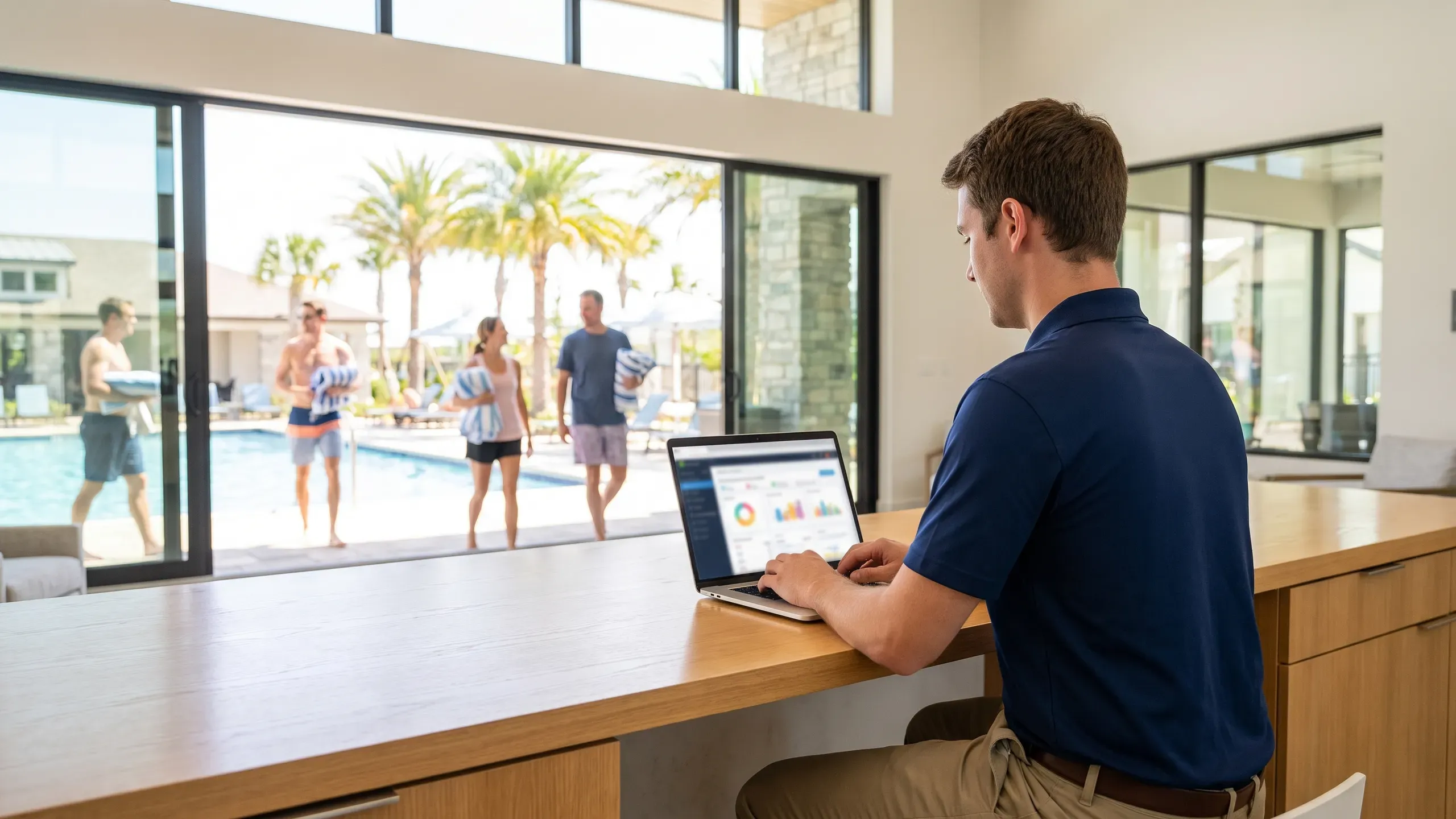
Using a computer at the gate or in the office
- Open it in any current browser. Go to app.poolcheckin.com. Nothing is installed, so a shared front-desk computer works.
- Sign in. Gate staff, managers and administrators use the same sign-in page, and each account opens on its own screen.
- Check people in. Type a last name or a street and open the household, then tap who is here. Registering the computer with the pool's PIN is asked once.
- Do the office work. Managers keep the resident list, read the reports and export the log. Administrators set up communities, pools and sign-ins.
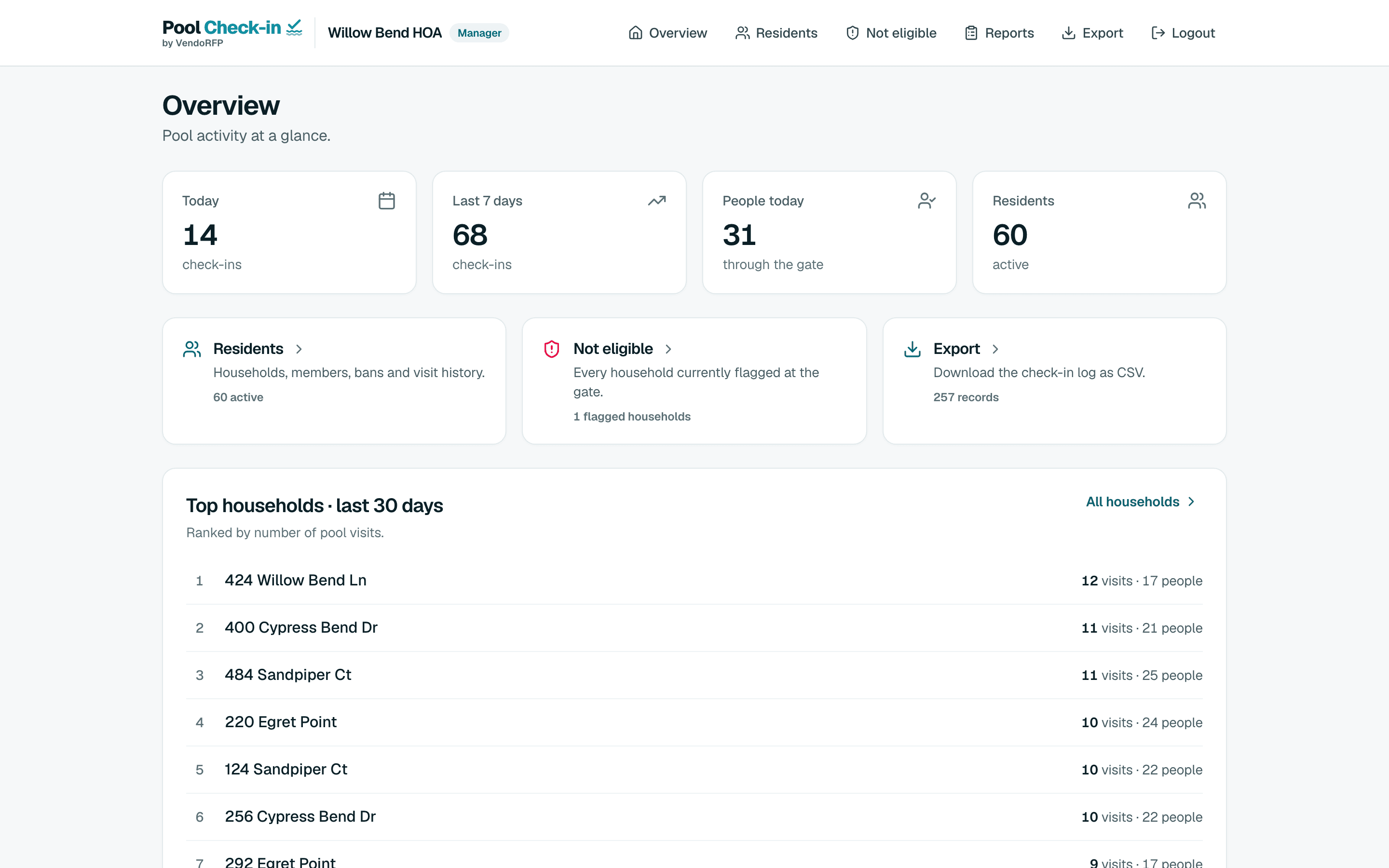
Where a computer helps most
Fast search
A keyboard makes finding a household quick when the line is long.
The resident list
Upload a list from Excel or CSV, or sync a Google Sheet, then edit people household by household.
Reports and exports
Read what attendants file, with photos, and download the check-in log as a spreadsheet for any range of dates.
Charts
See check-ins by day, hour, pool, household and staff member.
Set-up
Opening hours for each day, the guest limit, the kinds of check-in allowed and who signs in.
Several communities
An organization administrator moves between communities from one screen.
Try it with one pool, free
Sign up, add your hours and your list if you have one, and register a tablet at the gate.