Brand and press
Logos, the app icon, colors and product screenshots for Pool Check-in™, with a few rules for writing the name.
One zip with the logos, the app icon, colors as JSON and CSS, amenity icons, four product screenshots, the descriptions below, a fact sheet and a one-page brand sheet (PDF).
Logo
The logo is the name: a heavy two-tone wordmark followed by a check over two water lines. It stands alone.
Logo for light backgrounds



Logo for dark backgrounds



Glyph


App icon
One color


Using the logo
Do
- Leave clear space on every side equal to the height of the capital P.
- Keep the logo at least 96 px wide, and the glyph at least 16 px wide.
- Use the files on this page. Pick the light background file on light colors and the dark background file on dark colors.
- Use a one-color file when the background is a photo or a single brand color.
Do not
- Recolor the wordmark or change the two-tone split.
- Stretch, rotate, outline or add shadows to the logo.
- Redraw the glyph or retype the wordmark in another font.
- Put another company's name beside the logo as if it were part of it.
Writing the name
Write Pool Check-in™ with the trademark mark on first use in a piece, and Pool Check-in after that. The hyphen stays and so does the capital C. Say “tablet” when you mean the gate device.
Color
The logo uses deep water ink and Lagoon. Ratios below are computed from the values shown, against the WCAG contrast formula.
Deep water ink
#0B1F26 · RGB 11, 31, 38
"Pool" in the logo and body text
Lagoon
#0A8FA2 · RGB 10, 143, 162
"Check-in" in the logo and the app icon
Lagoon on dark
#4FD1E2 · RGB 79, 209, 226
"Check-in" on dark backgrounds
Lagoon deep
#0A6E7D · RGB 10, 110, 125
Links and small text in Lagoon
Lagoon wash
#E6F6F8 · RGB 230, 246, 248
Soft panels
White
#FFFFFF · RGB 255, 255, 255
Page background and "Pool" on dark
- Pool Check-inBody text: 17.0 to 1, passes AA for all text
- Pool Check-inLogo wordmark: 3.8 to 1, passes AA for large text only
- Pool Check-inLinks and small text: 5.9 to 1, passes AA for all text
- Pool Check-in"Pool" on dark: 17.0 to 1, passes AA for all text
- Pool Check-in"Check-in" on dark: 9.3 to 1, passes AA for all text
Type
The wordmark is set in Geist at weight 800. Headlines use 650, buttons and labels 600, and body text 400. Geist is an open-source typeface, free to use under the SIL Open Font License 1.1.
Product screenshots
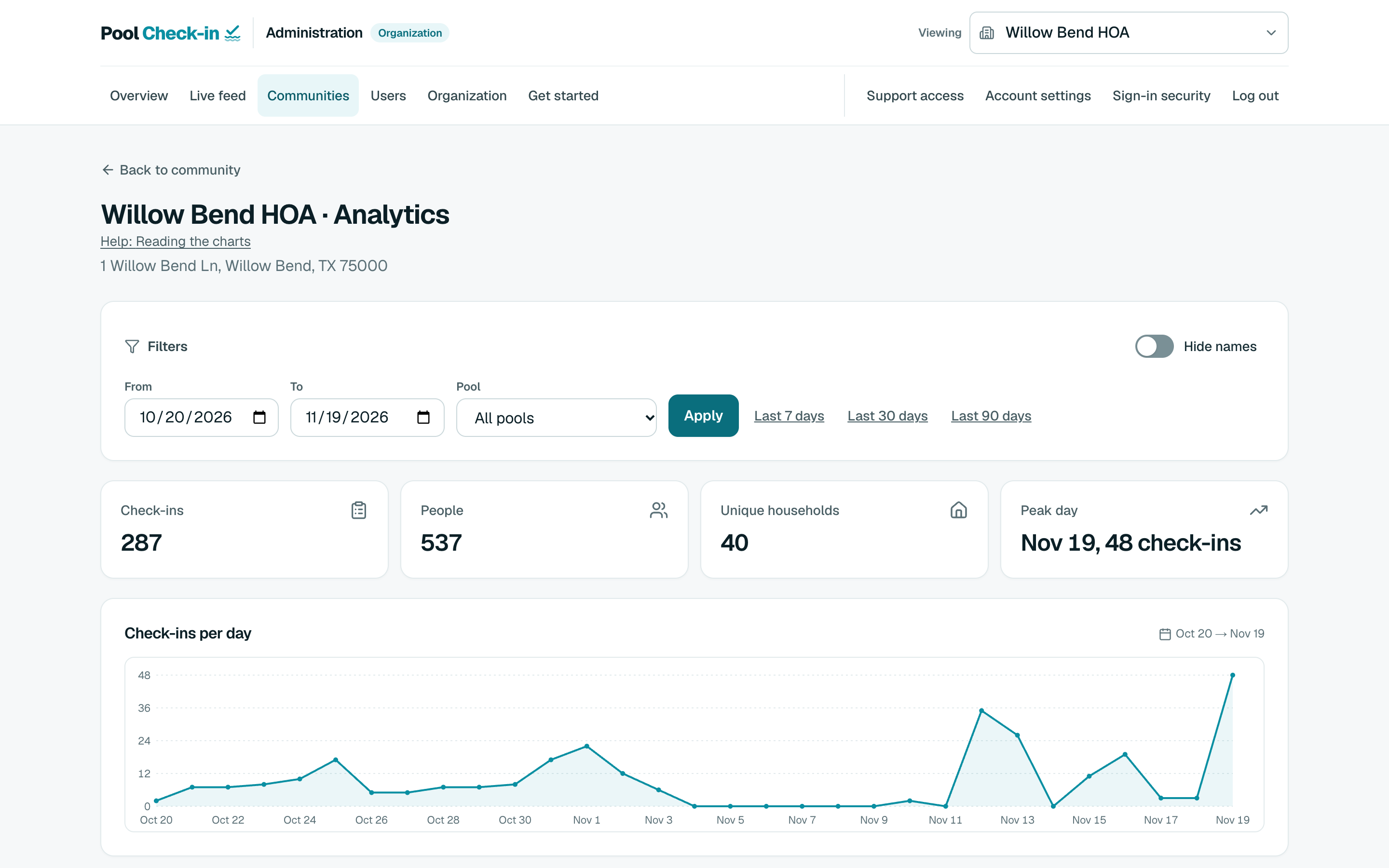
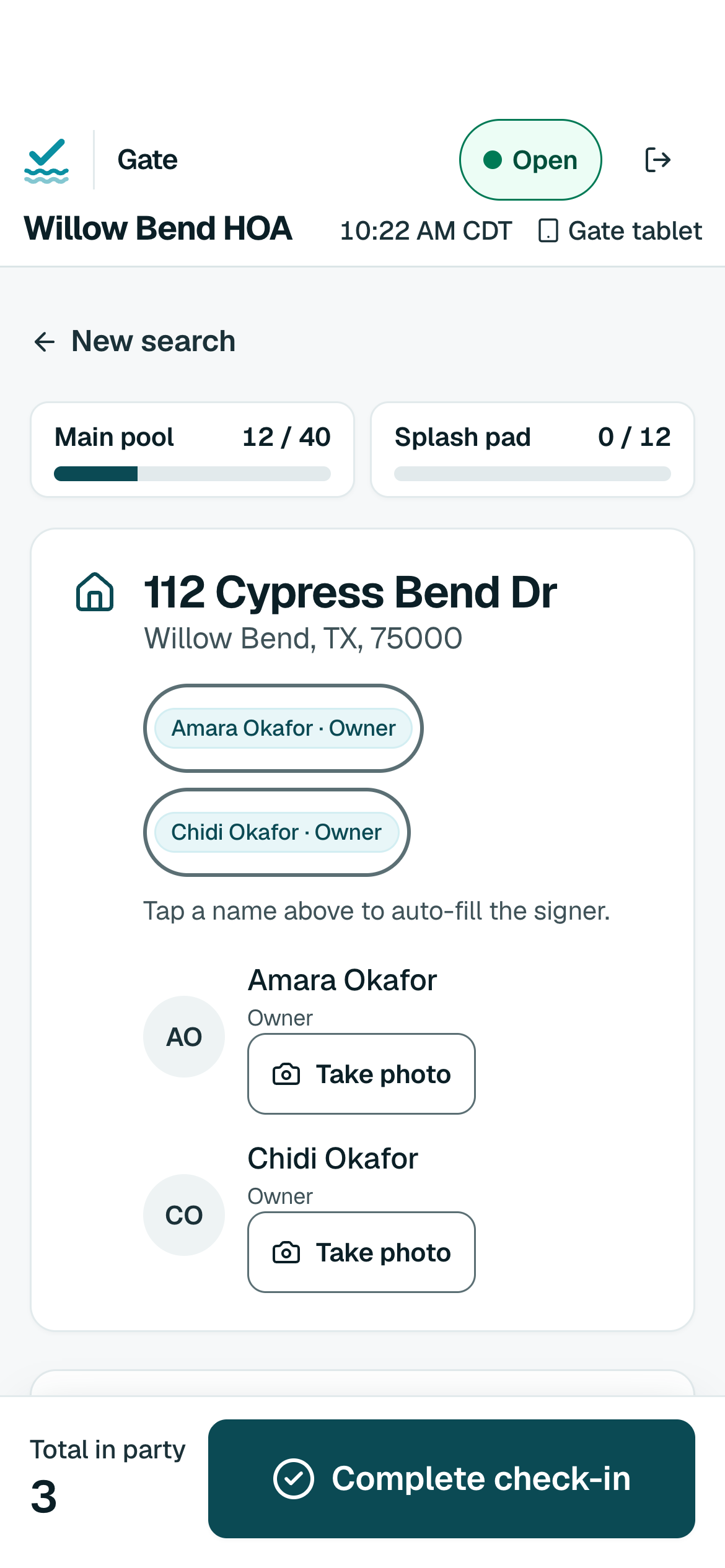
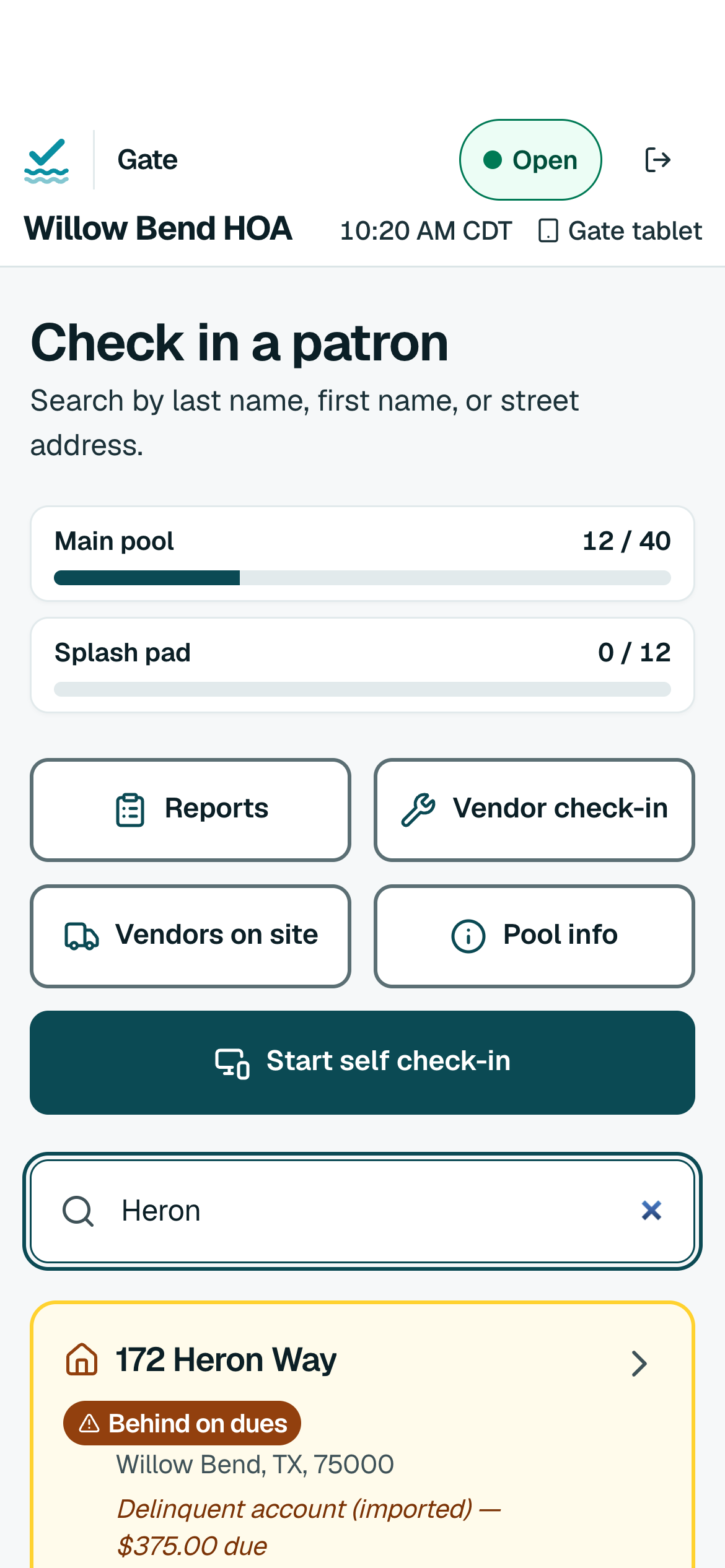
Screens from the real app, shown with a fictional community. Download them at full size.
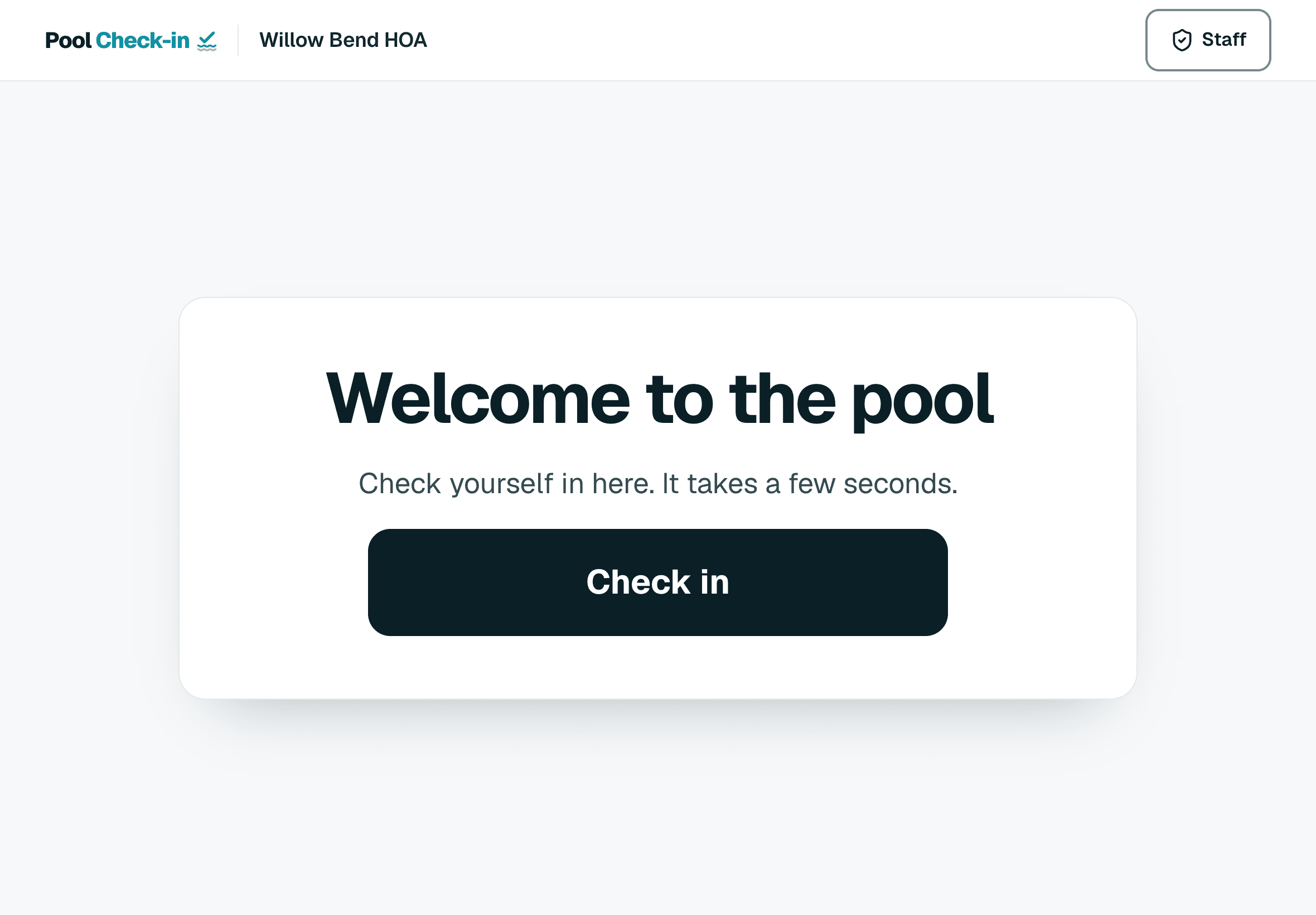
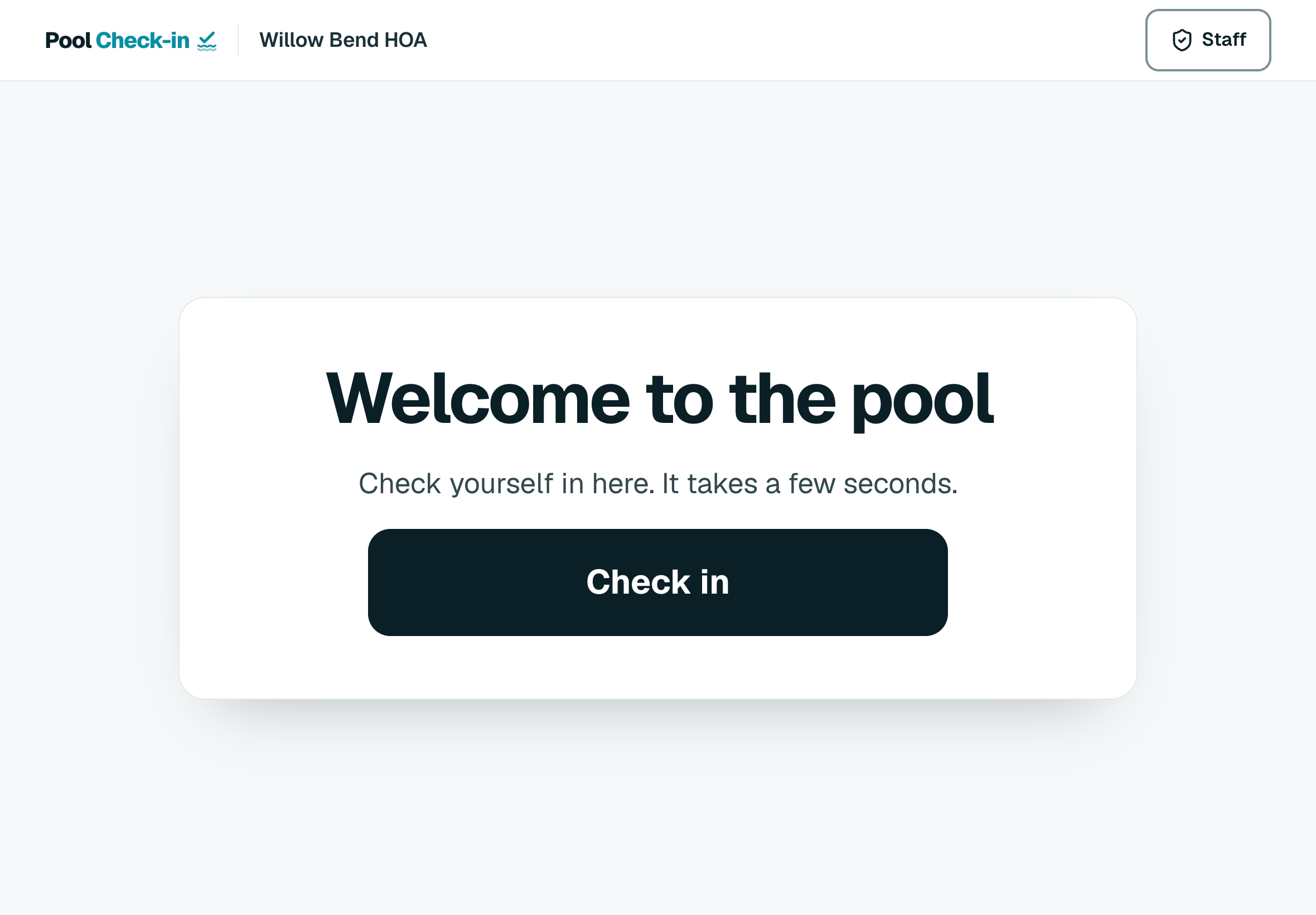
Self check-in kiosk, welcome
Download PNG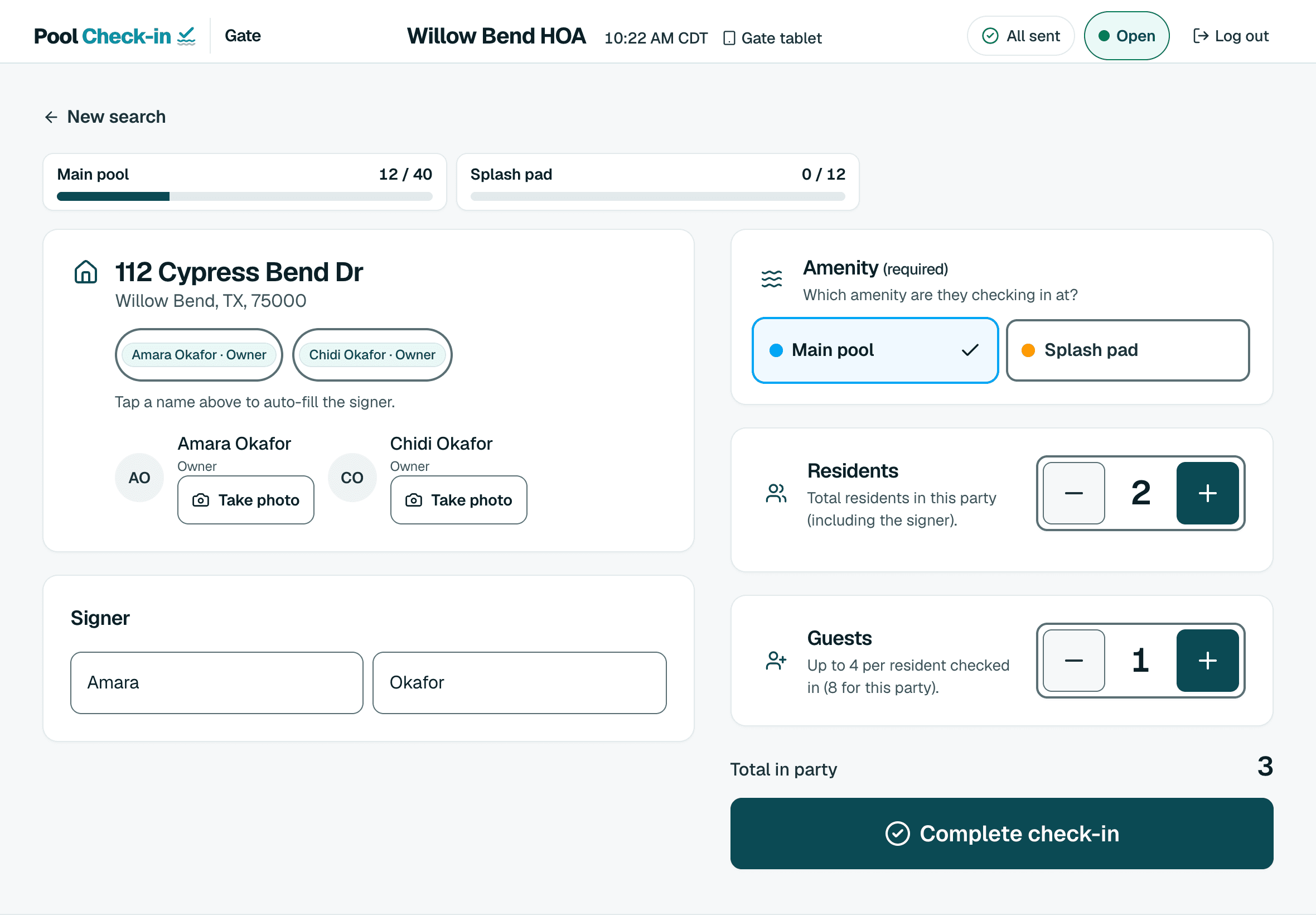
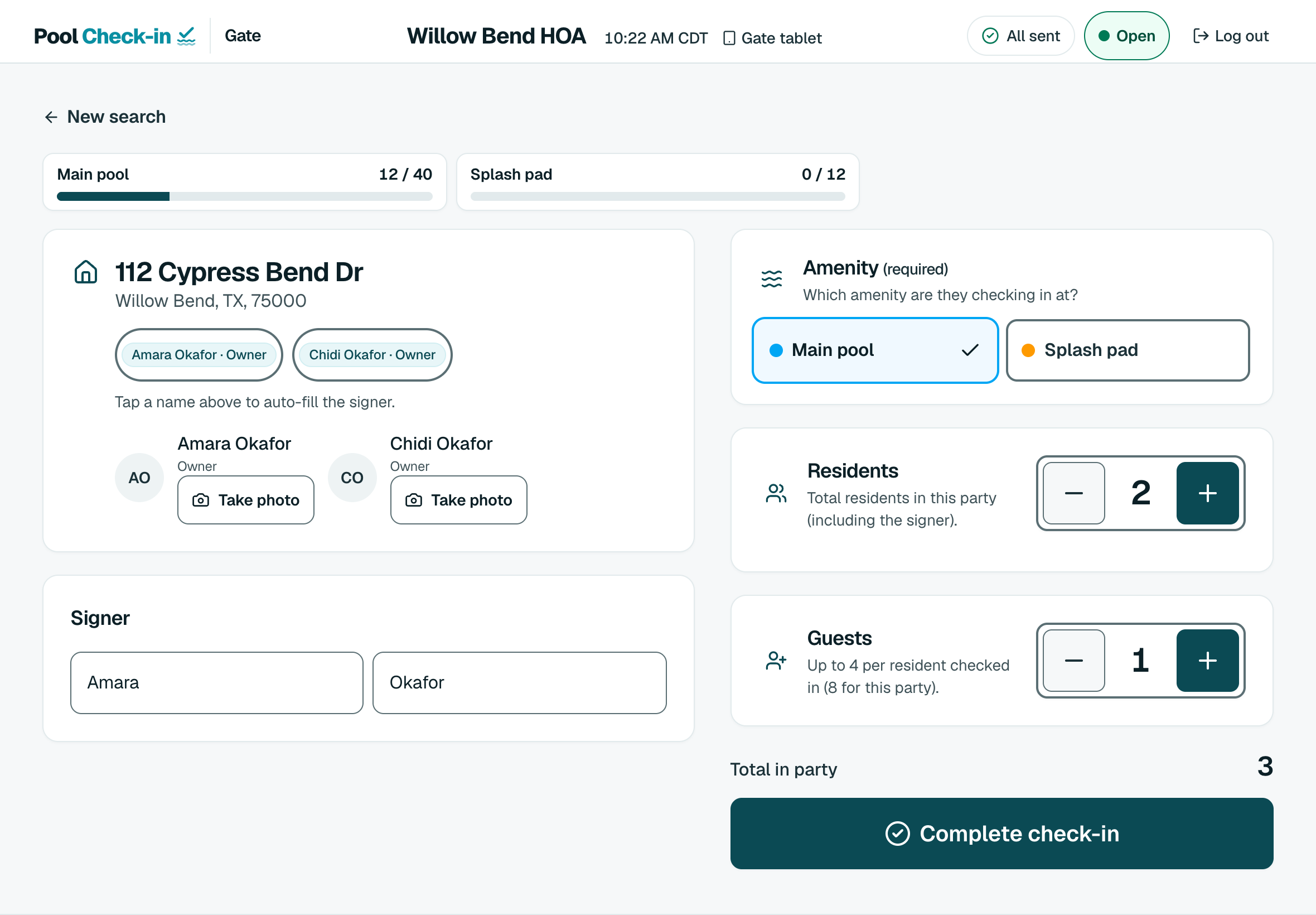
Staff check-in
Download PNG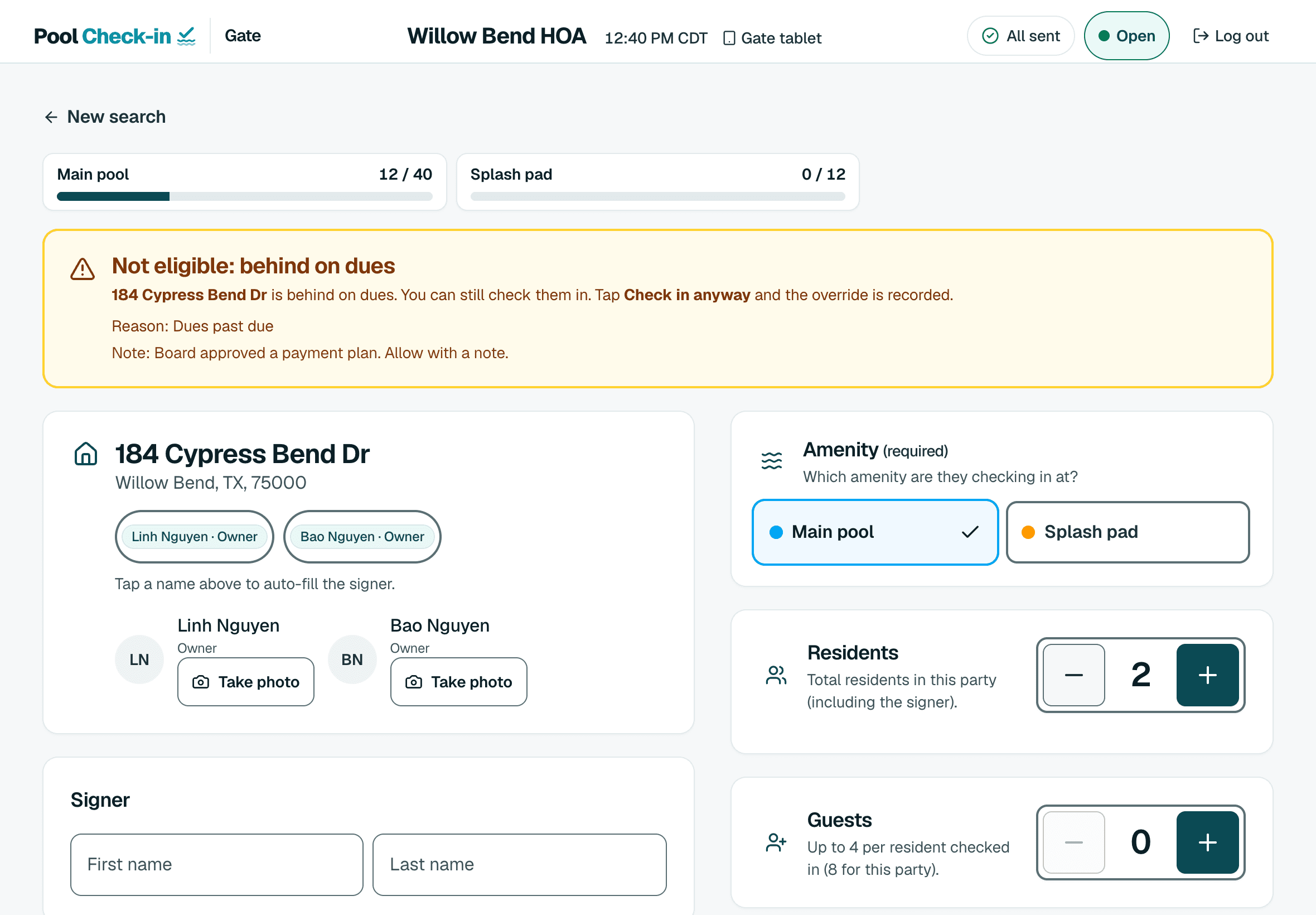
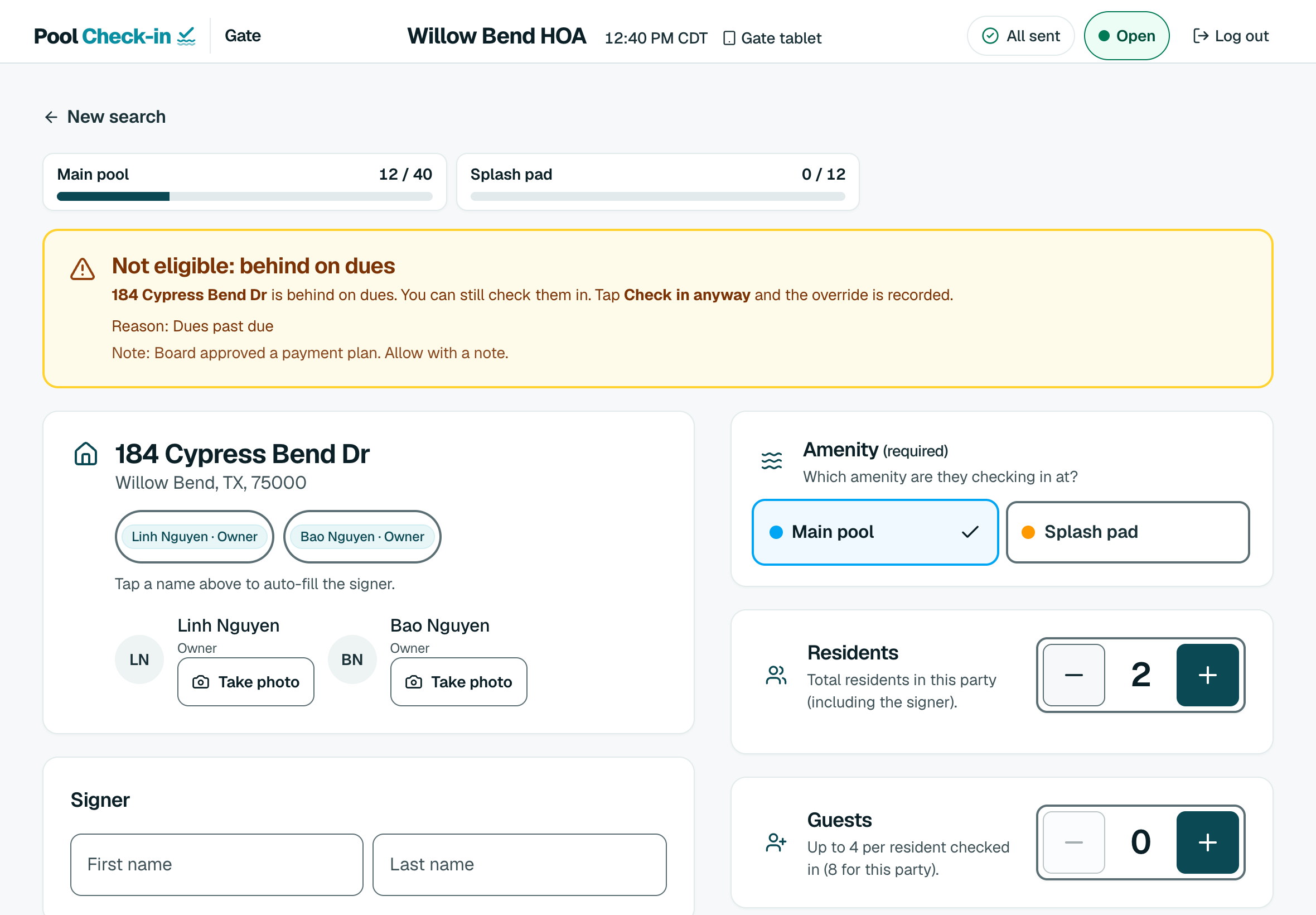
Household standing at the gate
Download PNG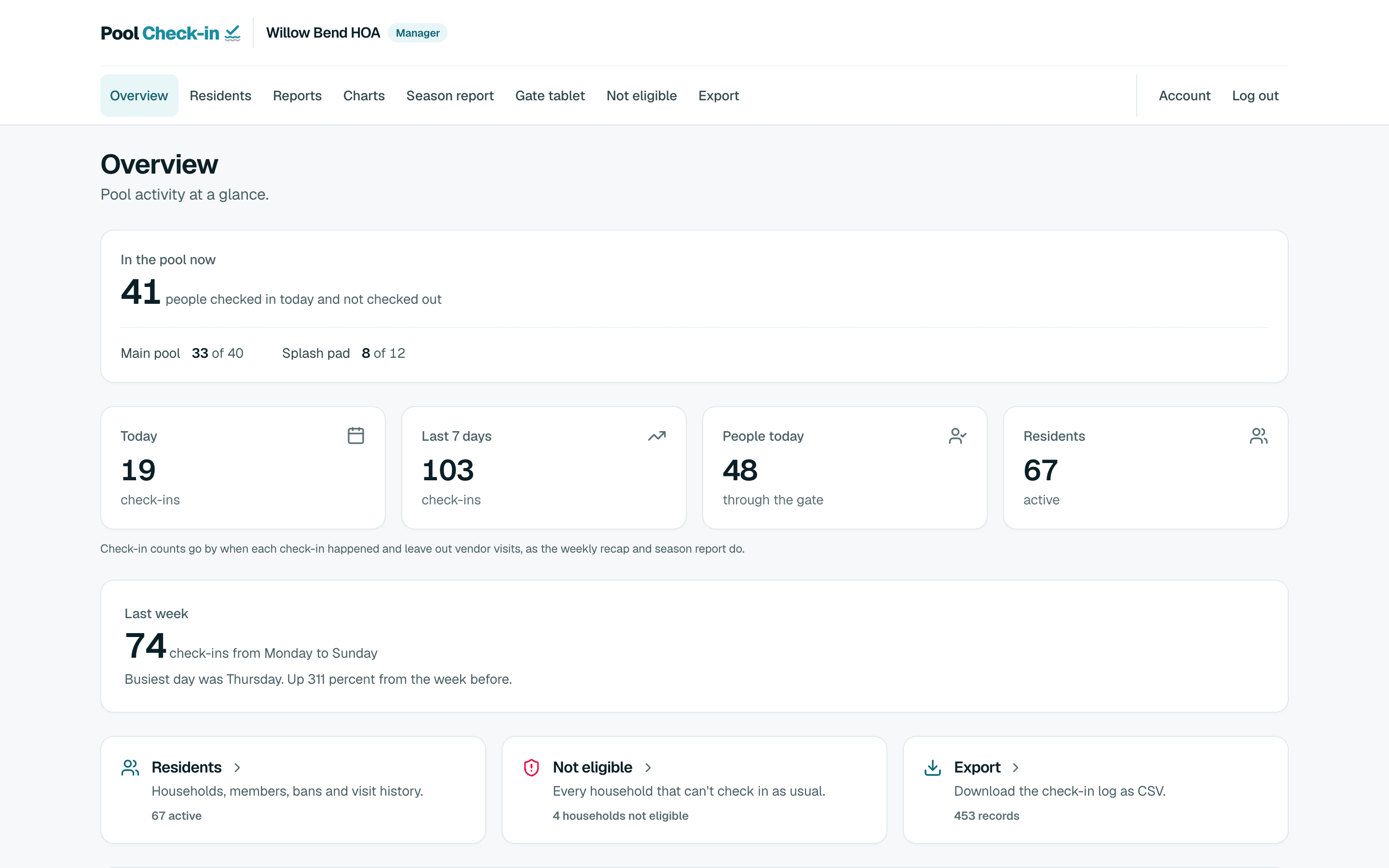
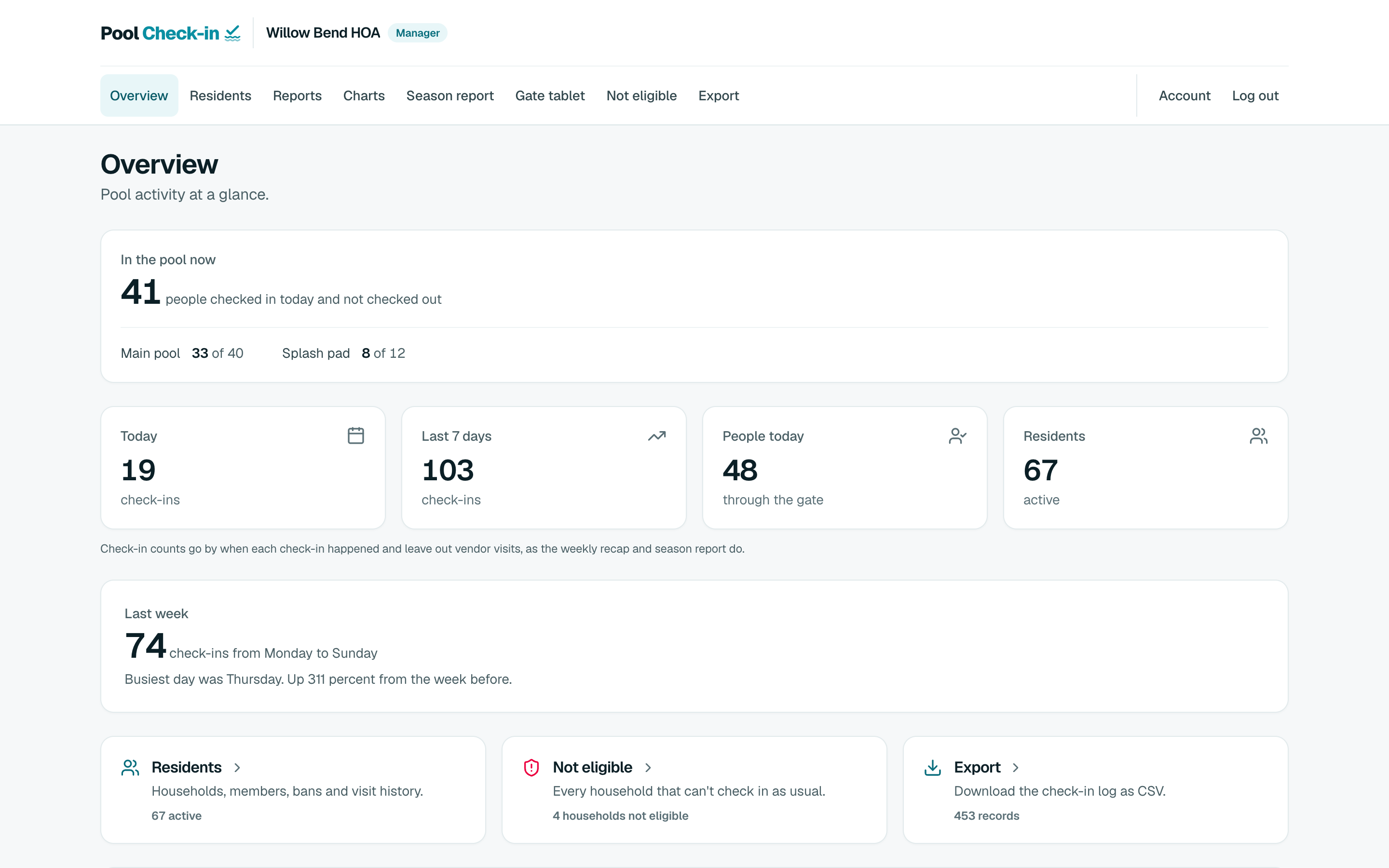
Manager dashboard, today
Download PNG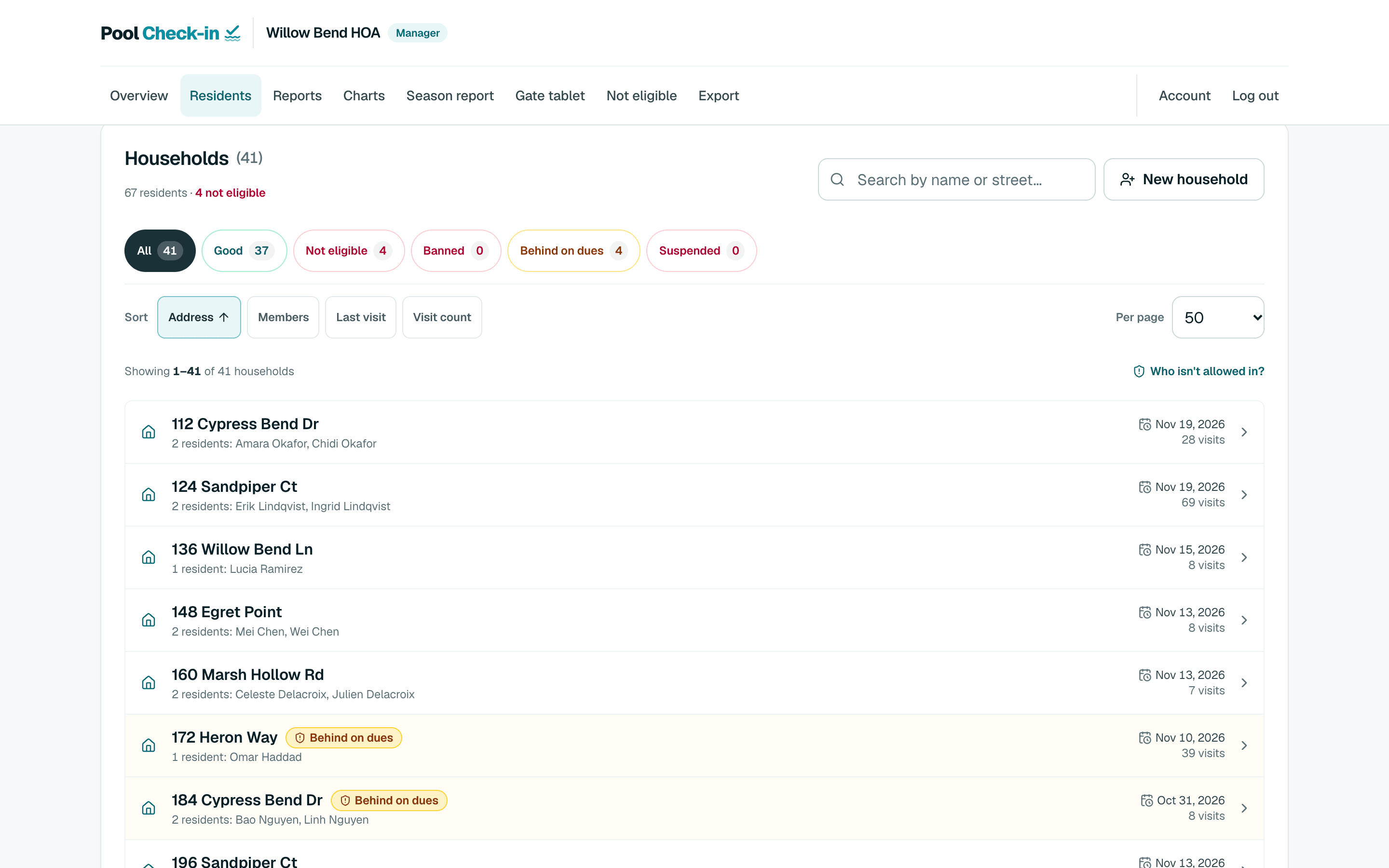
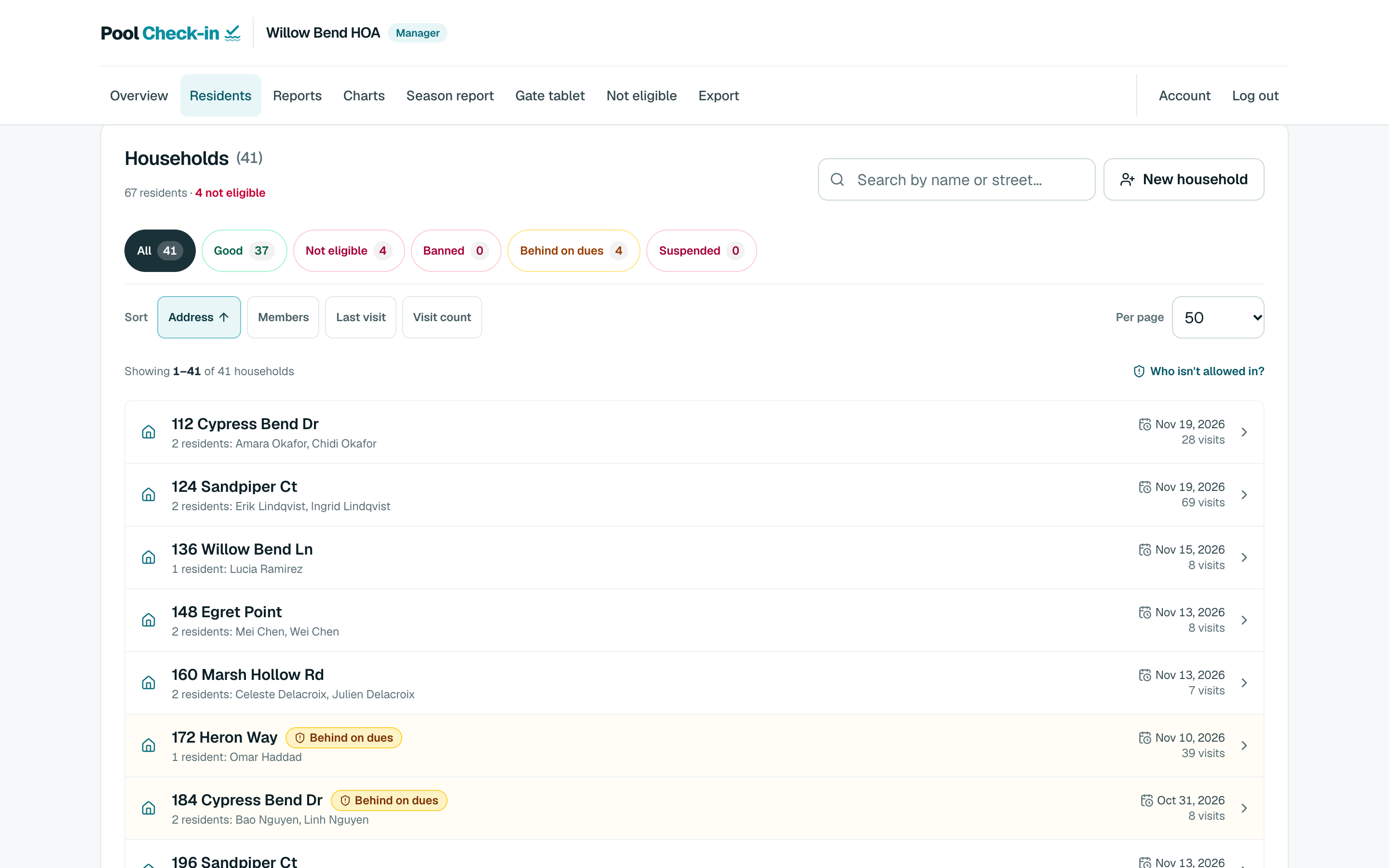
Residents list
Download PNG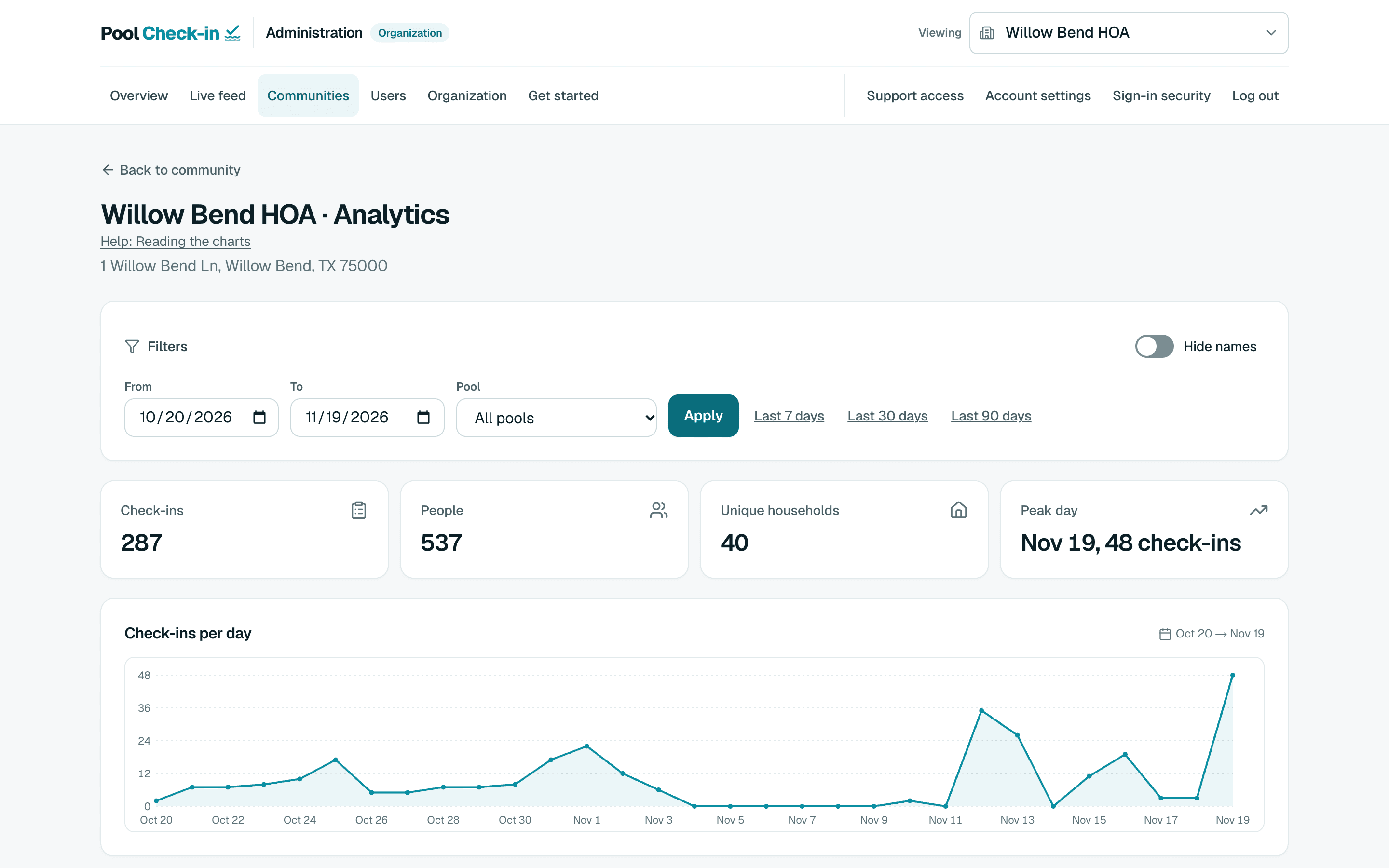
Analytics
Download PNG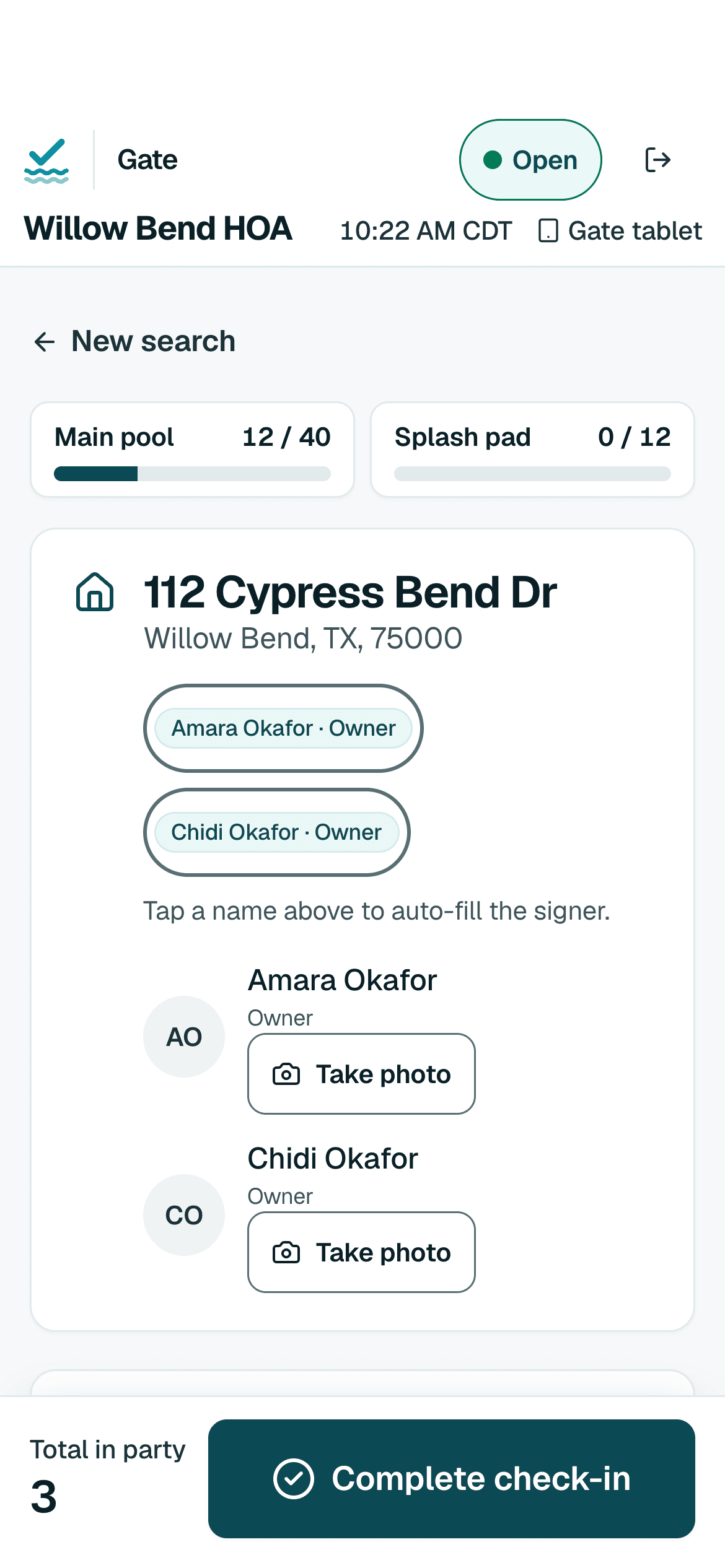
Check-in on a phone
Download PNG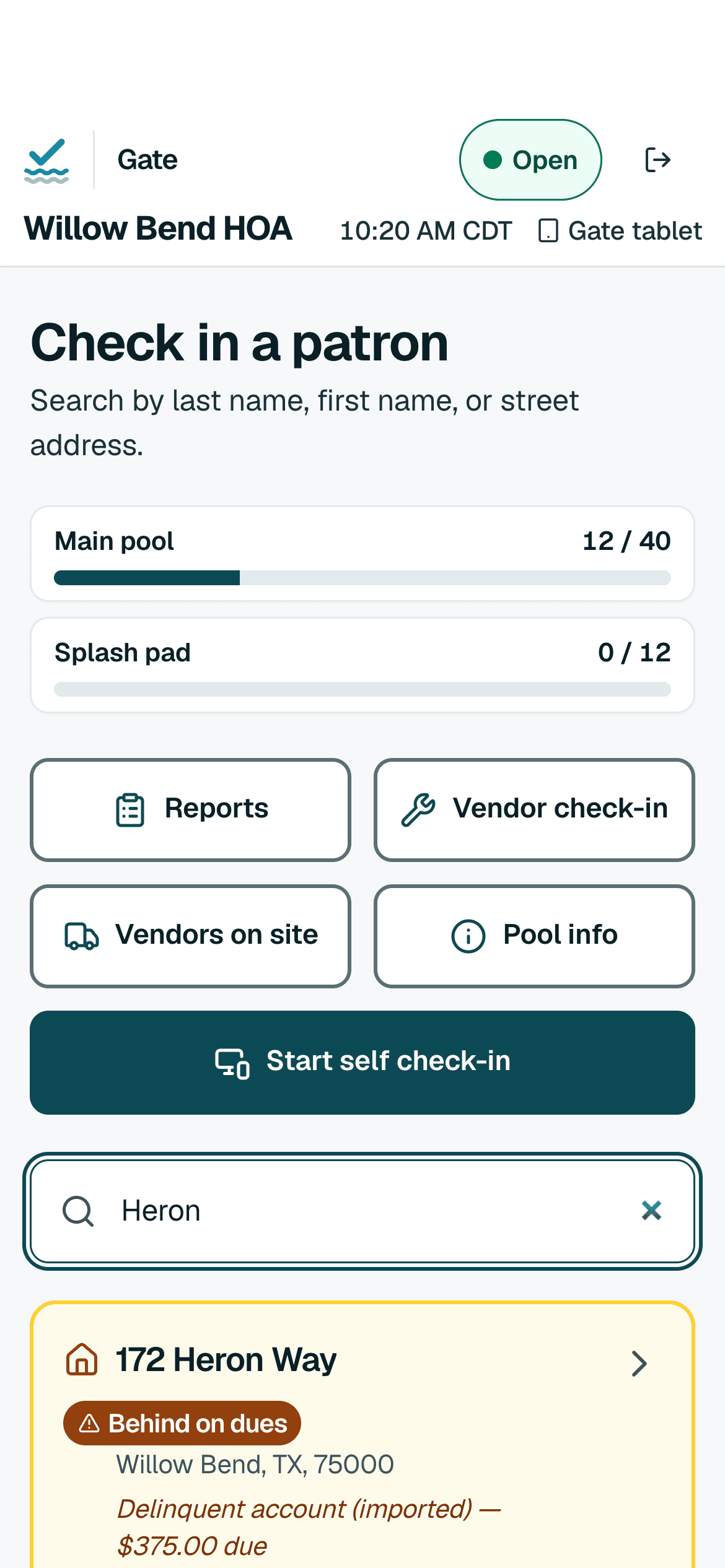
Household search on a phone
Download PNG
About Pool Check-in
Boilerplate to paste into articles and listings.
25 words
Pool Check-in™ is check-in software for pool gates. Staff or residents check households in on a phone, tablet or computer. First community free.
50 words
Pool Check-in™ is check-in software for pool gates. Staff search for a household on a phone, tablet or computer and record who came, or residents check themselves in at a kiosk tablet. It applies each community's hours and guest limits and keeps a log that managers can download. First community free.
100 words
Pool Check-in™ is check-in software for pool gates, built for apartment communities, HOAs, condominiums, hotels, clubs and the companies that staff pools for others. Staff search for a household on a phone, tablet or computer and record who came, or residents check themselves in at a kiosk tablet. It applies each community's hours and guest limits. Gate devices keep working when the Wi-Fi drops. Managers download the log as a spreadsheet. It runs in a web browser with no special hardware. It records and regulates entry and does not open or control gates or doors. The first community is free.
Using our name and logo
Pool Check-in™ and the Pool Check-in logo are trademarks of Better Seasons Inc.
Press and partners may use the name and the logo files on this page to refer to Pool Check-in, for example in an article, a review, or to say that your product works with Pool Check-in. Use the files as supplied: do not change their colours or proportions, combine them with your own logo, or use them as part of your own product or company name. Do not suggest that Pool Check-in sponsors, endorses or is part of your product unless we have agreed it in writing. Say "works with Pool Check-in" only for an integration that exists and that you have set up through Pool Check-in's integrations.
This permission is free, non-exclusive and can be withdrawn at any time. We may ask you to change or stop a use.
Questions: poolcheckin@betterseasons.com.
Press questions
Send press and partnership questions through the contact page. Say what you are writing and your deadline.