Pool widgets for your HOA website
Show your pool's hours and rules, a live capacity meter and a self check-in form on your own website. Each one is a single embed code, and each is off until you turn it on.
Hours and rules
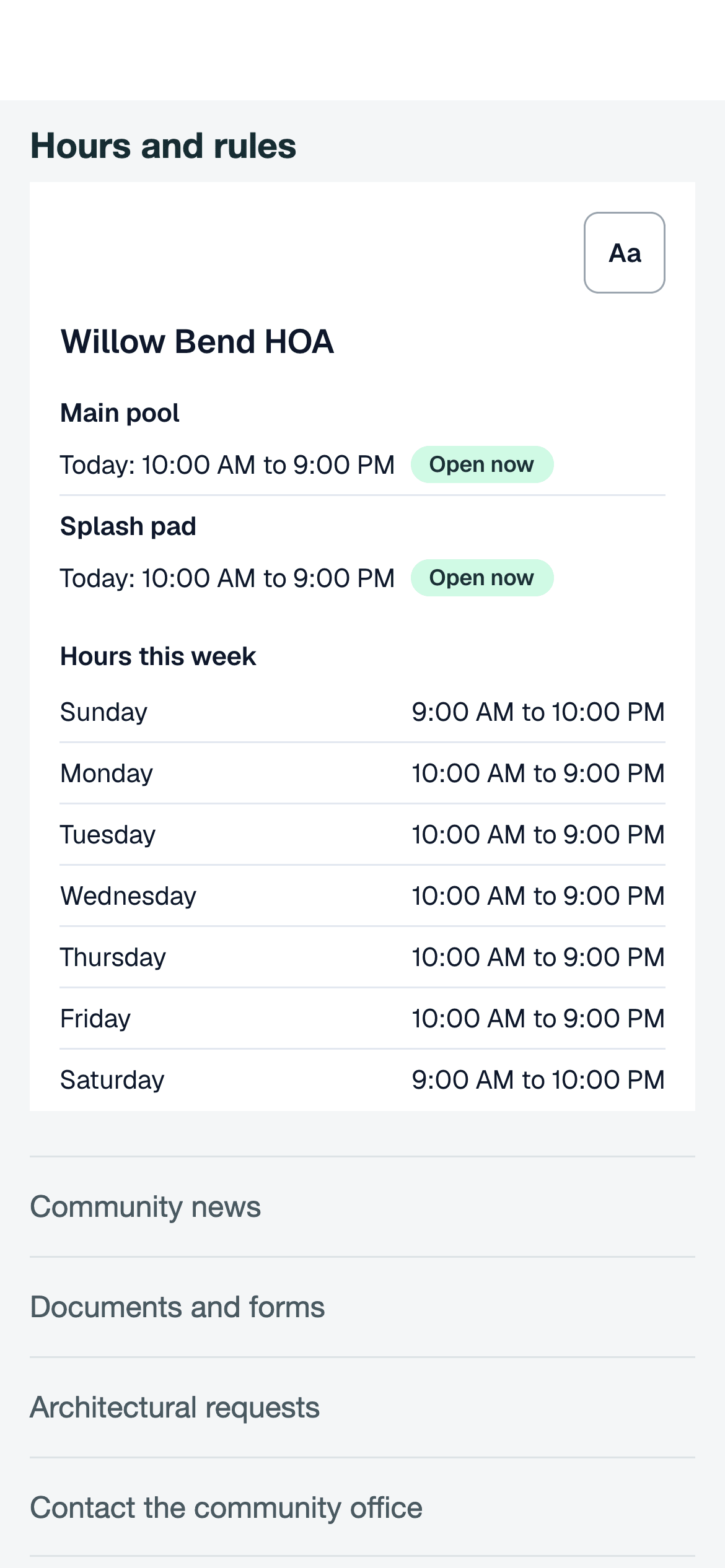
Open or closed now, today's hours, the week and your rules text.
Live capacity meter
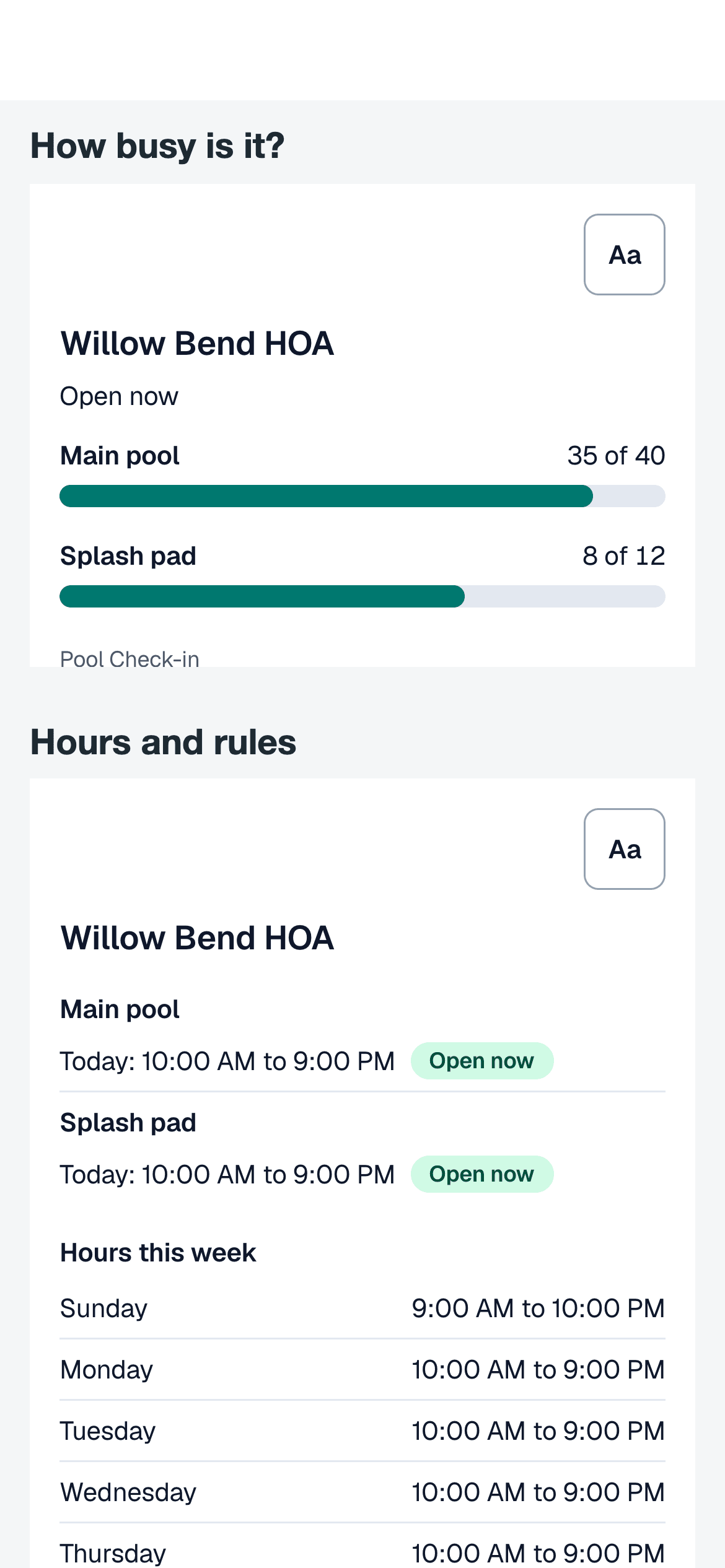
The count at each amenity against its capacity, once check-out is on.
Self check-in
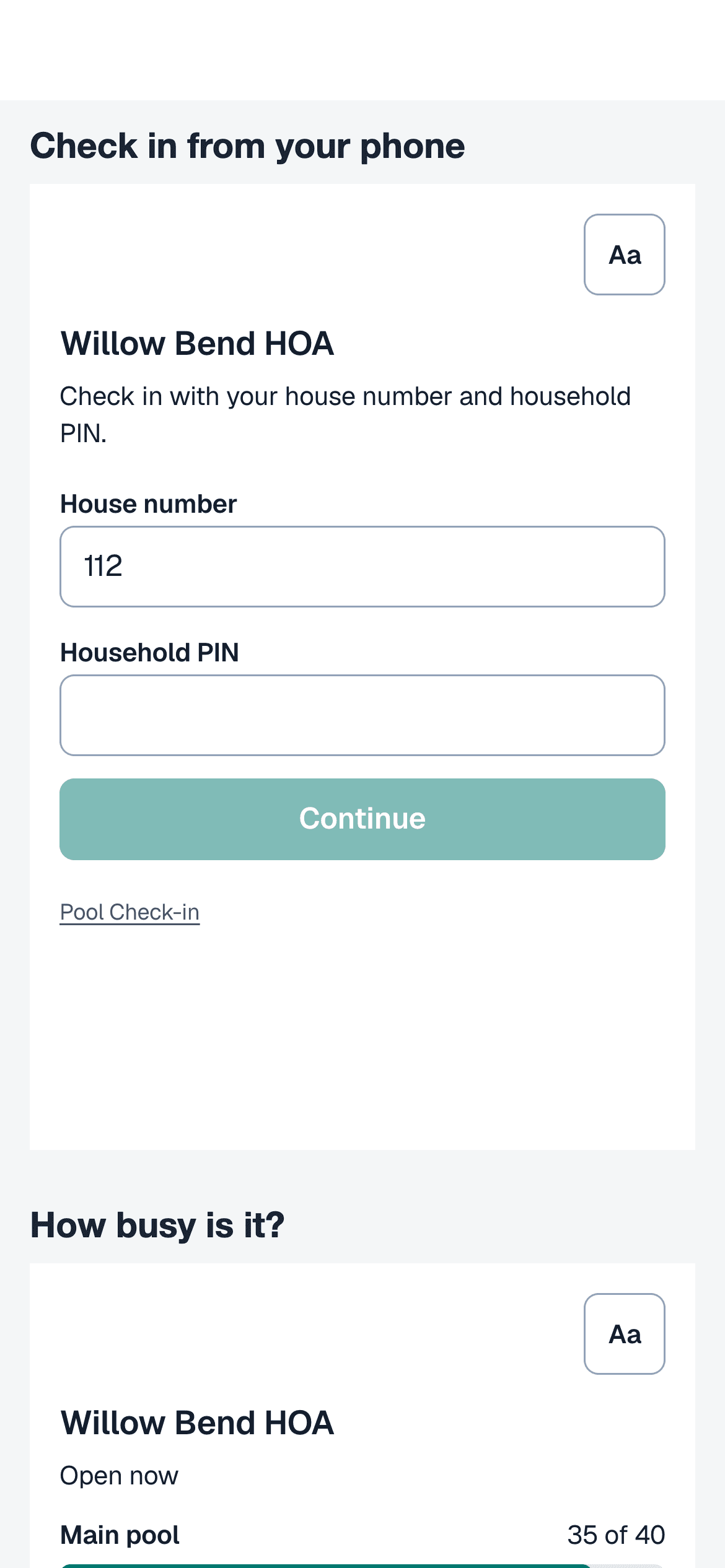
A house number and the household PIN check a household in.
Hours and rules
The info widget answers the question residents ask most. It shows whether the pool is open now by the community's hours, the hours for today and for the week, and a rules text that you write. Change the hours or the text and the widget changes with them.
The live capacity meter
The capacity widget shows how many people are at each amenity against its capacity, including when the amenity is empty. It refreshes about every minute.
It counts people from parties that gate staff have checked in and not yet checked out, so the community needs check-out turned on. The widget shows amenity names and counts only, never who is there. See the page on the pool capacity tracker for how the count works.
Self check-in from your site
The check-in widget lets a household check itself in from your website with a house number and the household PIN. A bot check runs first, and wrong tries are limited for each network, each house and the whole community.
When no amenity is open, the form says "Pool is closed. Check-in is only available during open hours." Only households on your resident list can check in, and a household can name only the people who live there. Guests come too only if you allow guests at self check-in, within your guest limit. When check-out is on, a household can have only one open website check-in for each amenity.
Household PINs are four digits. Anyone who learns a household's house number and PIN could check that household in, so treat the form as a convenience and use it only where that risk suits your community.
Turning widgets on
Each widget has its own switch for each community.
- Open the community's Extras page as an owner.
- Turn on the widgets you want. Self check-in needs the community's self check-in turned on first, with household PIN as one of its ways to check in.
- Preview each one, copy its embed code and paste it into your website.
Common questions
How do we add a widget to our website?
Turn the widget on in the community's Extras page, copy the embed code and paste it into a page on your site. It is a single frame, so any site that accepts embedded code can use it.
Can anyone check in from the website form?
No. The form asks for a house number and the household PIN, runs a bot check and limits wrong tries. Only a household on your resident list can check in, and it can name only the people who live there. Guests come too only if you allow guests at self check-in, within your guest limit.
What does the info widget show?
Whether the pool is open now by the community's hours, today's hours, the week's hours and the rules text you write. The rules text is public, so keep gate codes and private phone numbers out of it.
Put your pool on your website
Create a free account and turn on the widgets you want. If you run several communities, schedule a call.